

Qwen-Image-Edit supports multi-image input and output. It can modify text in images, add/delete/move objects, change subject actions, transfer styles, and enhance details.
Getting started
Before making a call, get an API key and export the API key as an environment variable.
To call the API using the SDK, install the DashScope SDK. The SDK is available for Python and Java.
- Python
- Java
- curl
Download images to your local device
Download images to your local device
Model recommendations
qwen-image-3.0-pro(Flagship quality): The flagship Qwen Image 3.0 model with comprehensively upgraded image generation and editing capabilities, offering enhanced text rendering, realistic textures, semantic adherence, and intelligent prompt rewriting.qwen-image-2.1-pro(Best balance of speed, quality, and cost): Supports up to 10 reference images for image-to-image tasks and can automatically output images with transparent channels based on the prompt. Does not supportnegative_prompt.qwen-image-2.1-turbo(Best cost-effectiveness): The most cost-efficient model in the Qwen-Image series. Supports up to 10 reference images for image-to-image tasks and can automatically output images with transparent channels based on the prompt. Does not supportnegative_prompt.qwen-image-3.0: The standard Qwen Image 3.0 model that balances quality and speed.
Input instructions
Input images (messages)
The messages parameter is an array that must contain a single object. This object must include the role and content properties. The role property must be set to user. The content property must include both image and text (one editing instruction). The qwen-image-3.0 series supports one to three images, and the qwen-image-2.1 series supports one to ten images.
The input images must meet the following requirements:
-
The supported image formats are JPG, JPEG, PNG, BMP, TIFF, WEBP, and GIF.
The output image is in PNG format. For animated GIFs, only the first frame is processed.
- For best results, the image resolution should be between 384 and 3072 pixels for both width and height. A low resolution may result in a blurry output, while a high resolution increases processing time.
- The size of a single image file cannot exceed 10 MB.
Image input order
Image numbers in prompts correspond to array position: the first image is "image 1", the second is "image 2". You can also use markers like "[image 1]" and "[image 2]".
Input image | Output image | ||
|---|---|---|---|
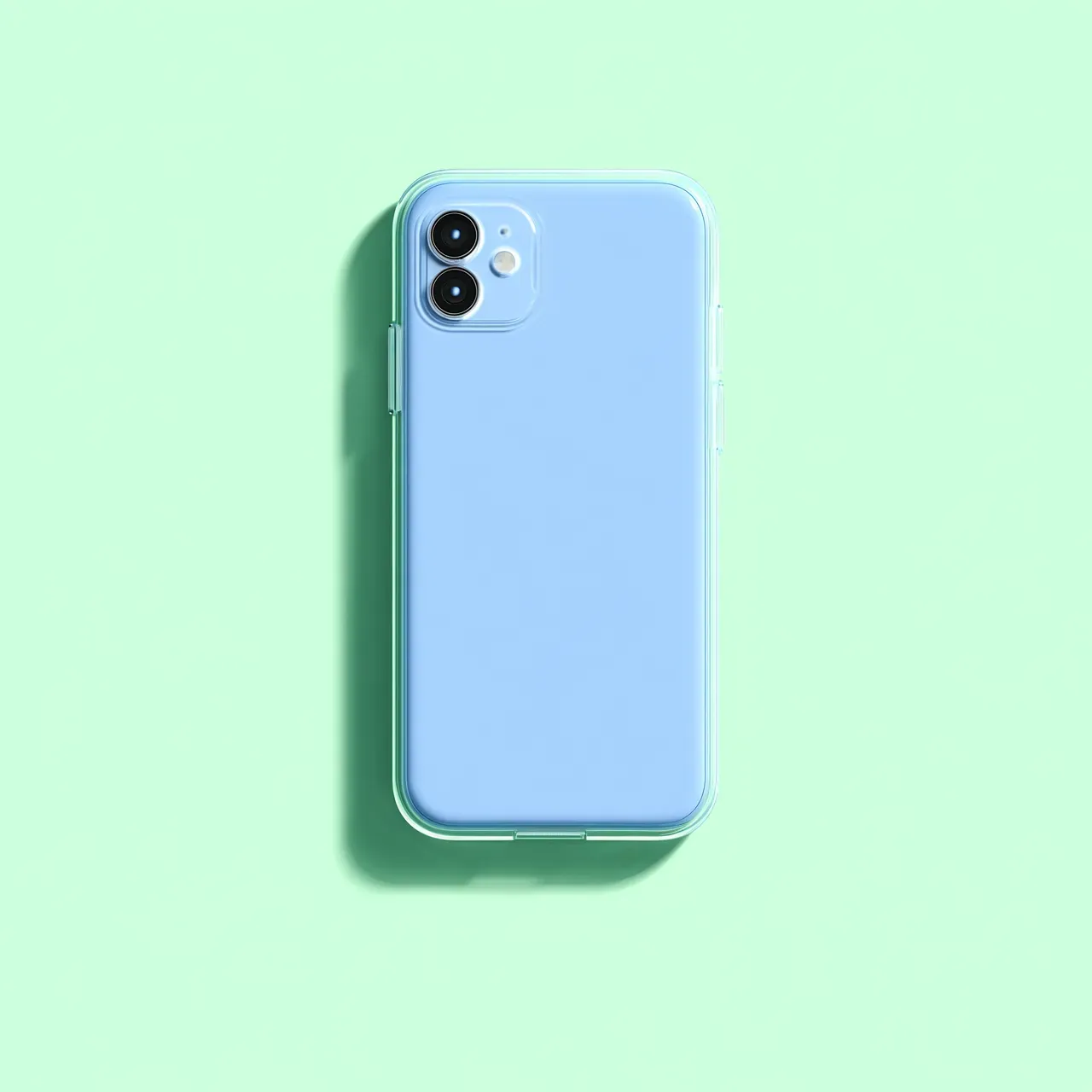 Image 1 | 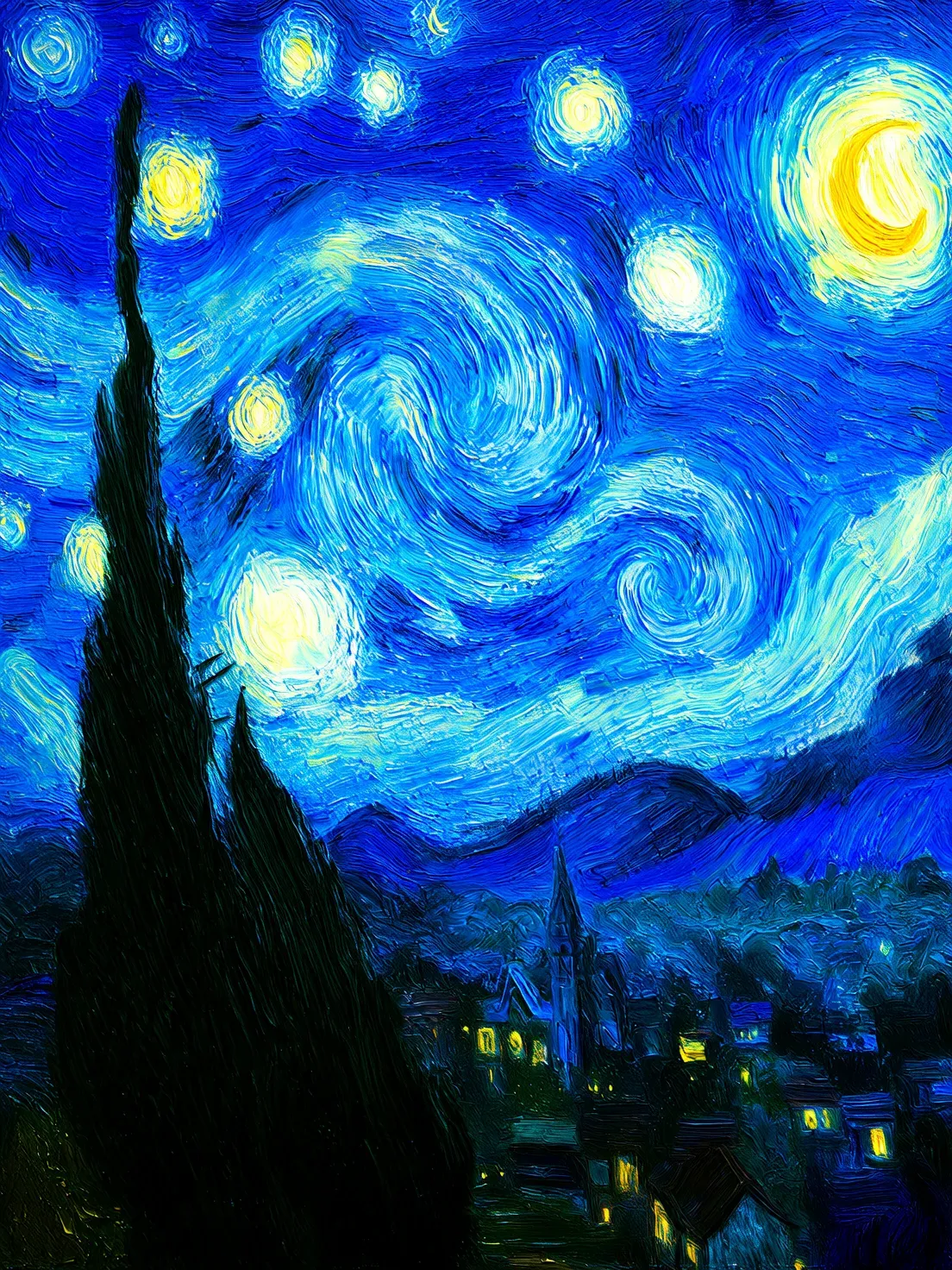 Image 2 | 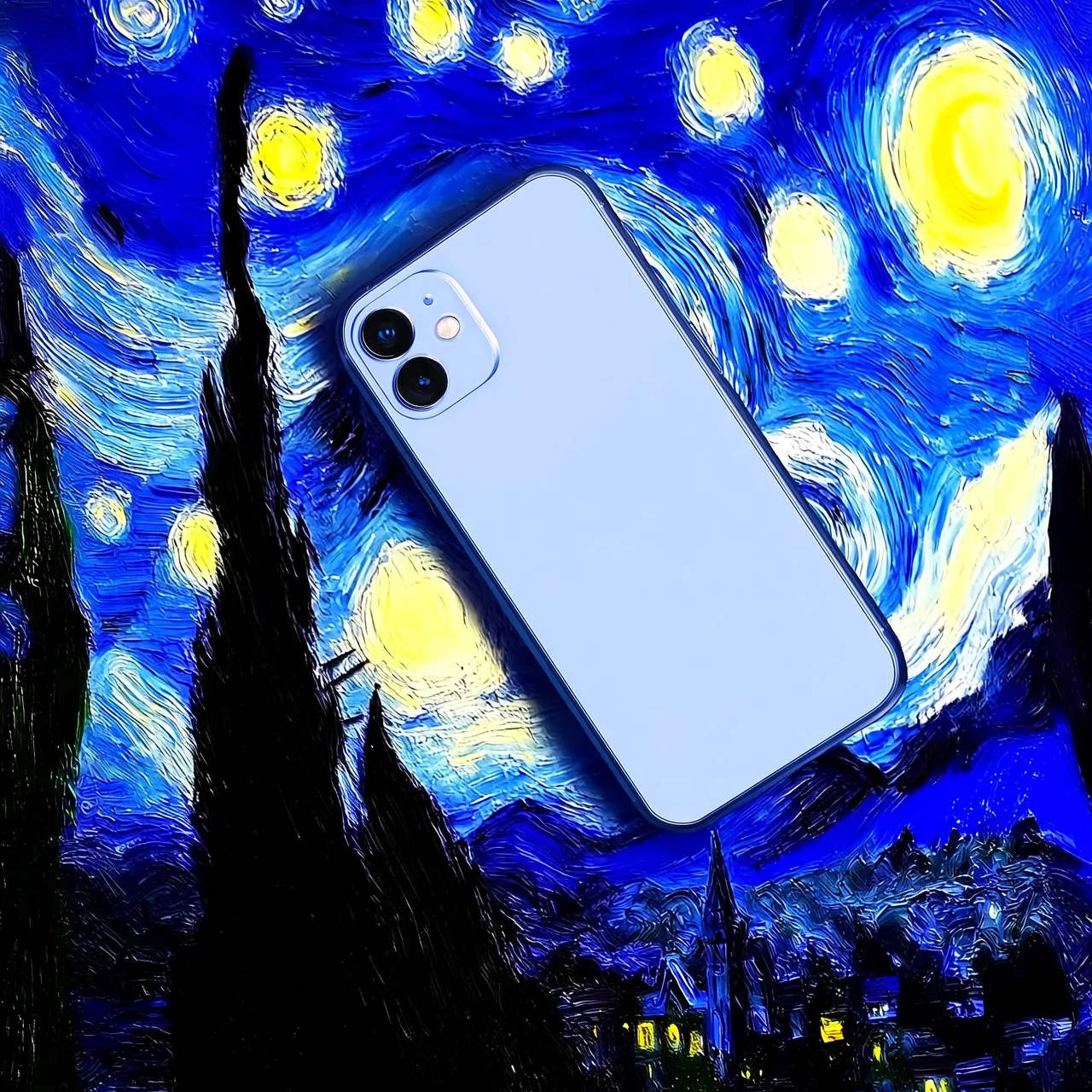 Prompt: Move image 1 onto image 2 | 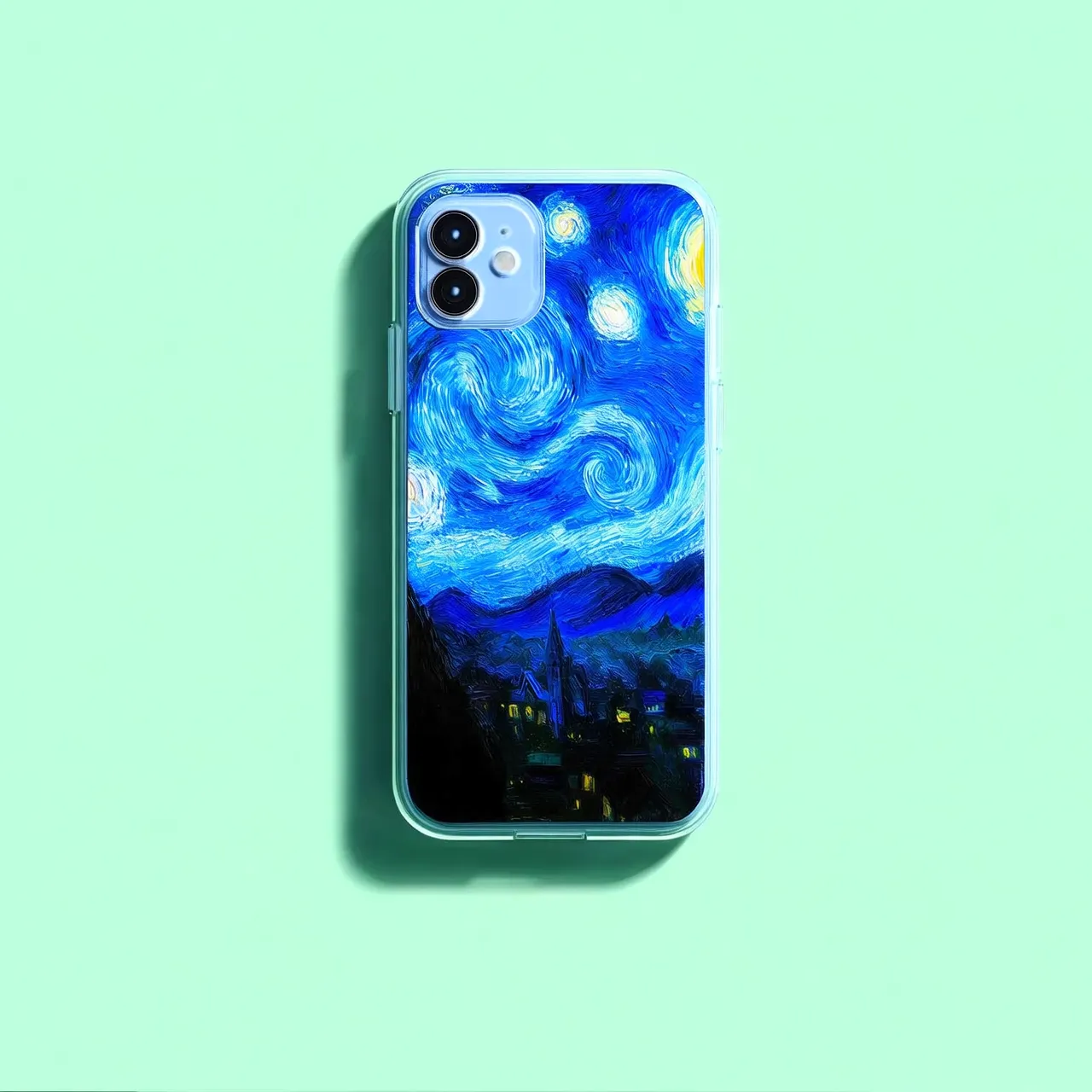 Prompt: Move image 2 onto image 1 |
Image input methods
Public URL
- You can provide a publicly accessible image URL that supports the HTTP or HTTPS protocol.
- Example value:
https://xxxx/img.png.
data:{mime_type};base64,{base64_data}.
{mime_type}: The media type of the image, which must correspond to the file format.{base64_data}: The Base64-encoded string of the file.- Example value:
data:image/jpeg;base64,GDU7MtCZz...(The example is truncated for demonstration purposes.)
More parameters
Adjust the generation results using the following optional parameters:
- n: Number of output images (default: 1, maximum: 6). The value of n directly affects cost.
- negative_prompt: Describes content to exclude from the image (such as "blur" or "extra fingers") to optimize quality. The qwen-image-2.1 series does not support this parameter; describe unwanted elements in the prompt instead.
- size: Output resolution in
width*heightformat. The qwen-image-3.0 and qwen-image-2.1 series support 512*512 to 2048*2048 (aspect ratio 1:8 to 8:1). If not specified, the model auto-recommends a resolution. - prompt_extend: Prompt rewriting (enabled by default). Enable for brief prompts; disable for detailed prompts or latency-sensitive scenarios.
- seed: Random seed. Using the same value produces relatively stable results.
- watermark: Whether to add a watermark (disabled by default).
Overview
Multi-image fusion
Input image 1 | Input image 2 | Input image 3 | Output image |
|---|---|---|---|
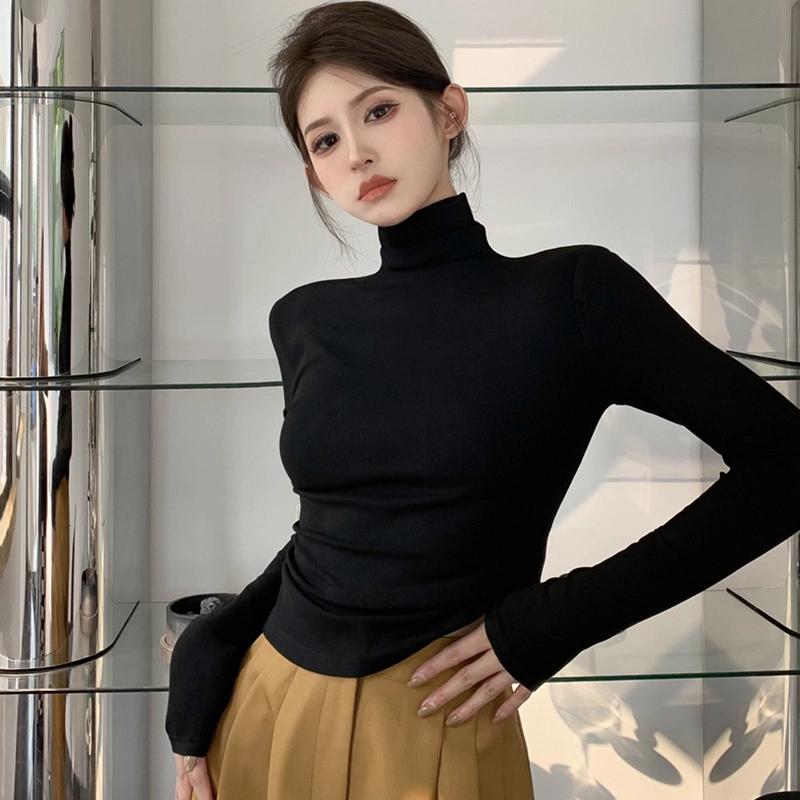 | 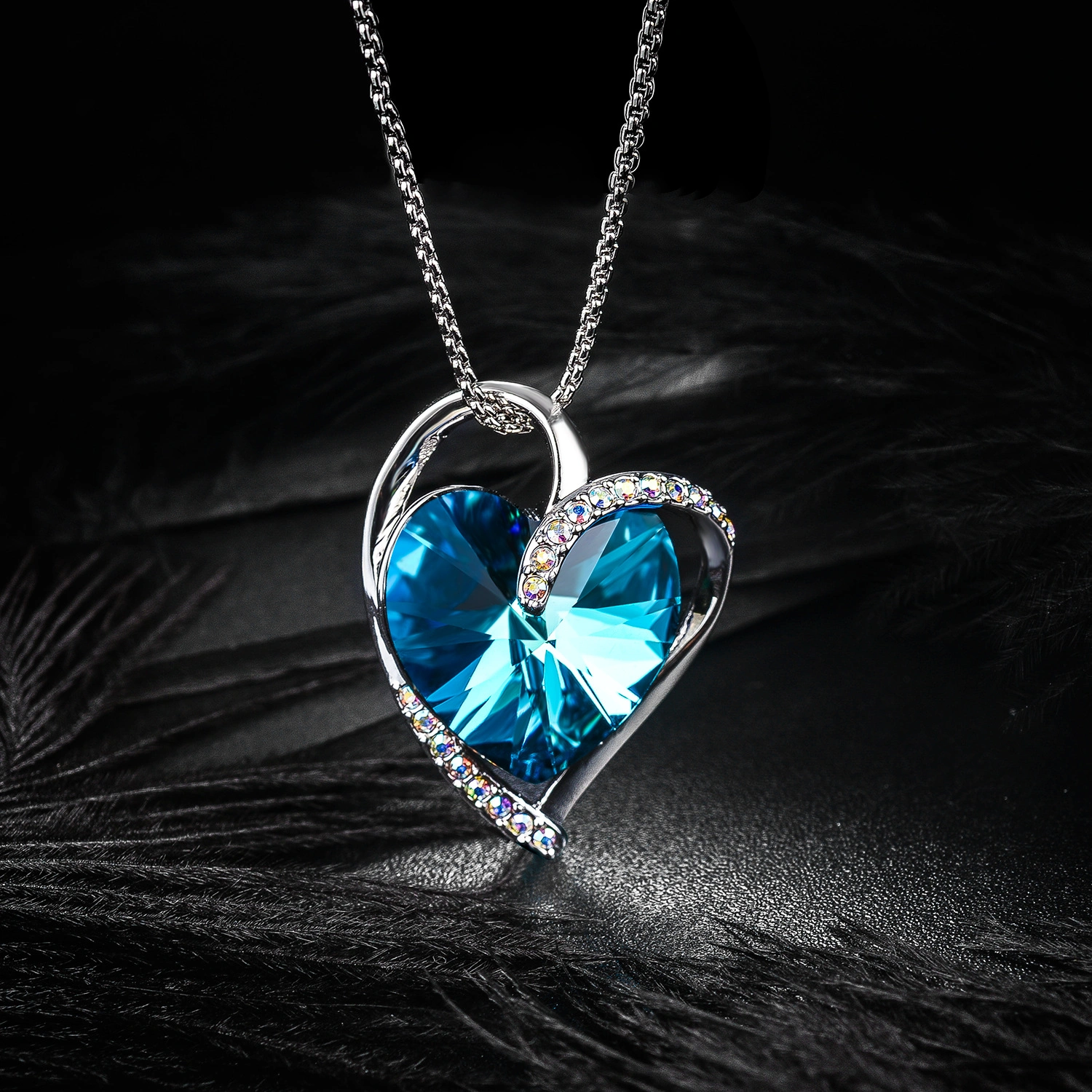 | 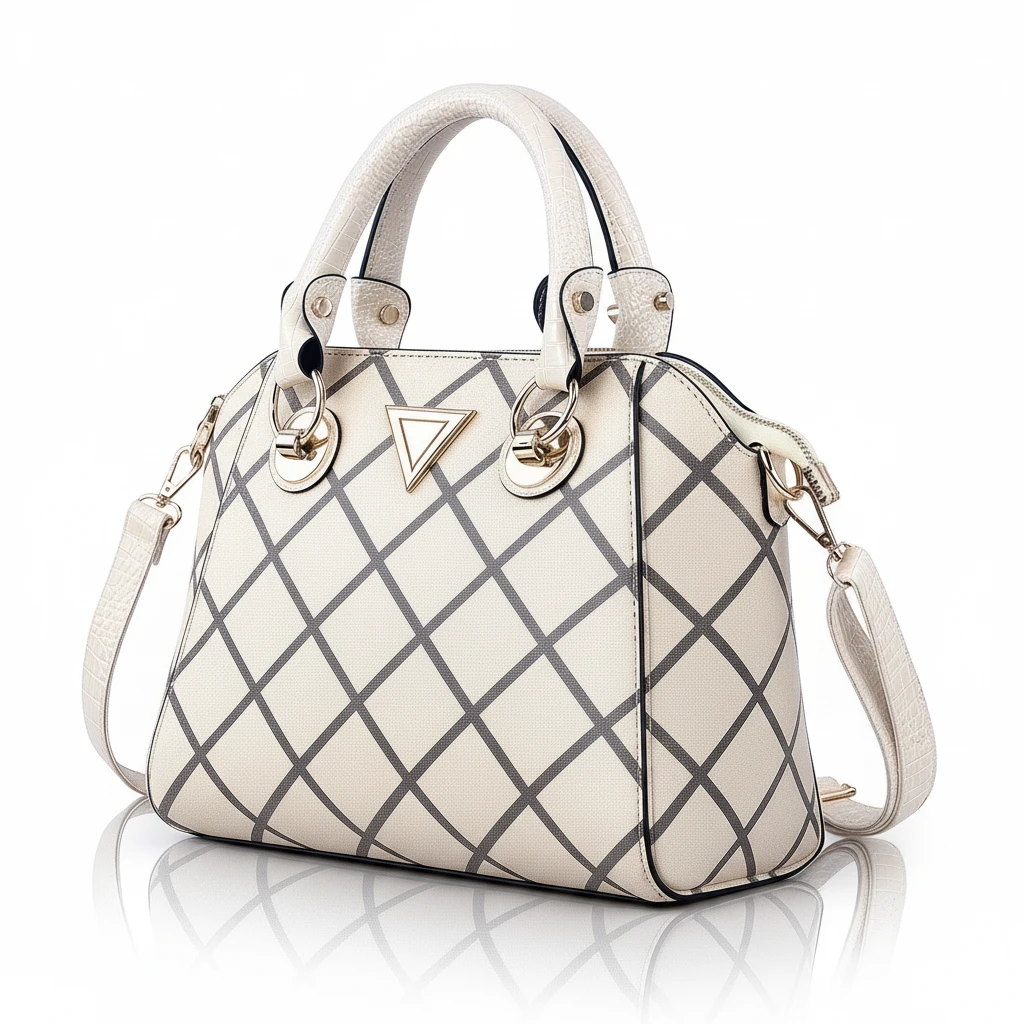 |  The girl in Image 1 wears the necklace from Image 2 and carries the bag from Image 3 on her left shoulder. |
Subject consistency
Input image | Output image 1 | Output image 2 | Output image 3 |
|---|---|---|---|
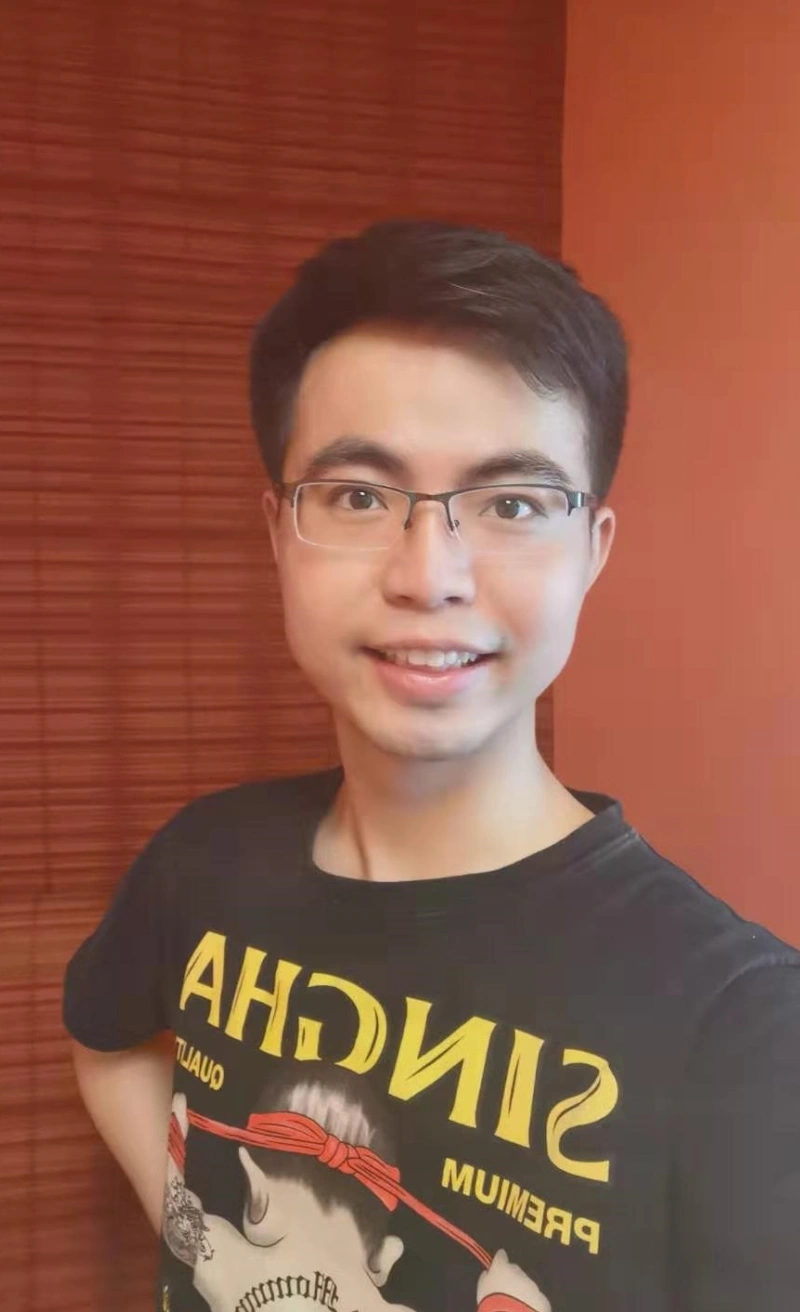 | 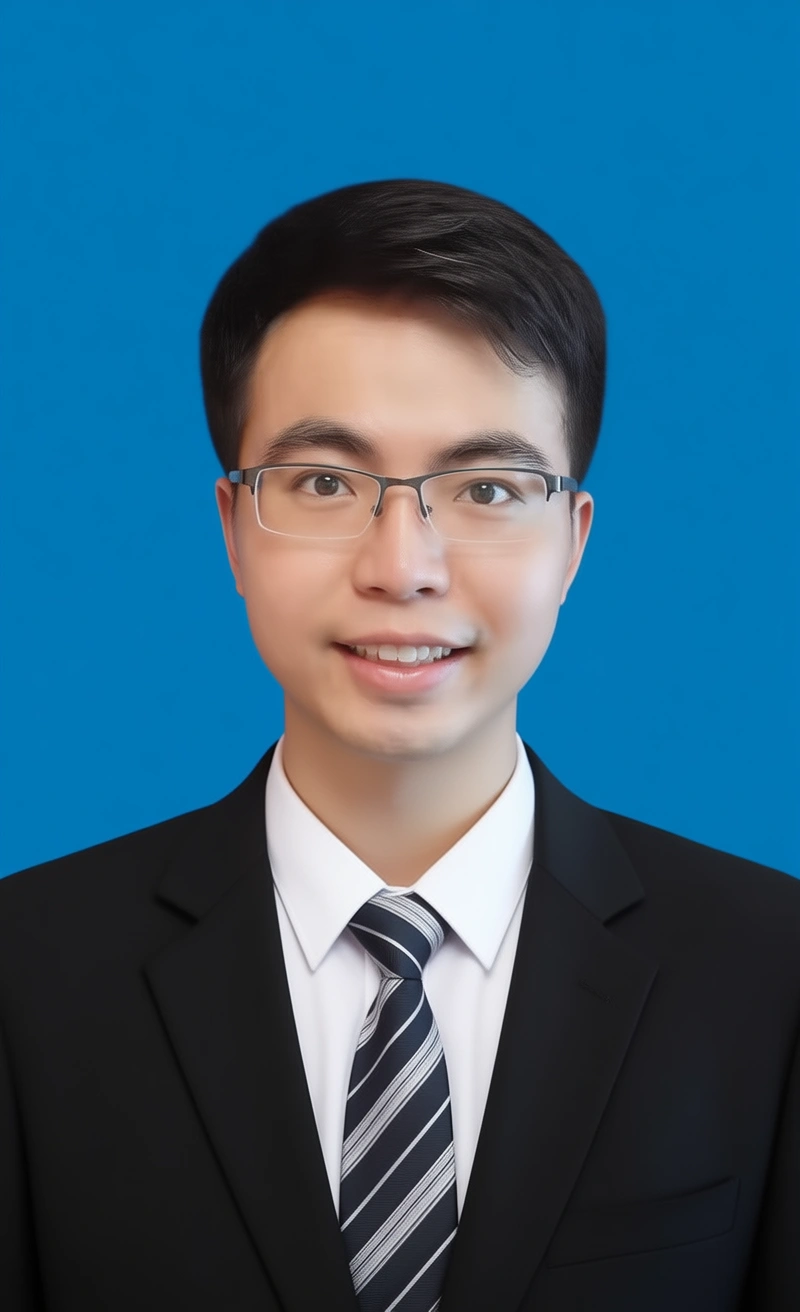 Change the image to an ID photo with a blue background. The person is wearing a white shirt, a black suit, and a striped tie. | 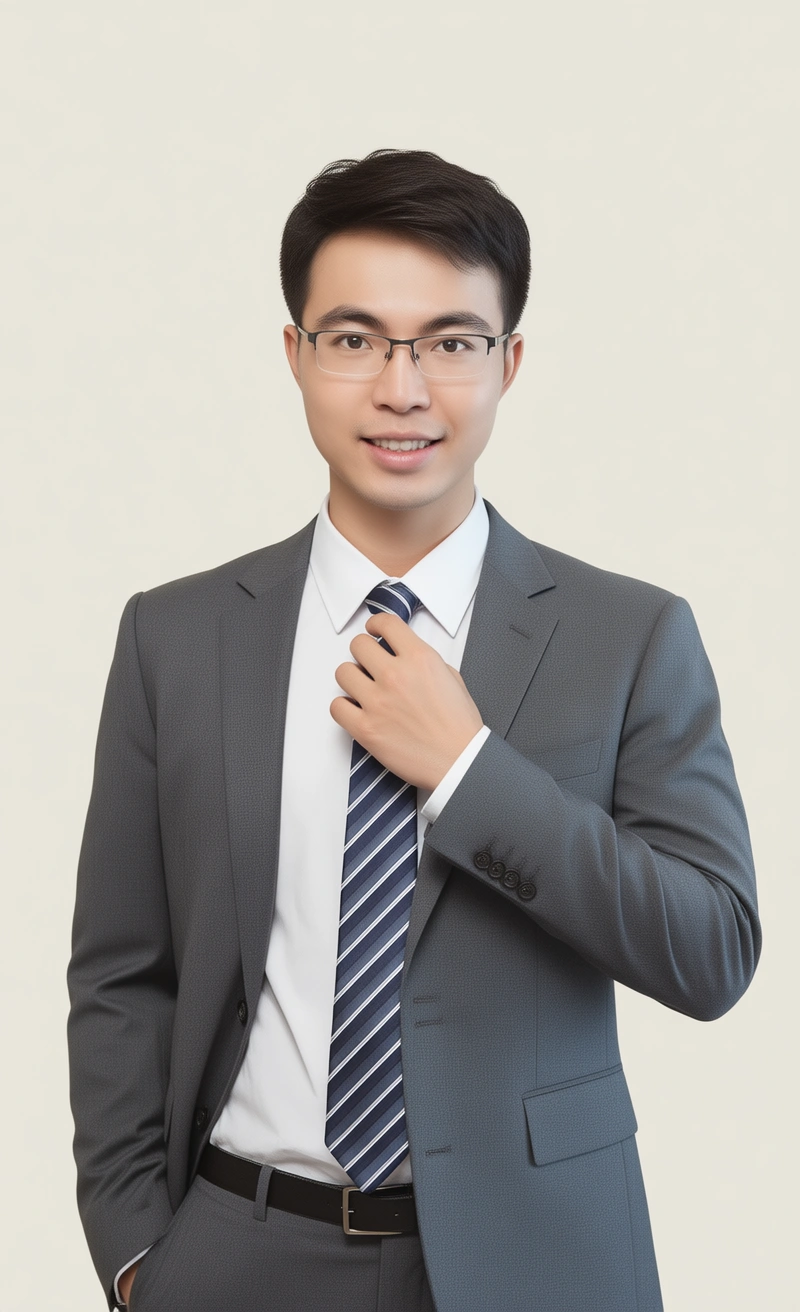 The person is wearing a white shirt, a gray suit, and a striped tie. One hand rests on the tie. The background is light-colored. | 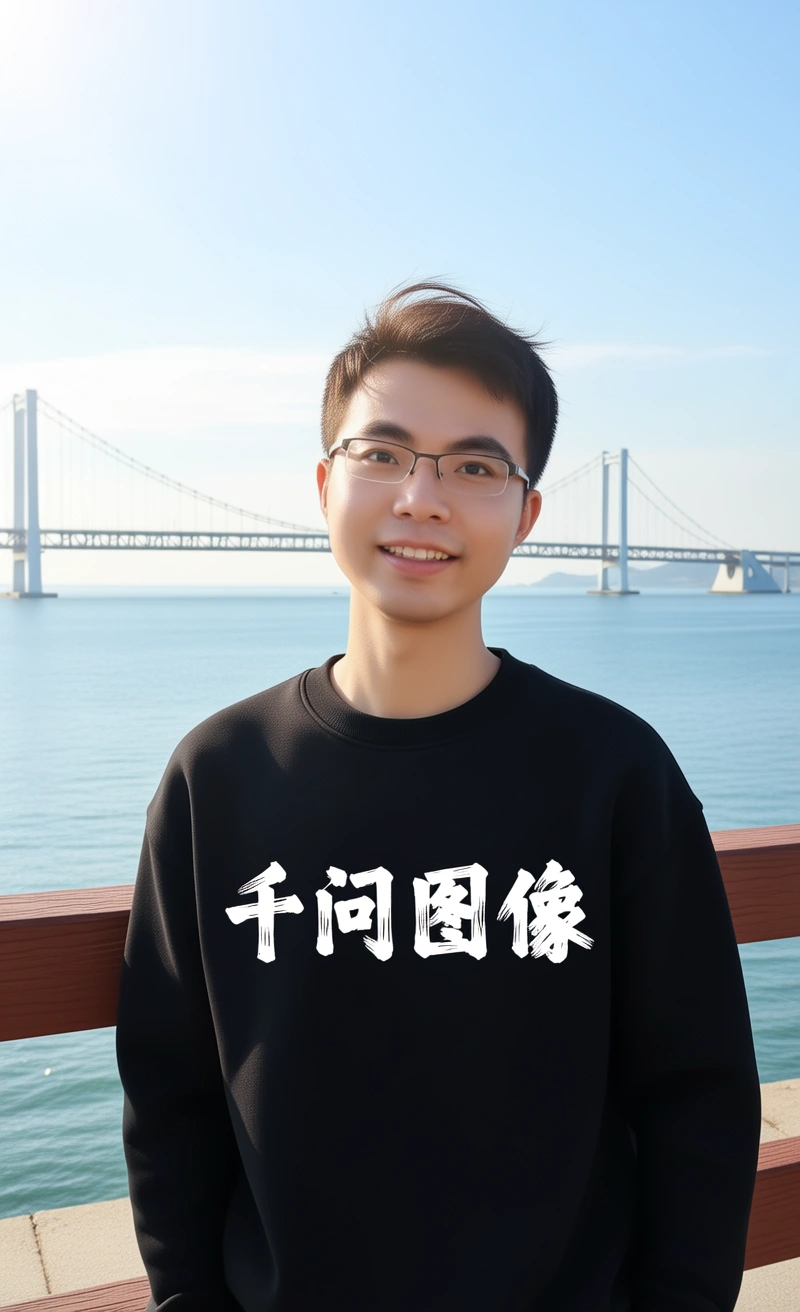 The person is wearing a black hoodie with "Qwen Image" in a thick brushstroke font. They are leaning on a guardrail with sunlight in their hair. A bridge and the sea are in the background. |
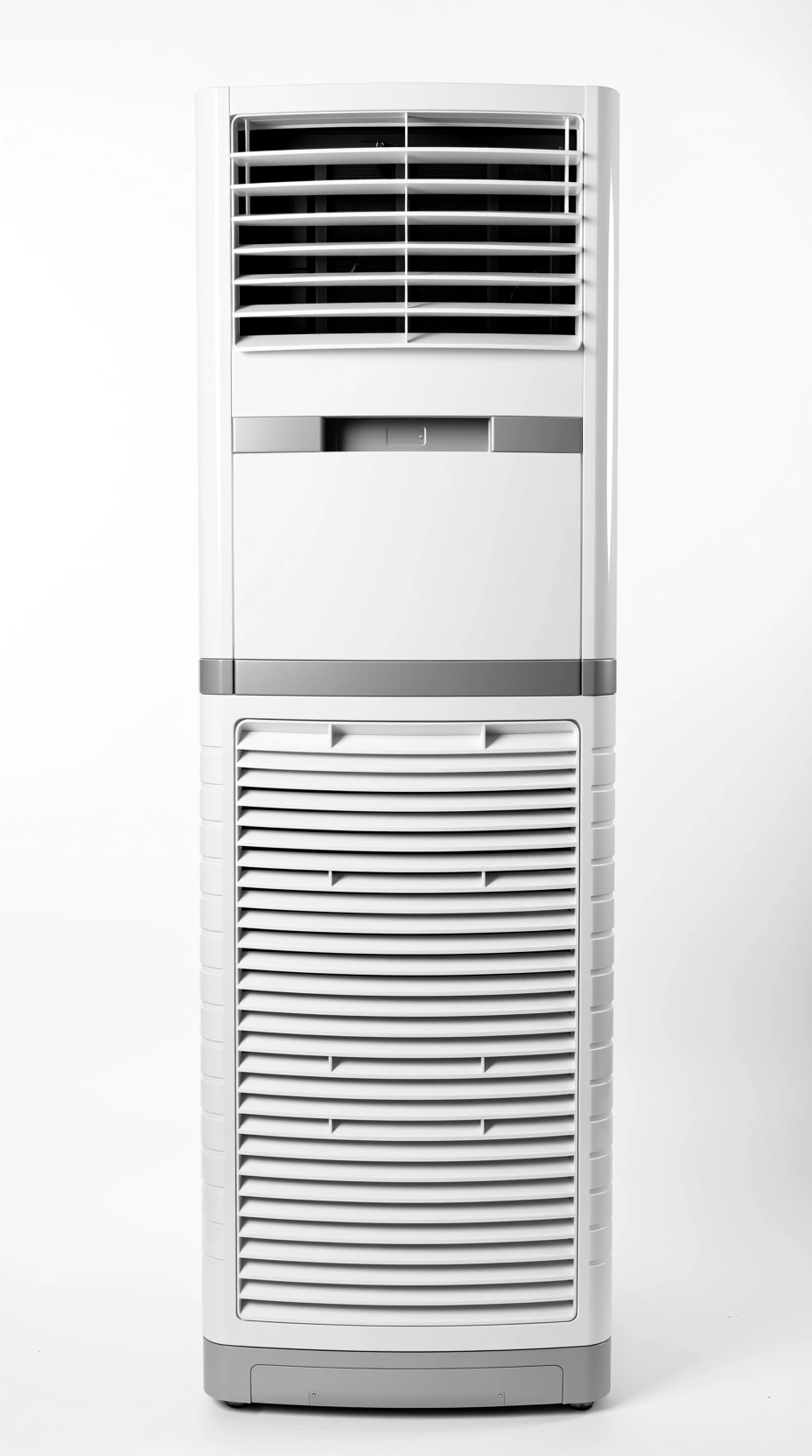 | 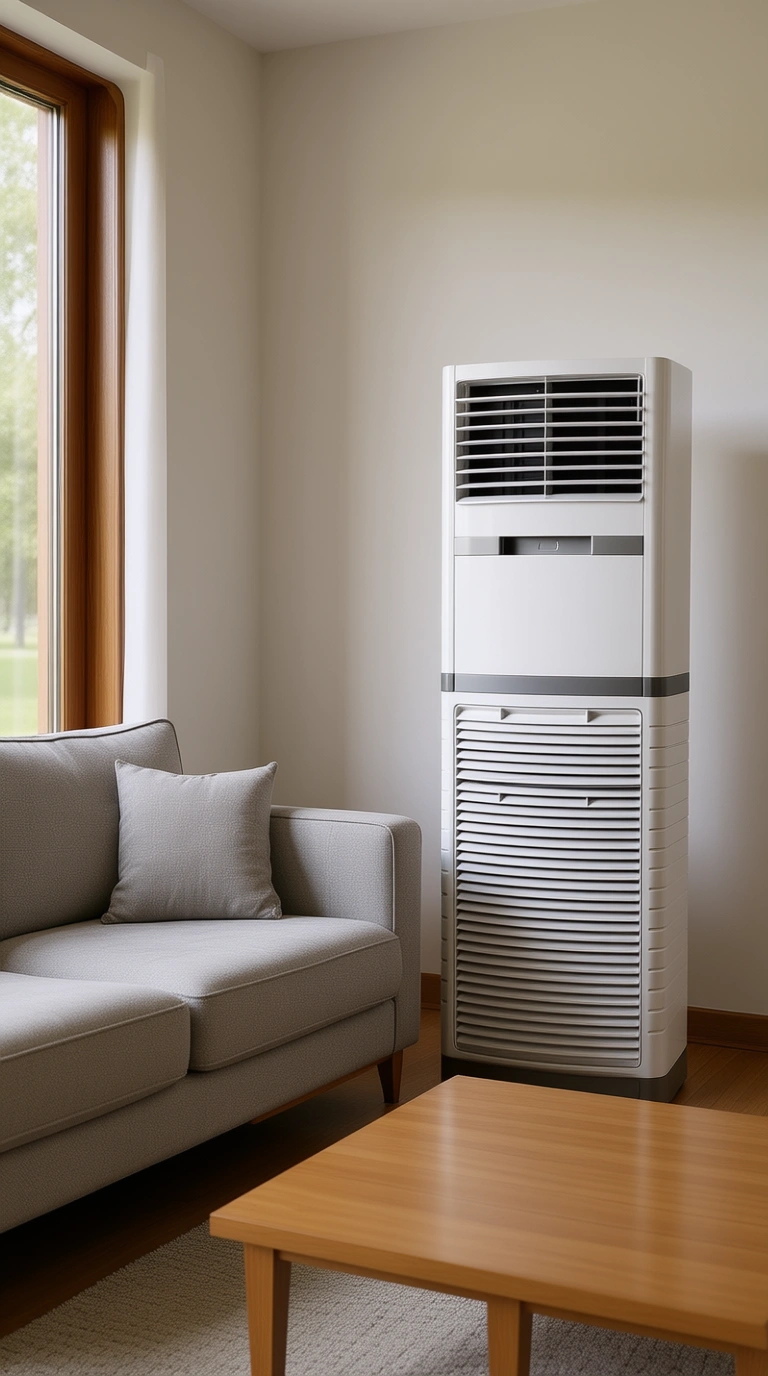 The air conditioner is placed in a living room next to a sofa. | 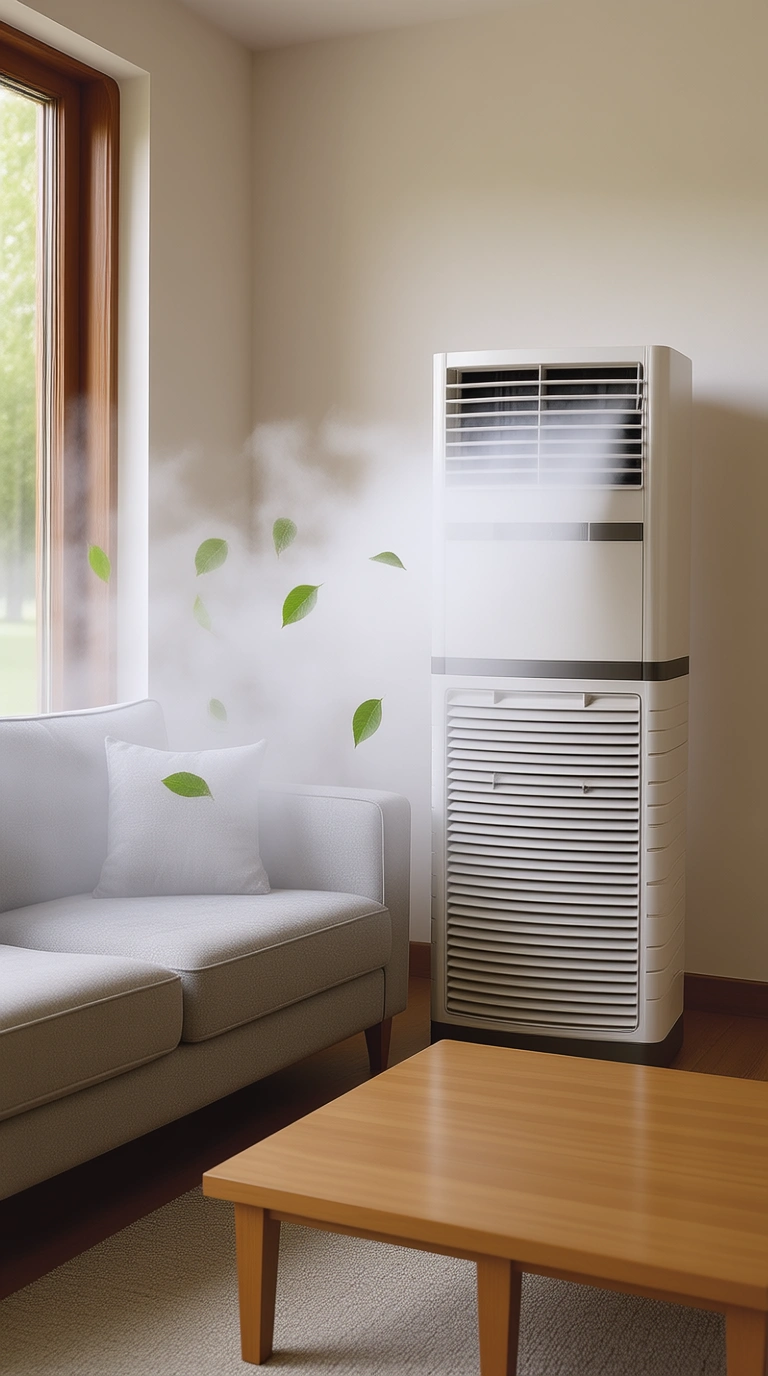 Mist is added from the air conditioner's vent, extending over the sofa. Green leaves are also added. | 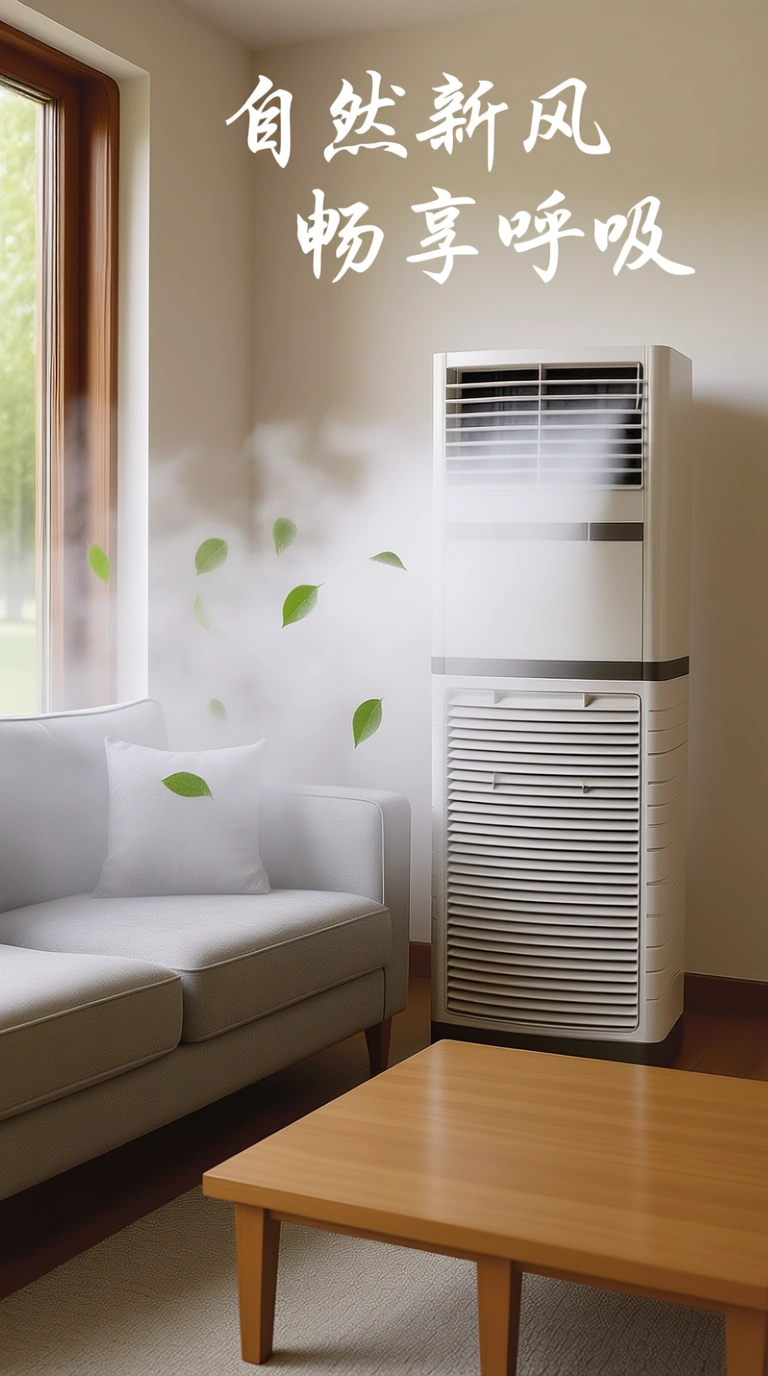 The white handwritten text "Natural Fresh Air Enjoy Breathing" is added at the top. |
Sketch creation
Input image | Output image | |
|---|---|---|
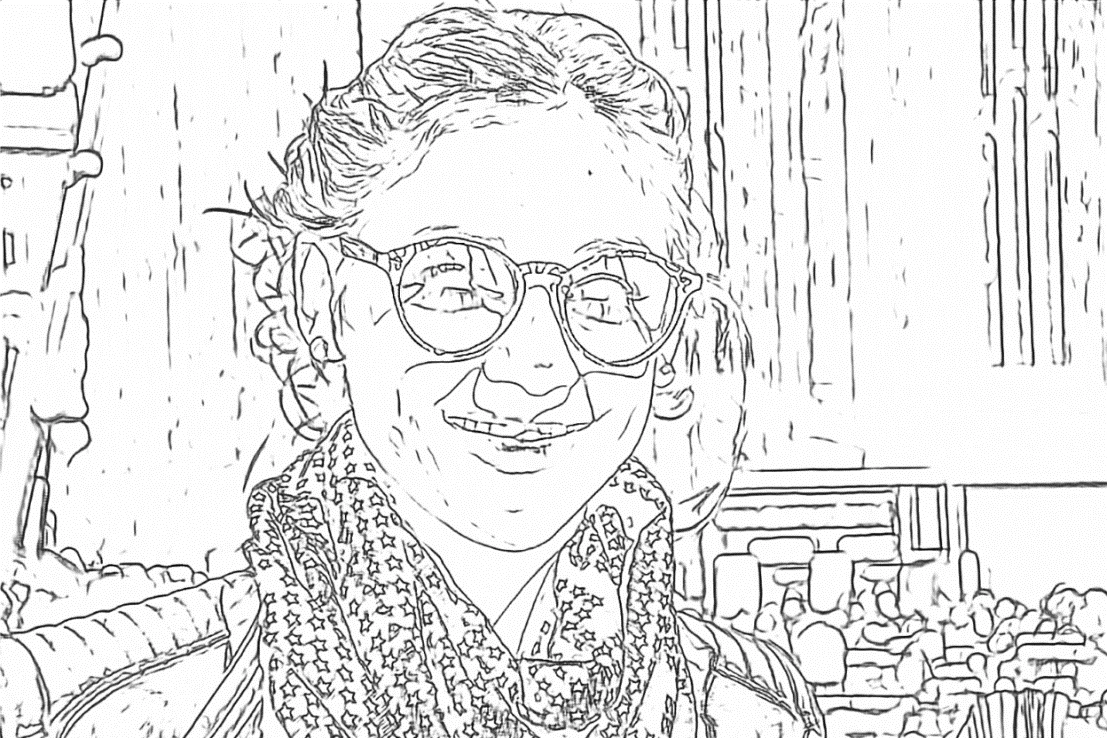 | 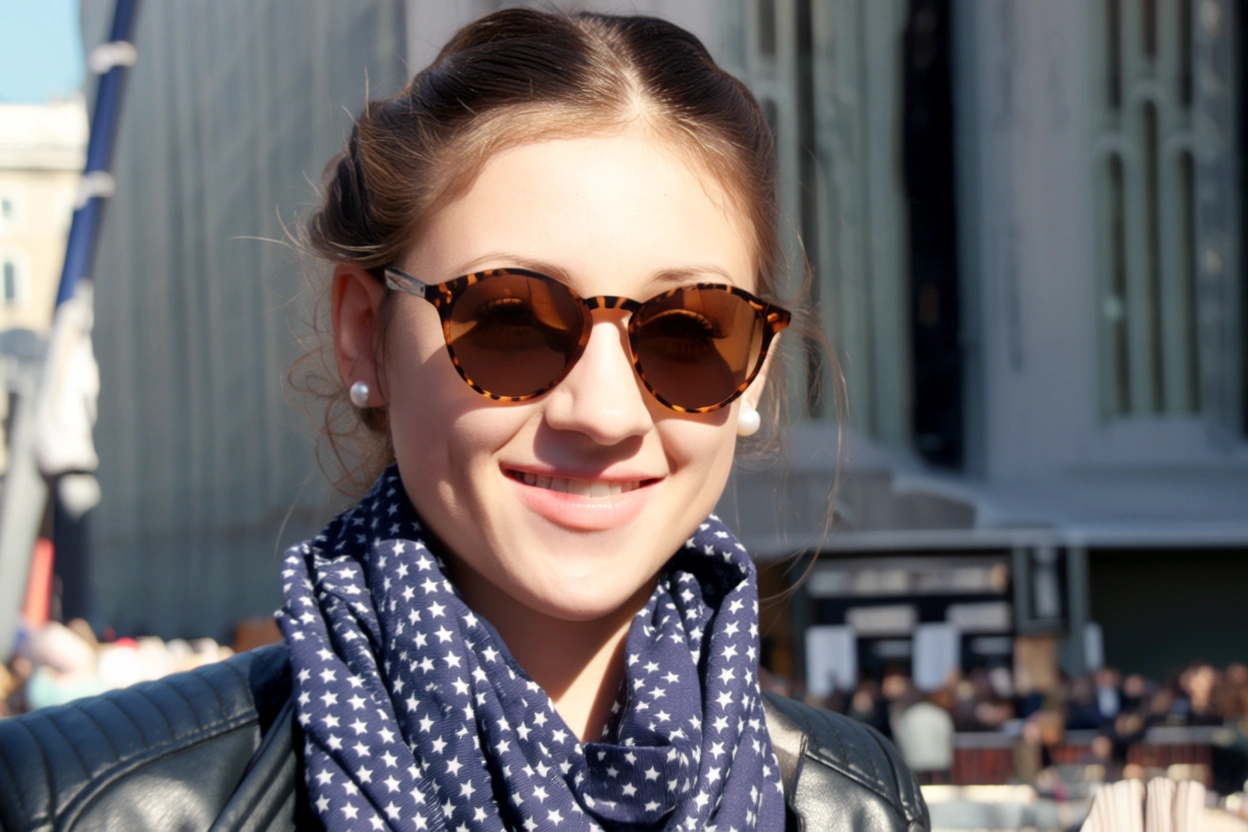 Generate an image that matches the detailed shape outlined in Image 1 and follows this description: A young woman smiles on a sunny day. She wears round brown sunglasses with a leopard print frame. Her hair is neatly tied up, she wears pearl earrings, a dark blue scarf with purple star patterns, and a black leather jacket. | 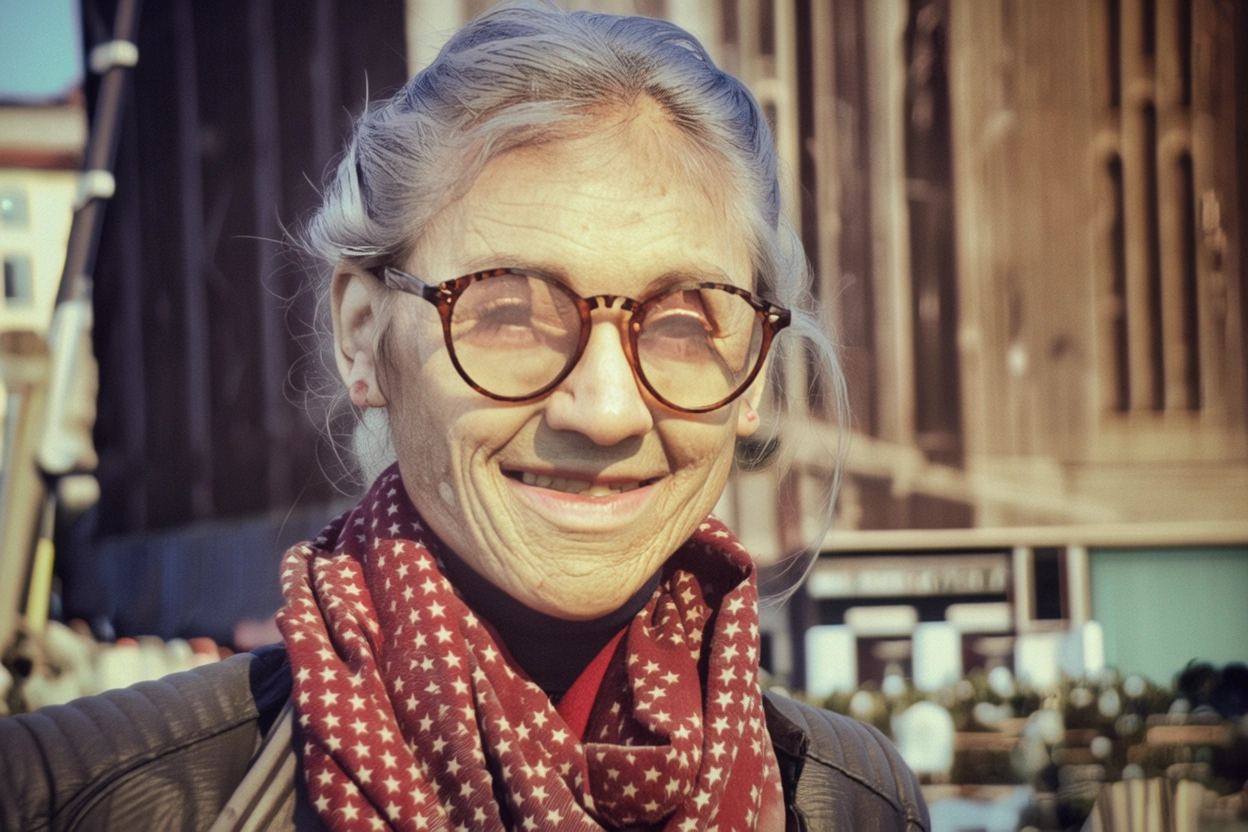 Generate an image that matches the detailed shape outlined in Image 1 and follows this description: An elderly man smiles at the camera. His face is wrinkled, his hair is messy in the wind, and he wears round-framed reading glasses. He has a worn-out red scarf with star patterns around his neck and is wearing a cotton-padded jacket. |
Creative product generation
Input image | Output image | ||
|---|---|---|---|
 | 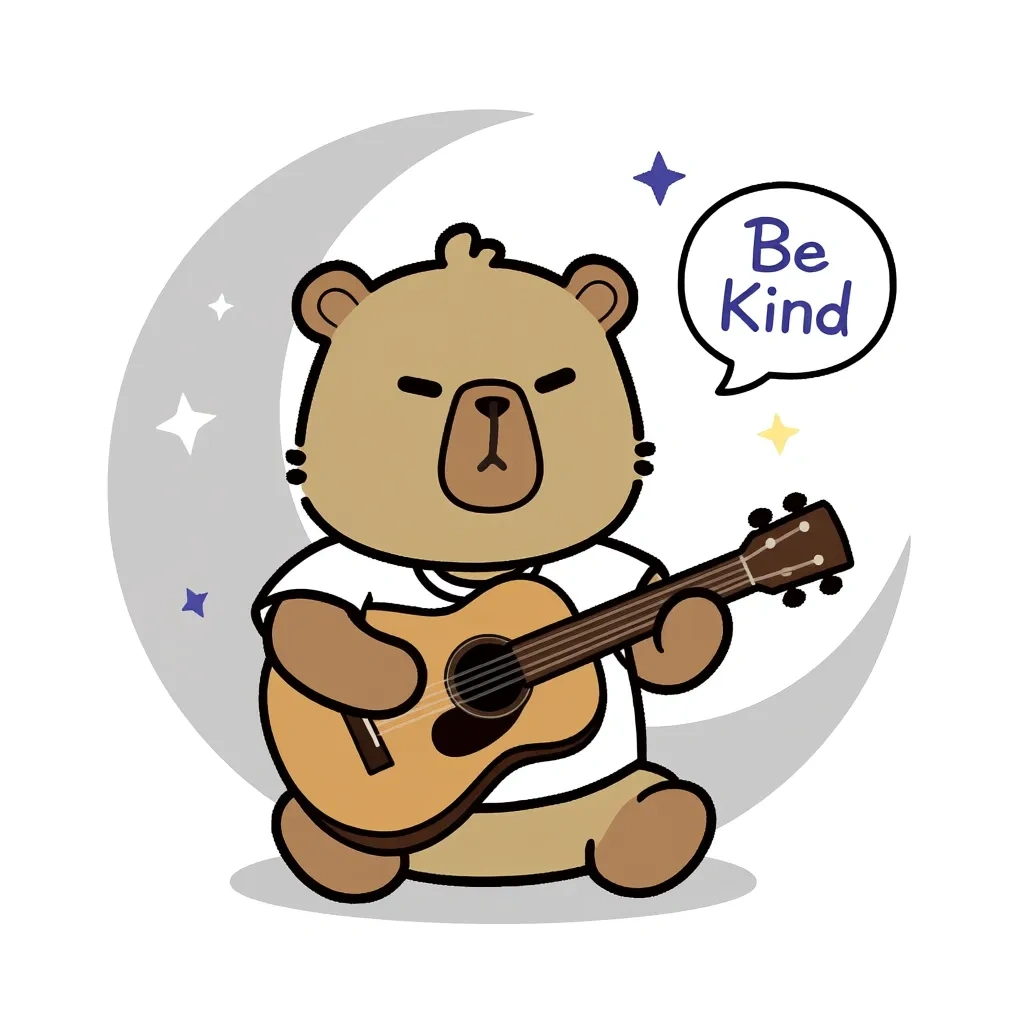 Make this bear sit under the moon (represented by a light gray crescent outline on a white background), holding a guitar, with small stars and speech bubbles with phrases such as "Be Kind" floating around. | 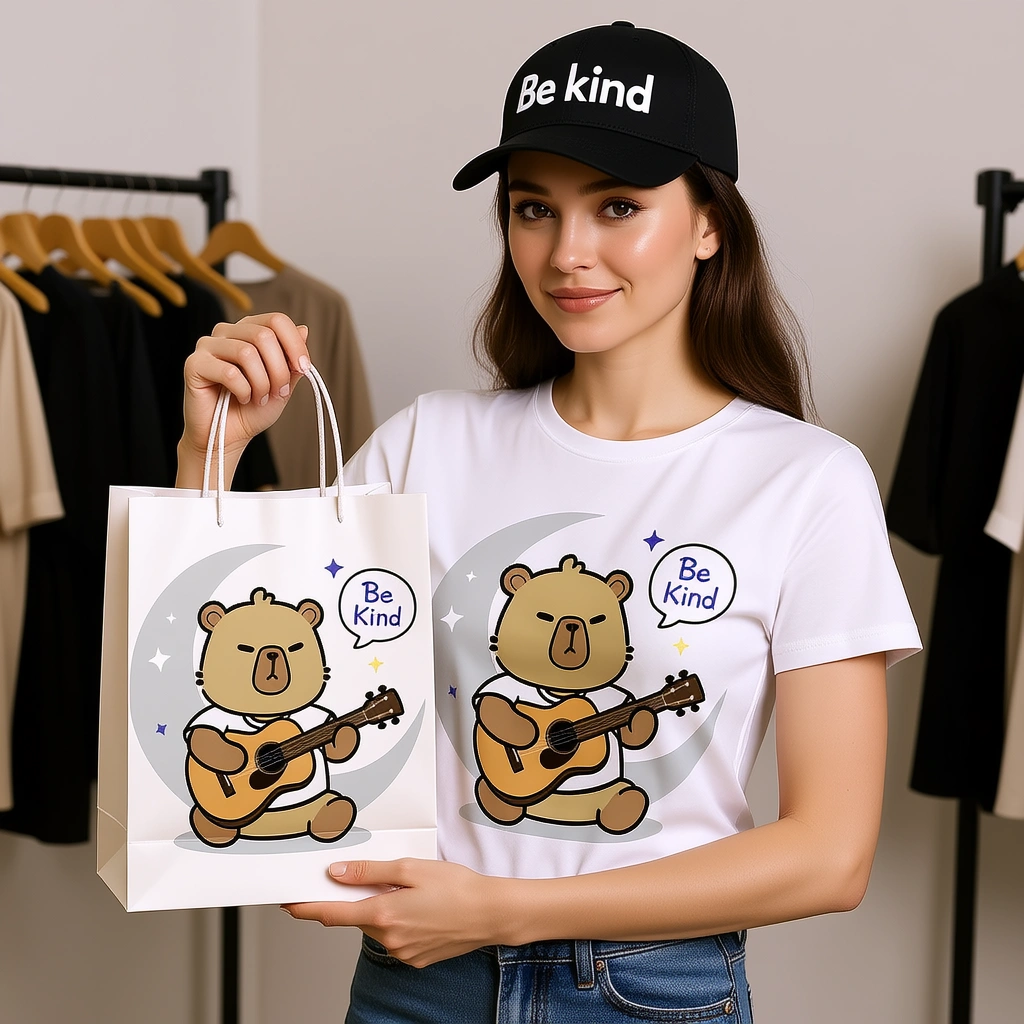 Print this design on a T-shirt and a paper tote bag. A female model is displaying these items. The woman is also wearing a baseball cap with "Be kind" written on it. | 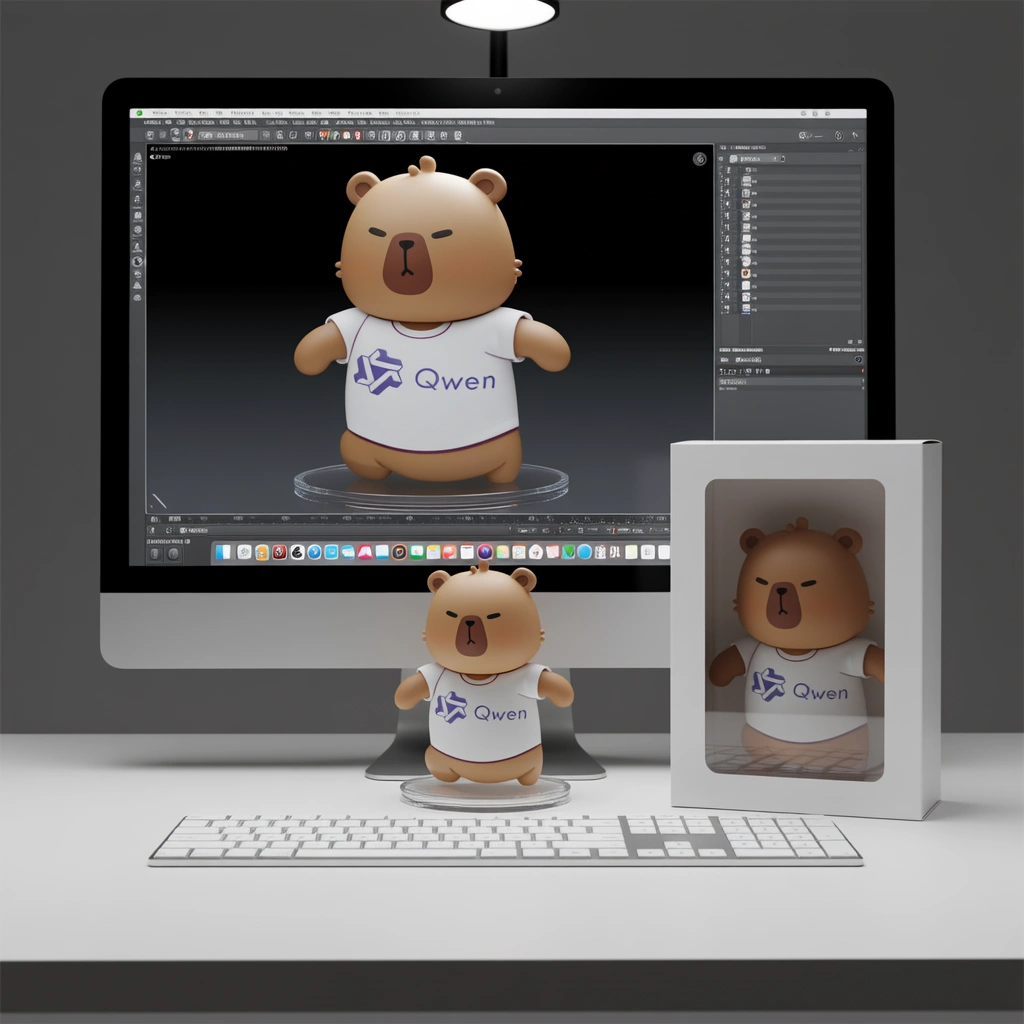 A hyper-realistic 1/7 scale character model, designed as a commercial finished product, is placed on a desk with an iMac that has a white keyboard. The model stands on a clean, round, transparent acrylic base with no labels or text. Professional studio lighting highlights the sculpted details. On the iMac screen in the background, the ZBrush modeling process for the same model is displayed. Next to the model, place a packaging box with a transparent window on the front, showing only the clear plastic shell inside. The box is slightly taller than the model and reasonably sized to hold it. |
 This bear is wearing an astronaut suit and pointing into the distance. |  This bear is wearing a gorgeous ball gown, with its arms spread in an elegant dance pose. |  This bear is wearing sportswear, holding a basketball, with one leg bent. | |
Generate image from depth map
Input image | Output image | |
|---|---|---|
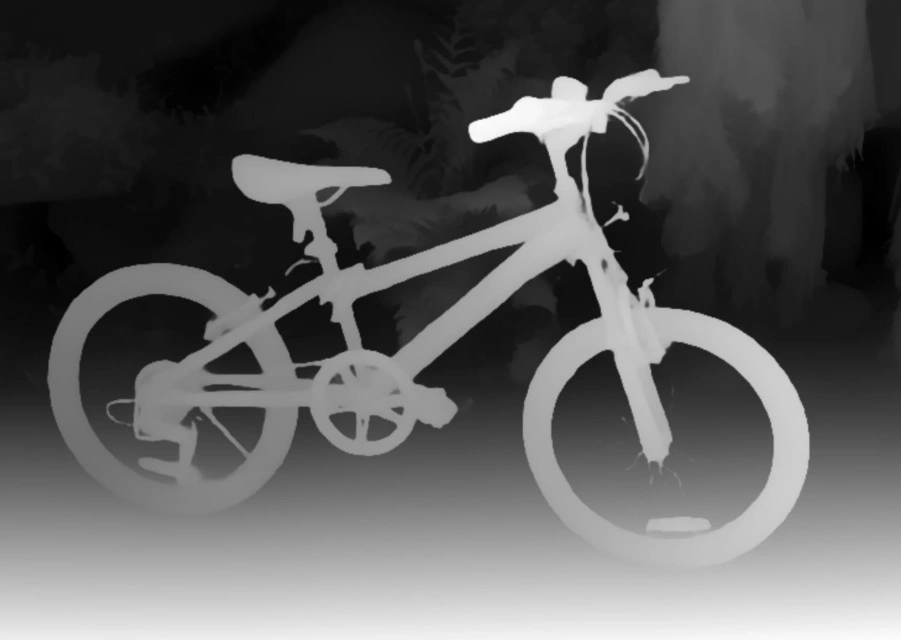 | 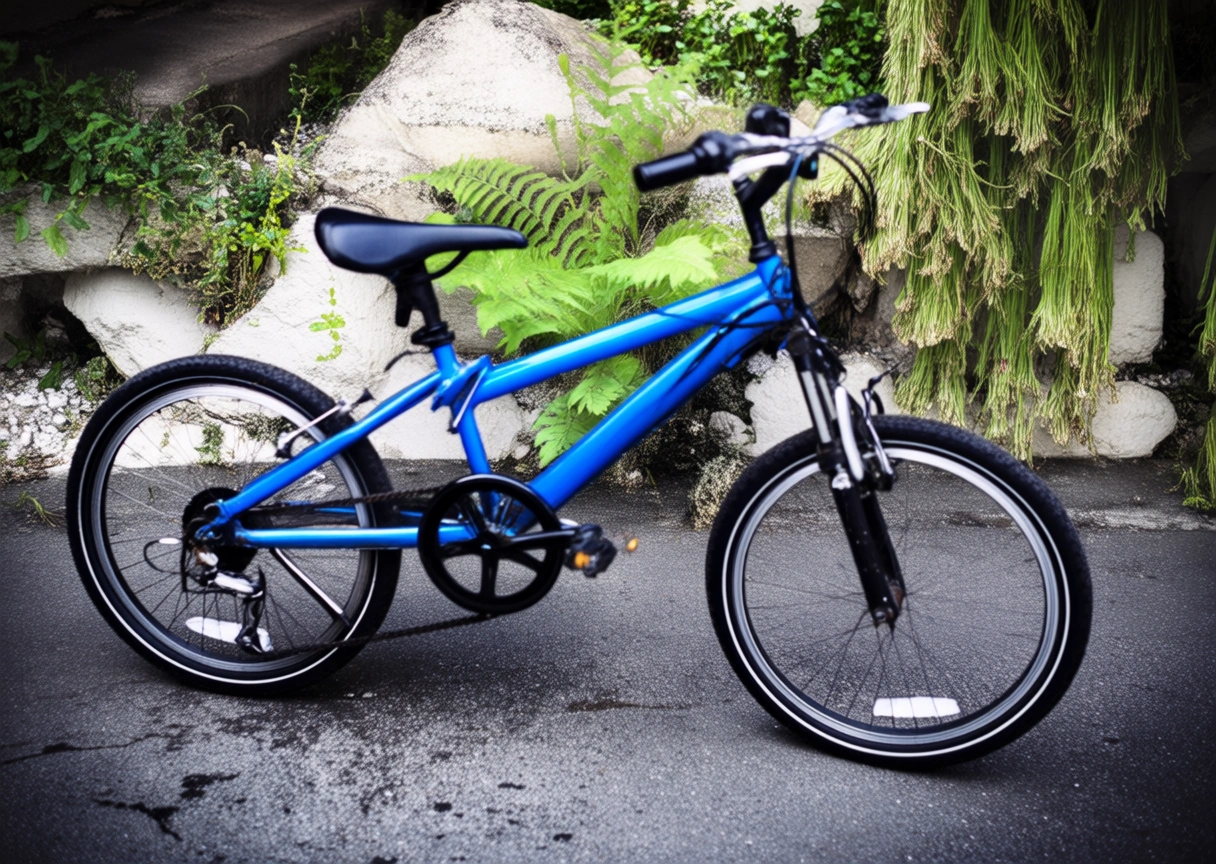 Generate an image that matches the depth map outlined in Image 1 and follows this description: A blue bicycle is parked in a side alley, with a few weeds growing from cracks in the stone in the background. | 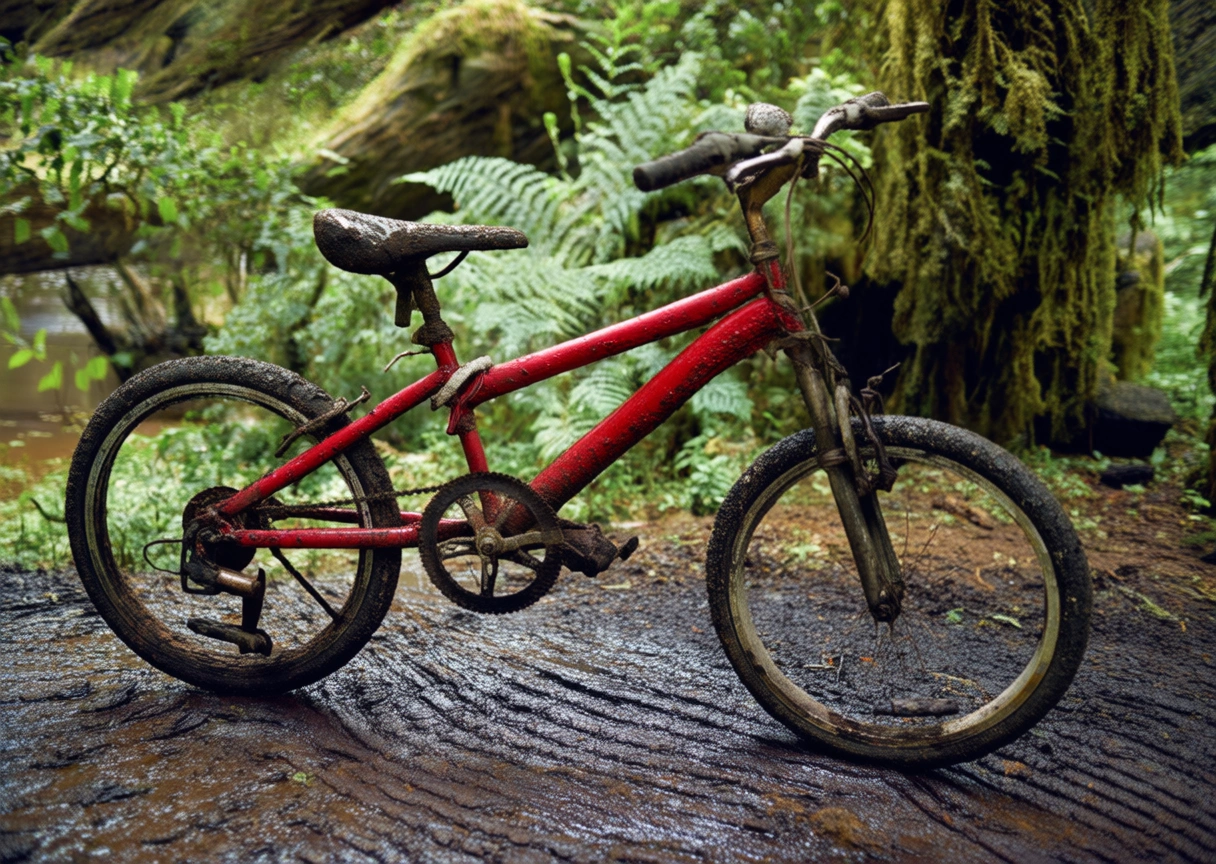 Generate an image that matches the depth map outlined in Image 1 and follows this description: A worn-out red bicycle is parked on a muddy path, with a dense primeval forest in the background. |
Generate image from keypoints
Input image | Output image | |
|---|---|---|
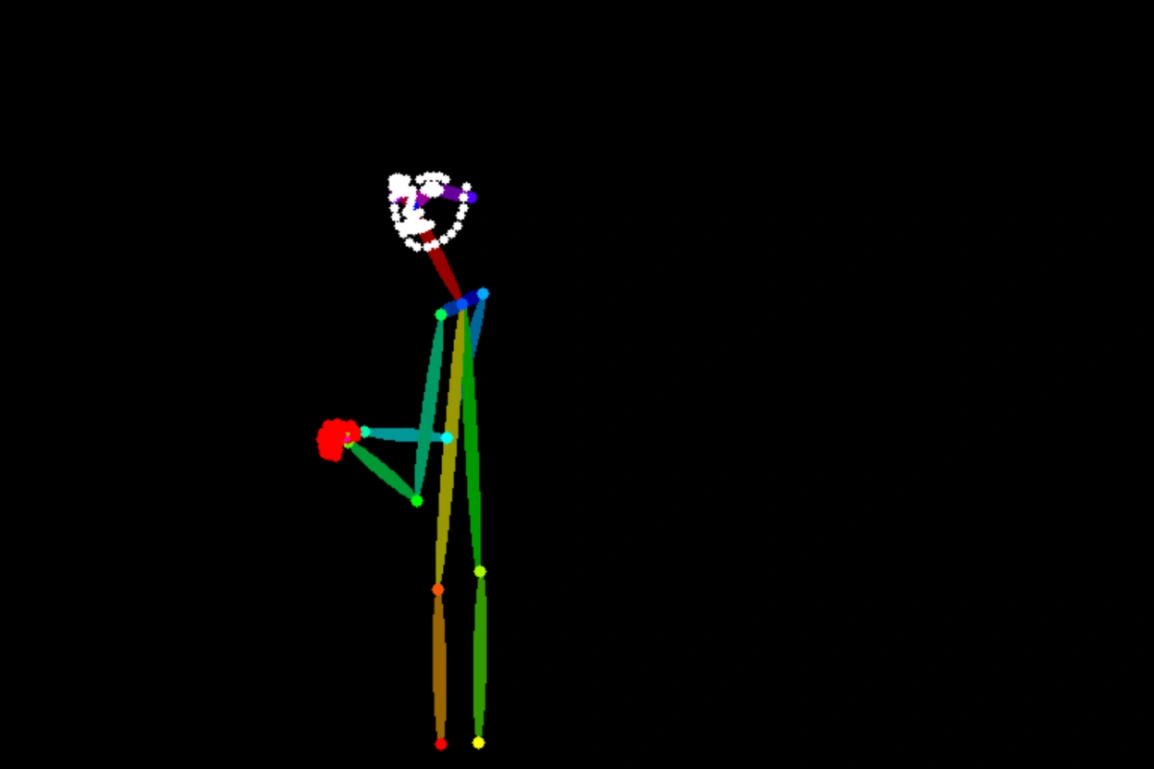 | 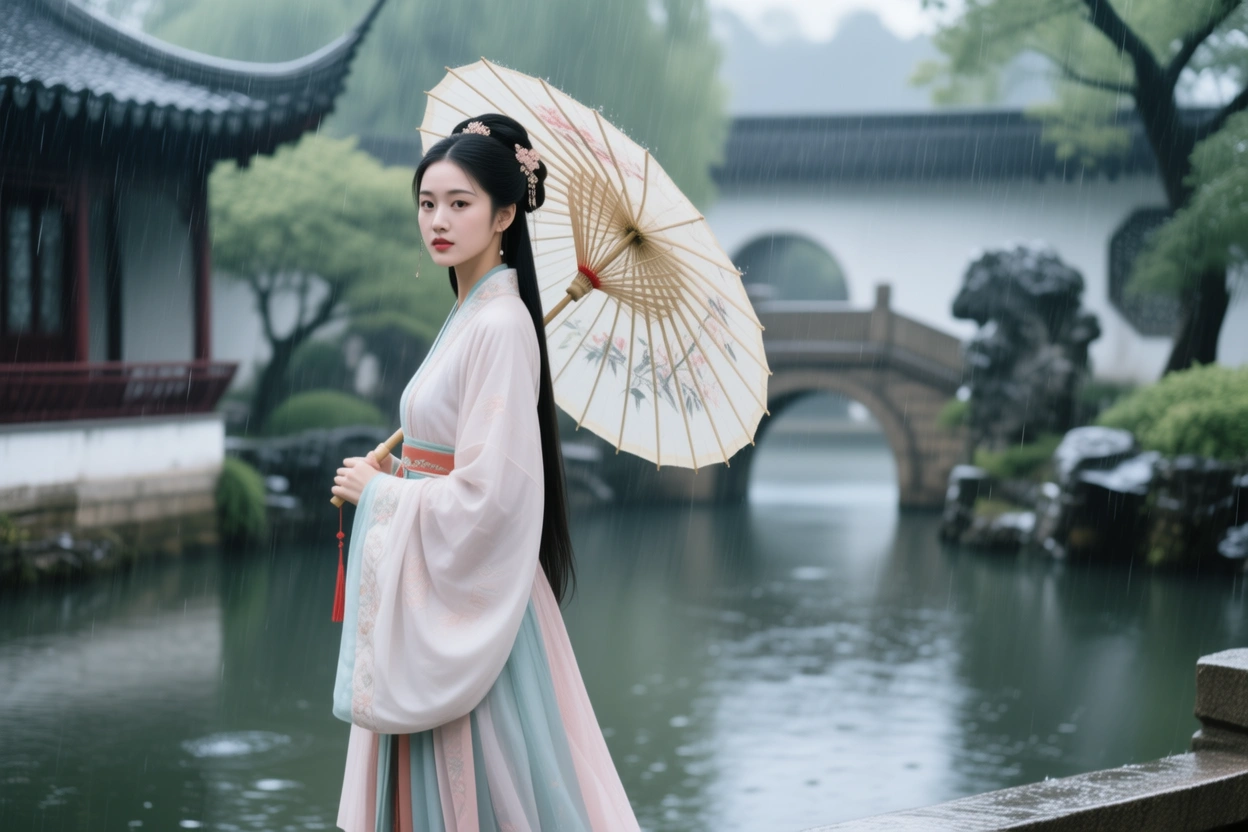 Generate an image that matches the human pose outlined in Image 1 and follows this description: A Chinese woman in a Hanfu is holding an oil-paper umbrella in the rain, with a Suzhou garden in the background. | 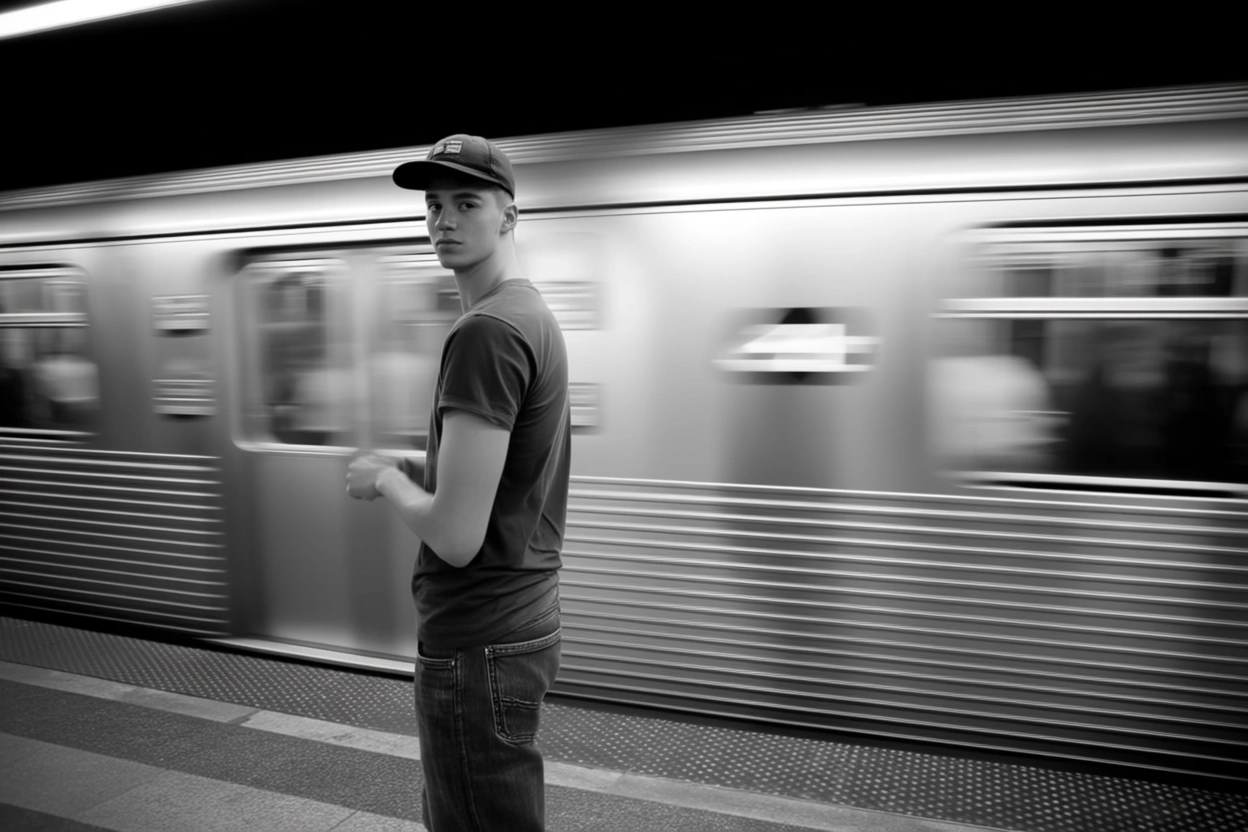 Generate an image that matches the human pose outlined in Image 1 and follows this description: A young man stands on a subway platform. He wears a baseball cap, a T-shirt, and jeans. A train is speeding by behind him. |
Text editing
Input image | Output image | Input image | Output image |
|---|---|---|---|
 |  Replace 'HEALTH INSURANCE' on the Scrabble tiles with 'Tomorrow Will Be Better'. |  |  Change the phrase "Take a Breather" on the note to "Relax and Recharge". |
Input image | Output image | ||
|---|---|---|---|
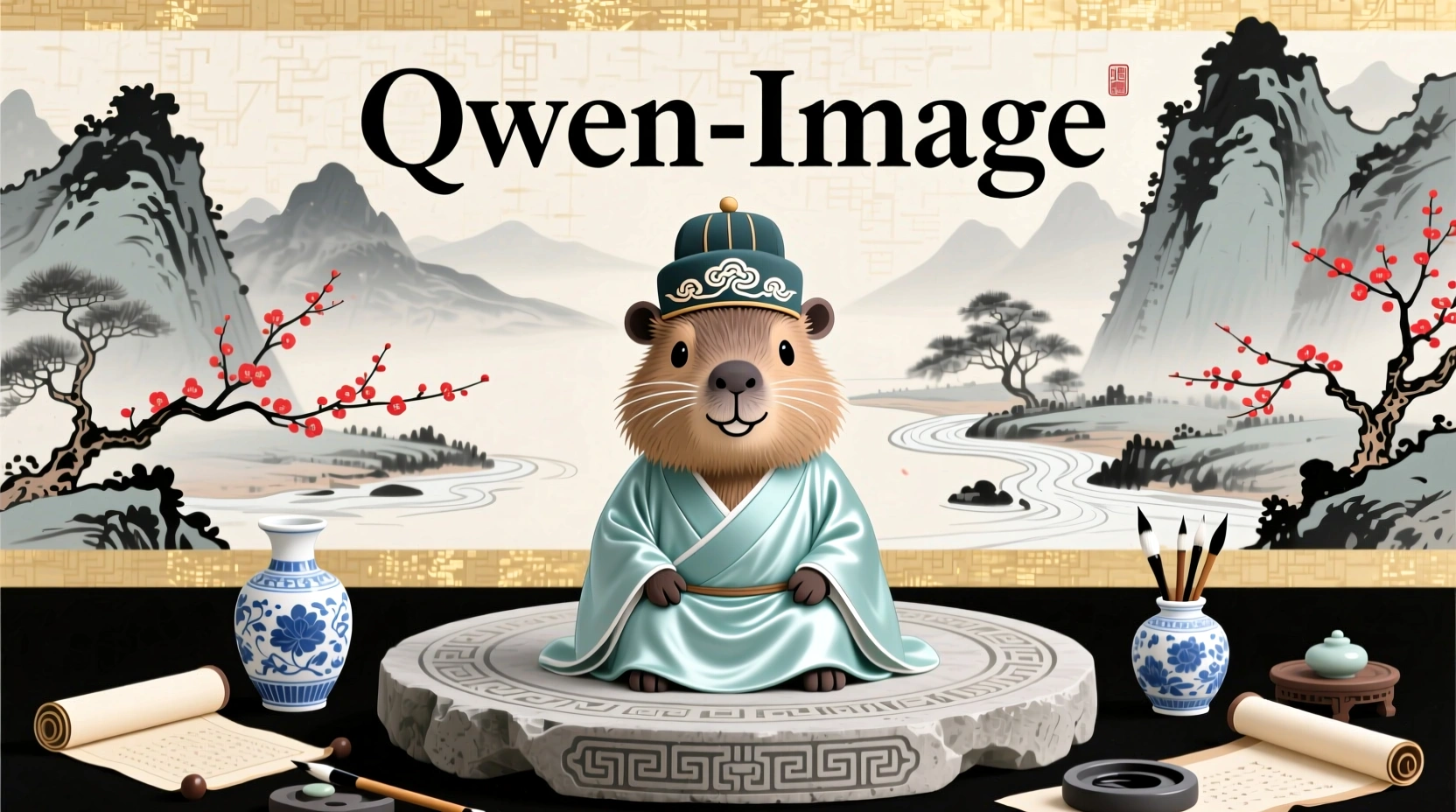 | 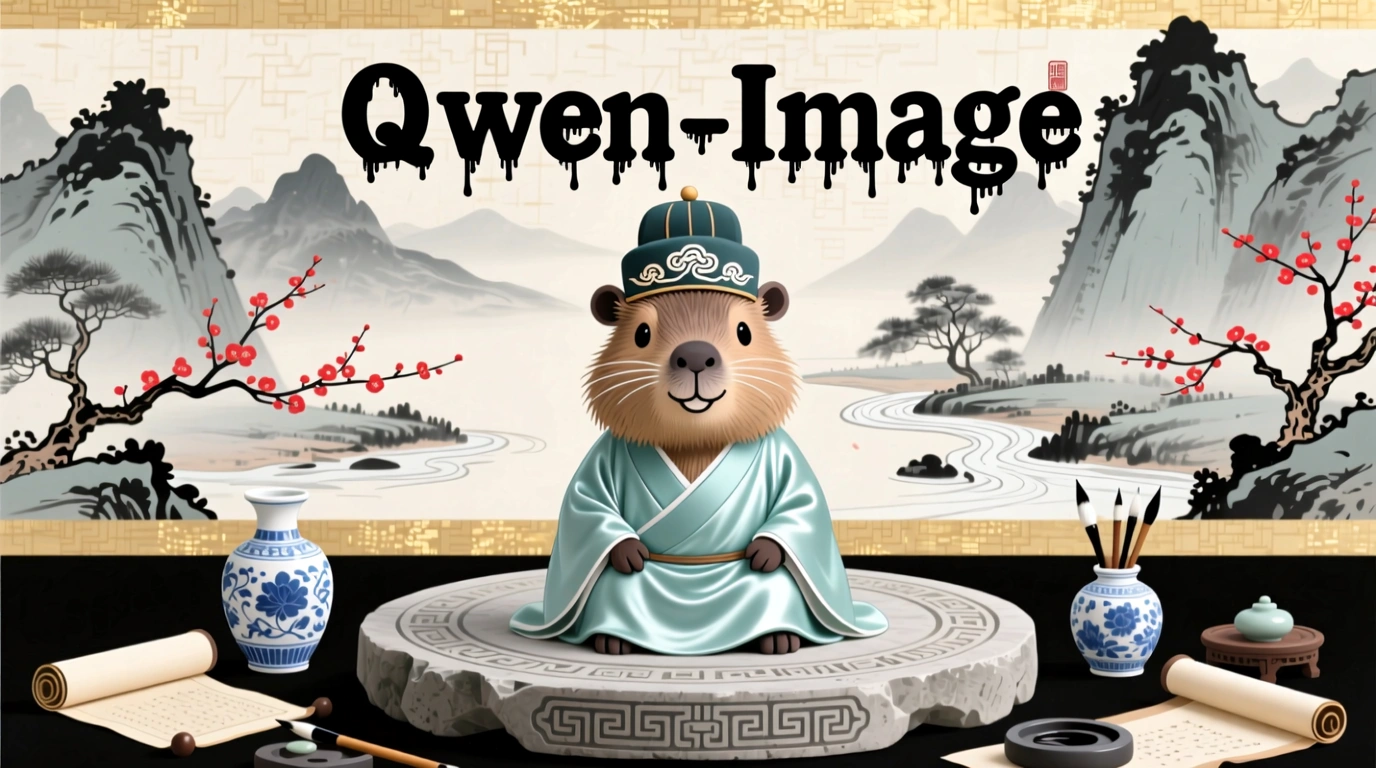 Change "Qwen-Image" to a black ink-drip font. | 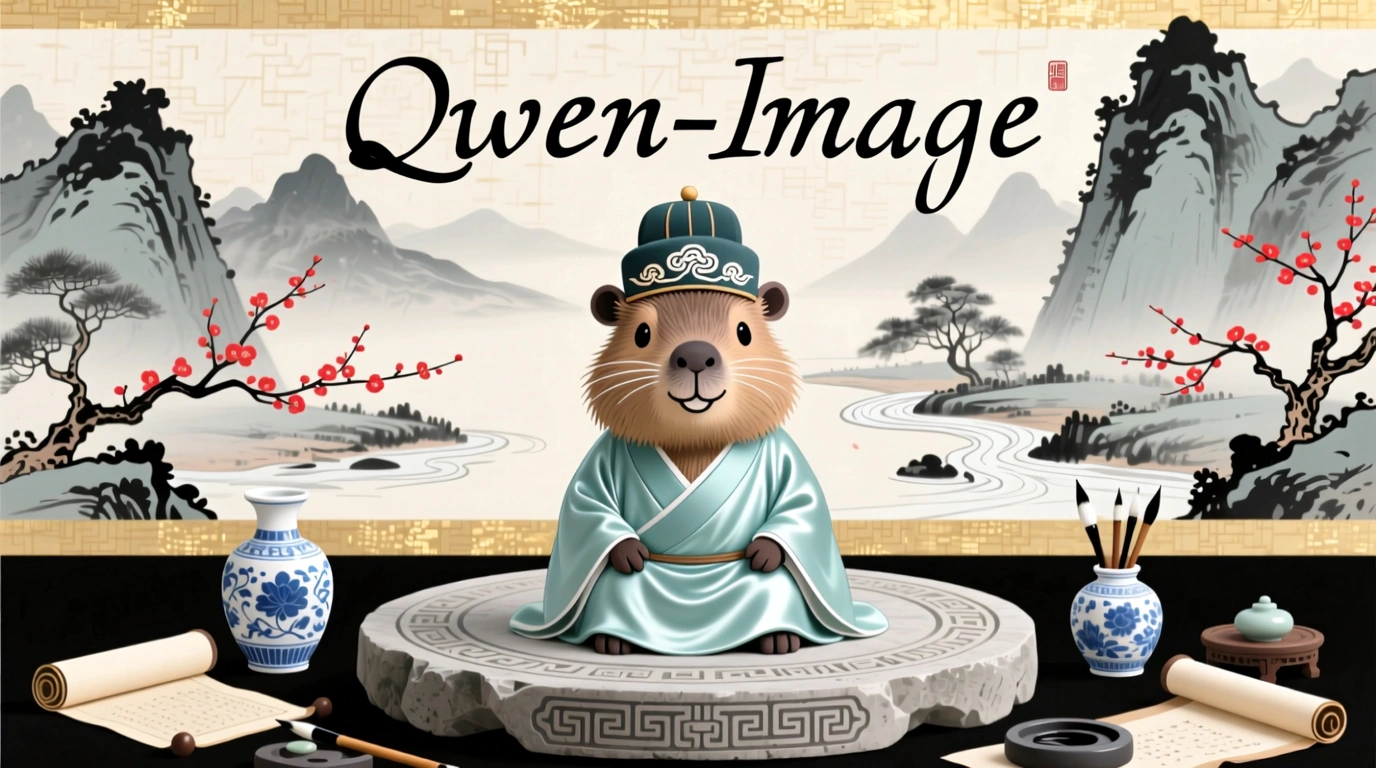 Change "Qwen-Image" to a black handwriting font. | 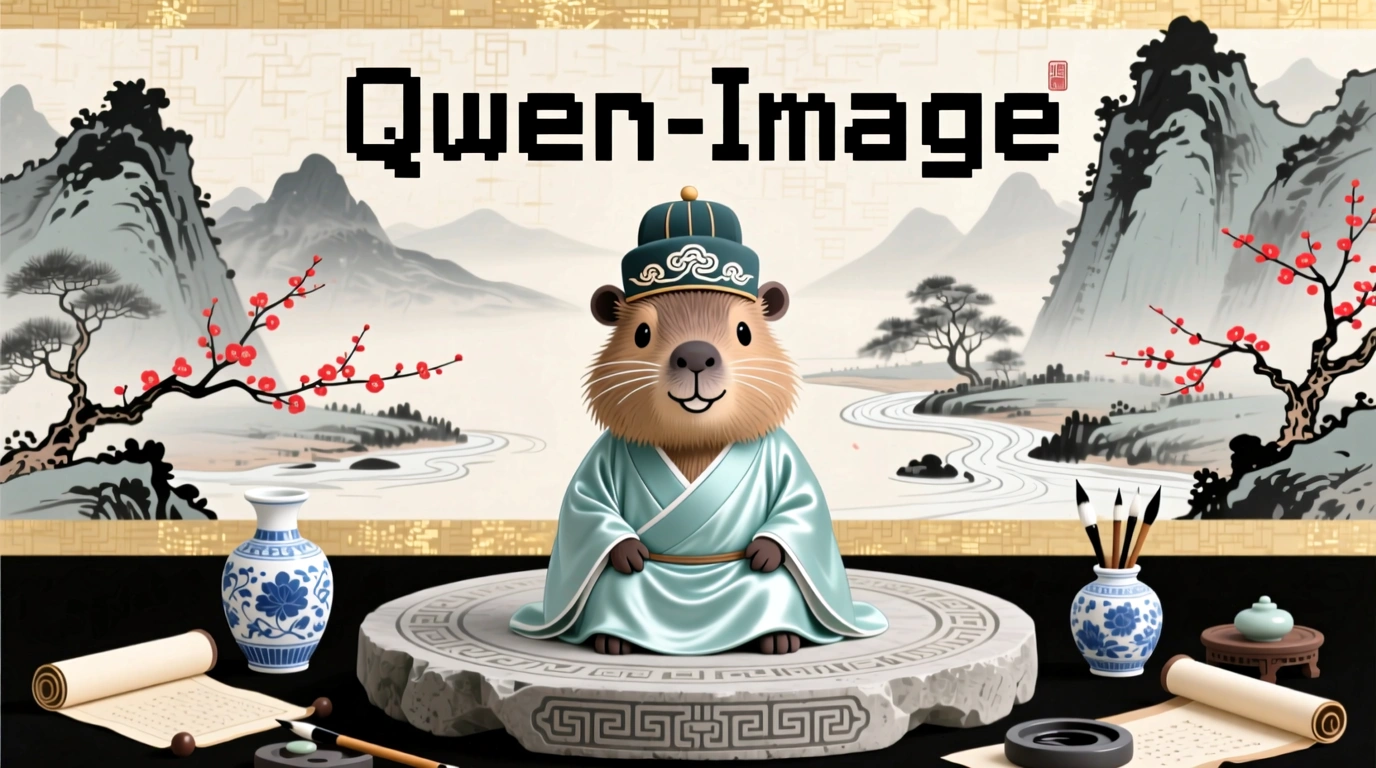 Change "Qwen-Image" to a black pixel font. |
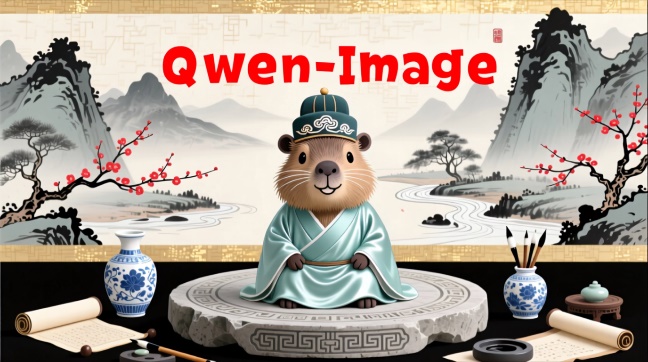 Change "Qwen-Image" to red. | 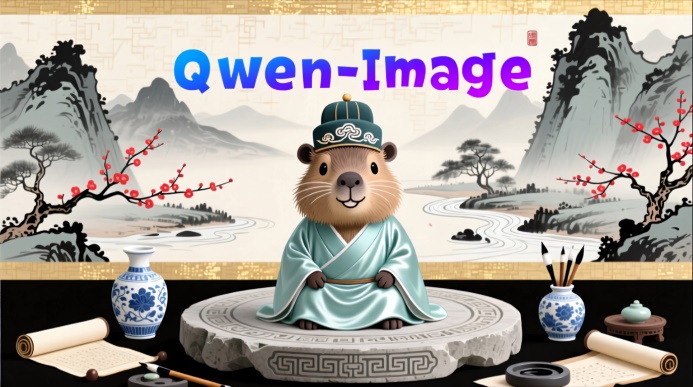 Change "Qwen-Image" to a blue-purple gradient. | 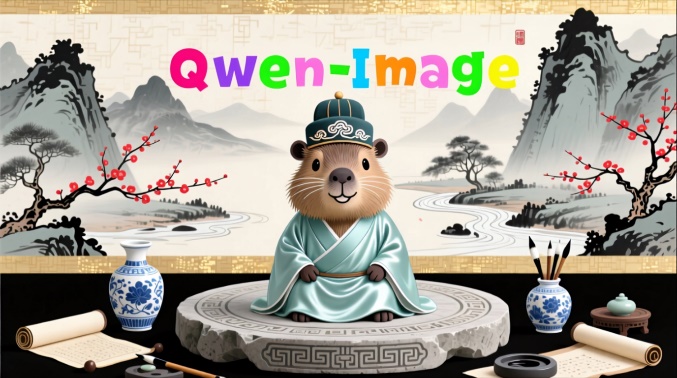 Change "Qwen-Image" to candy colors. | |
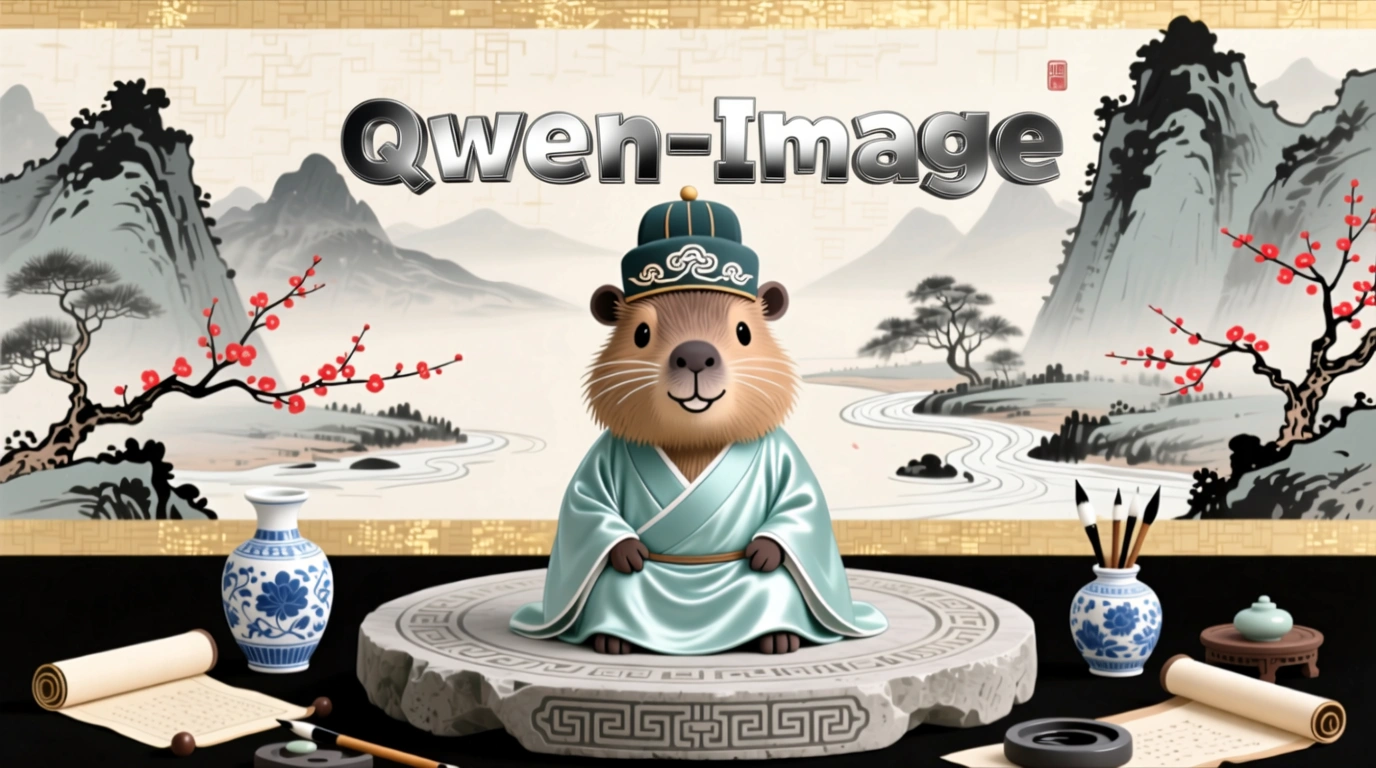 Change the material of "Qwen-Image" to metal. | 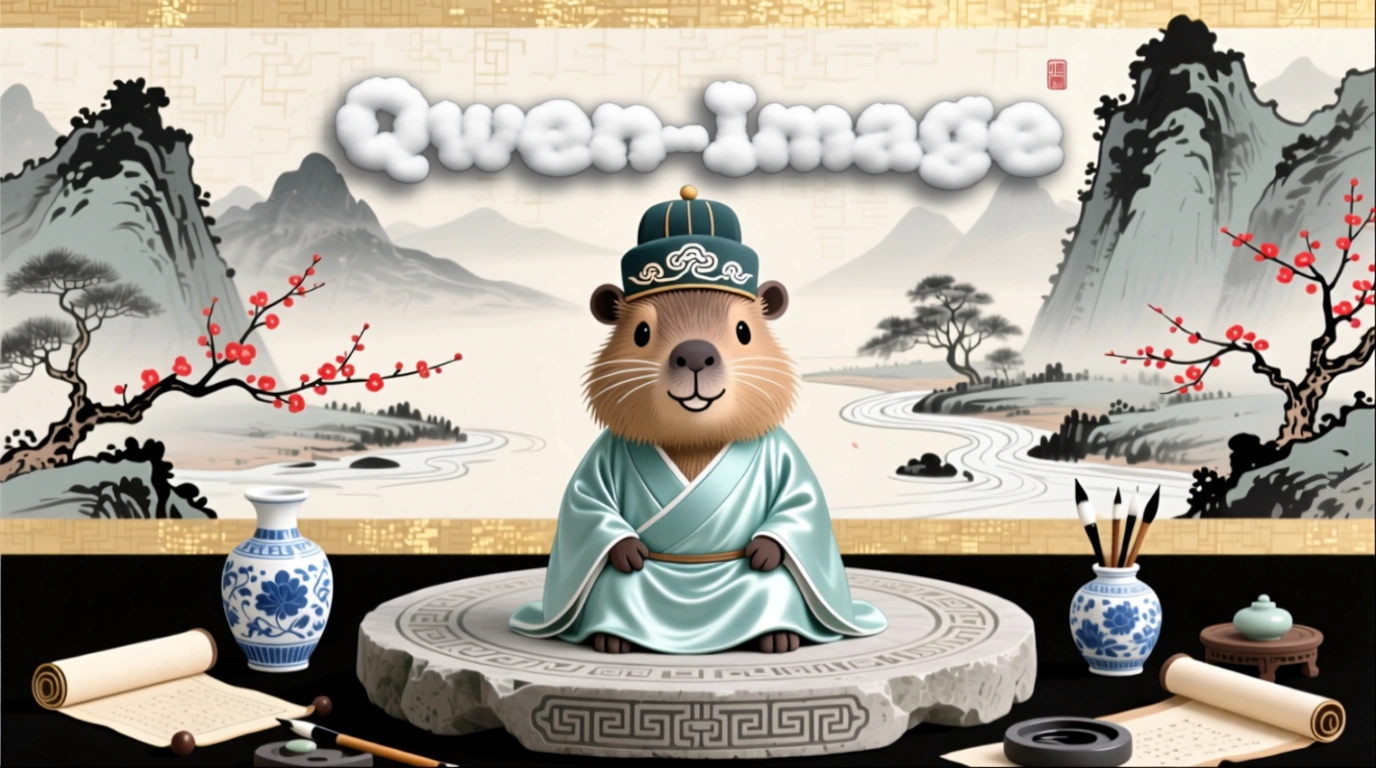 Change the material of "Qwen-Image" to clouds. | 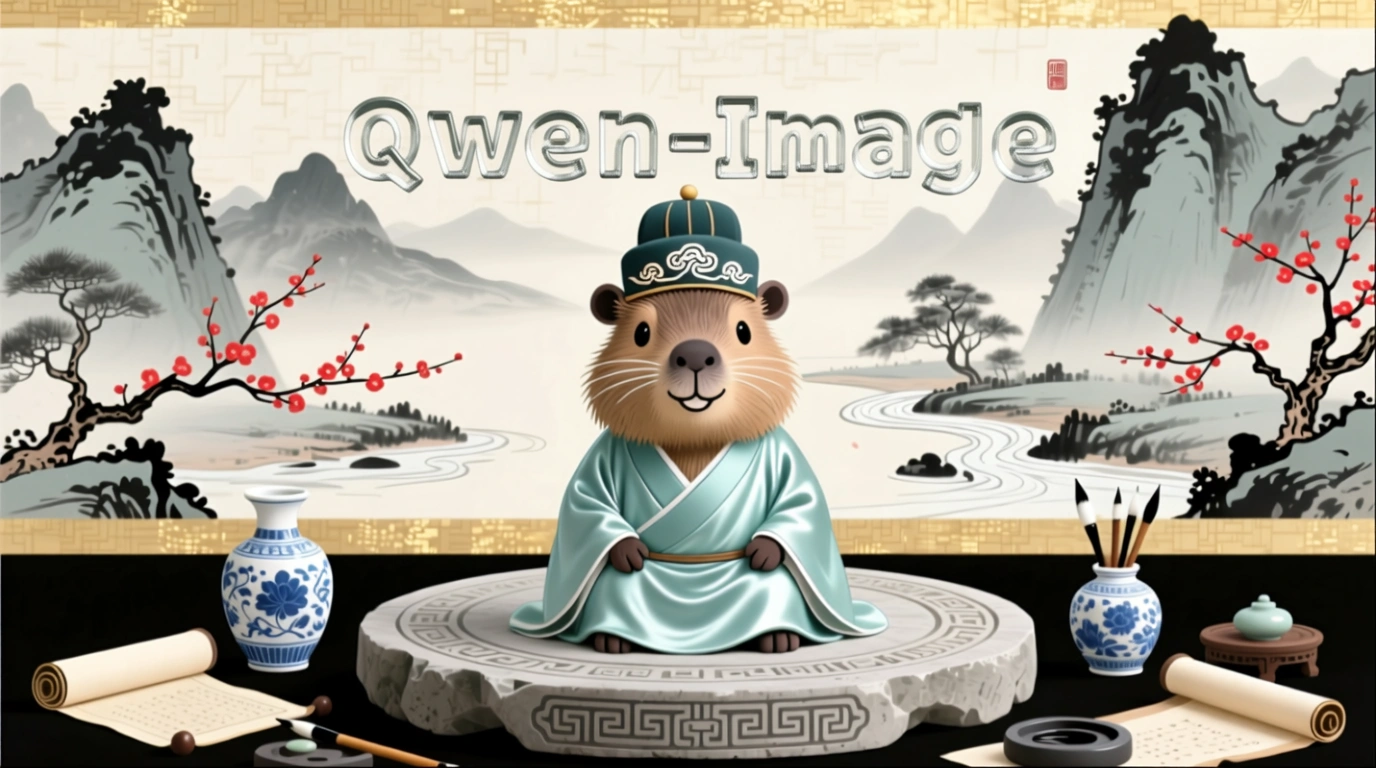 Change the material of "Qwen-Image" to glass. | |
Add and delete
Capability | Input image | Output image |
|---|---|---|
Add element |  |  Add a small wooden sign in front of the penguin that says "Welcome to Penguin Beach". |
Delete element |  |  Remove the hair from the plate. |
Viewpoint transformation
Input image | Output image | Input image | Output image |
|---|---|---|---|
 |  Get a front view. |  |  Face left. |
 |  Get a rear view. |  |  Face right. |
Old photo processing
Capability | Input image | Output image |
|---|---|---|
Old photo restoration and colorization |  |  Restore the old photo, remove scratches, reduce noise, enhance details, high resolution, realistic image, natural skin tone, clear facial features, no distortion. |
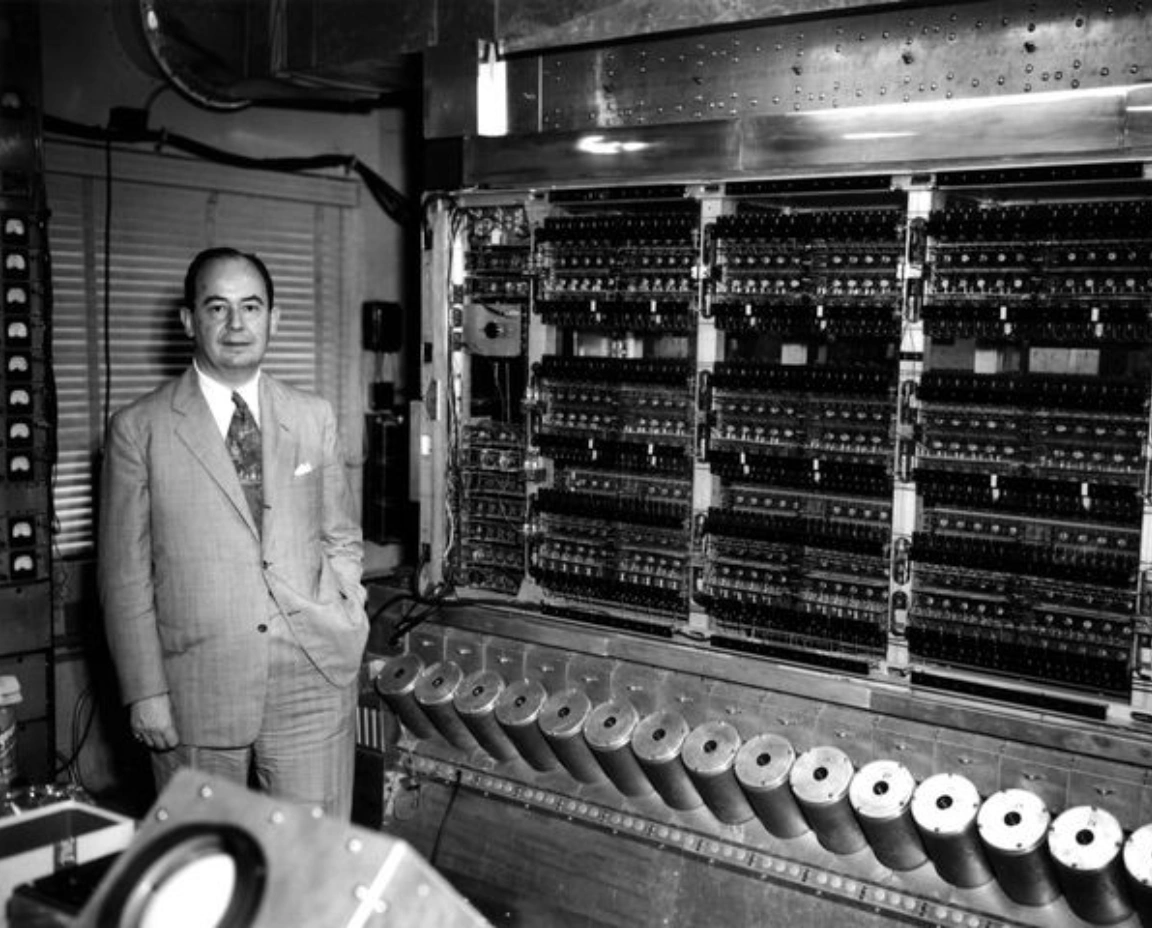 | 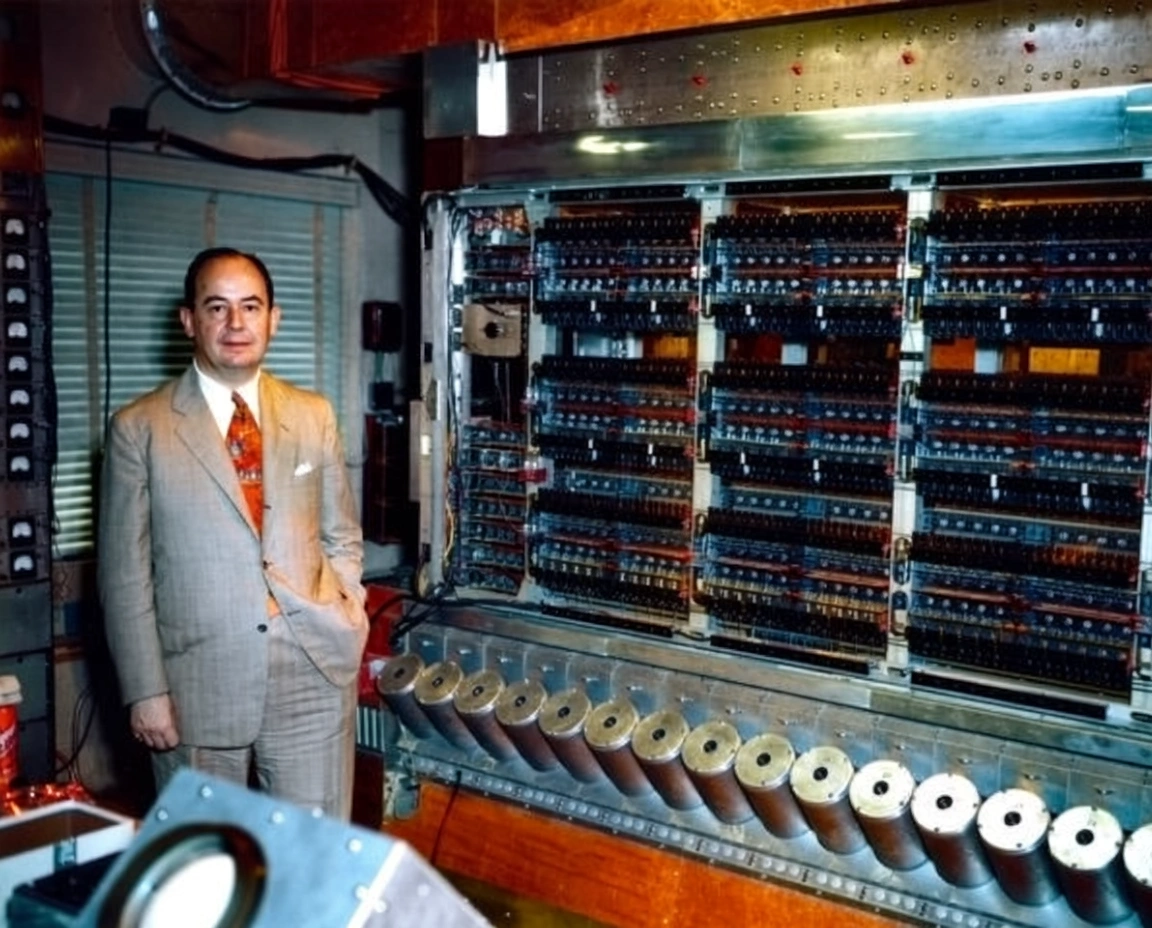 Intelligently colorize the image based on its content to make it more vivid. |