

Edit images with text instructions using Wan models. Supports multi-image input/output, image fusion, subject preservation, and object detection.
Getting started
Generate an edited image from two input images and a text prompt with wan2.7-image-pro.
Prompt: Spray the graffiti from image 2 onto the car in image 1
Input image 1 | Input image 2 | Output image (wan2.7-image-pro) |
|---|---|---|
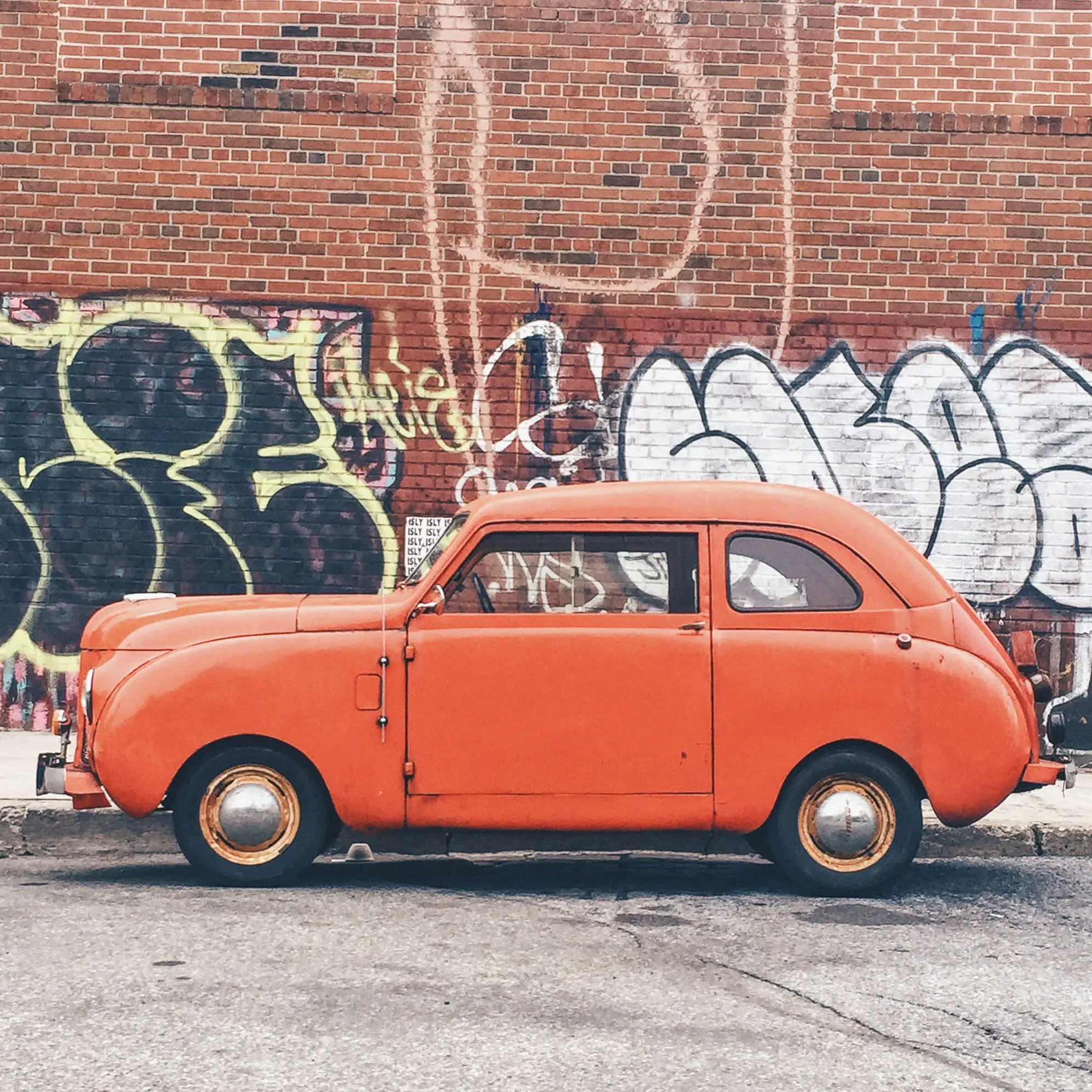 | 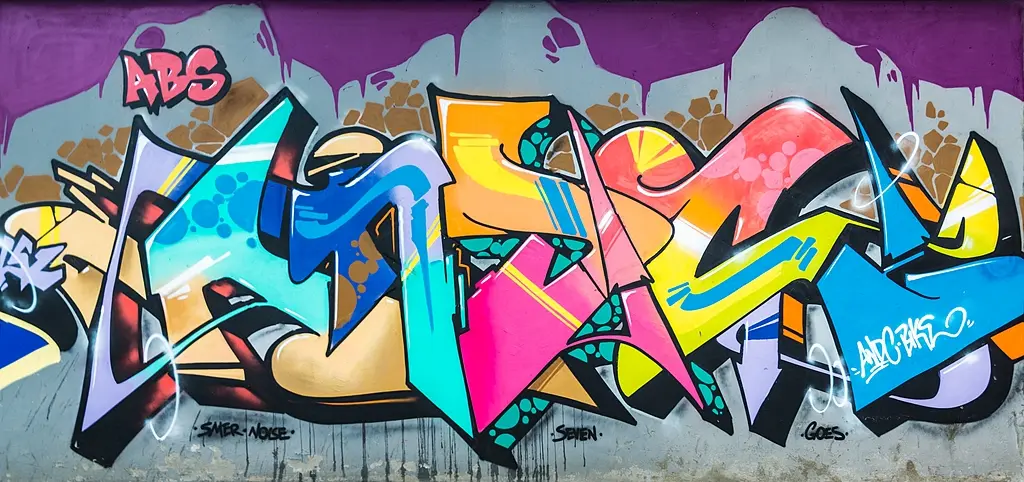 | 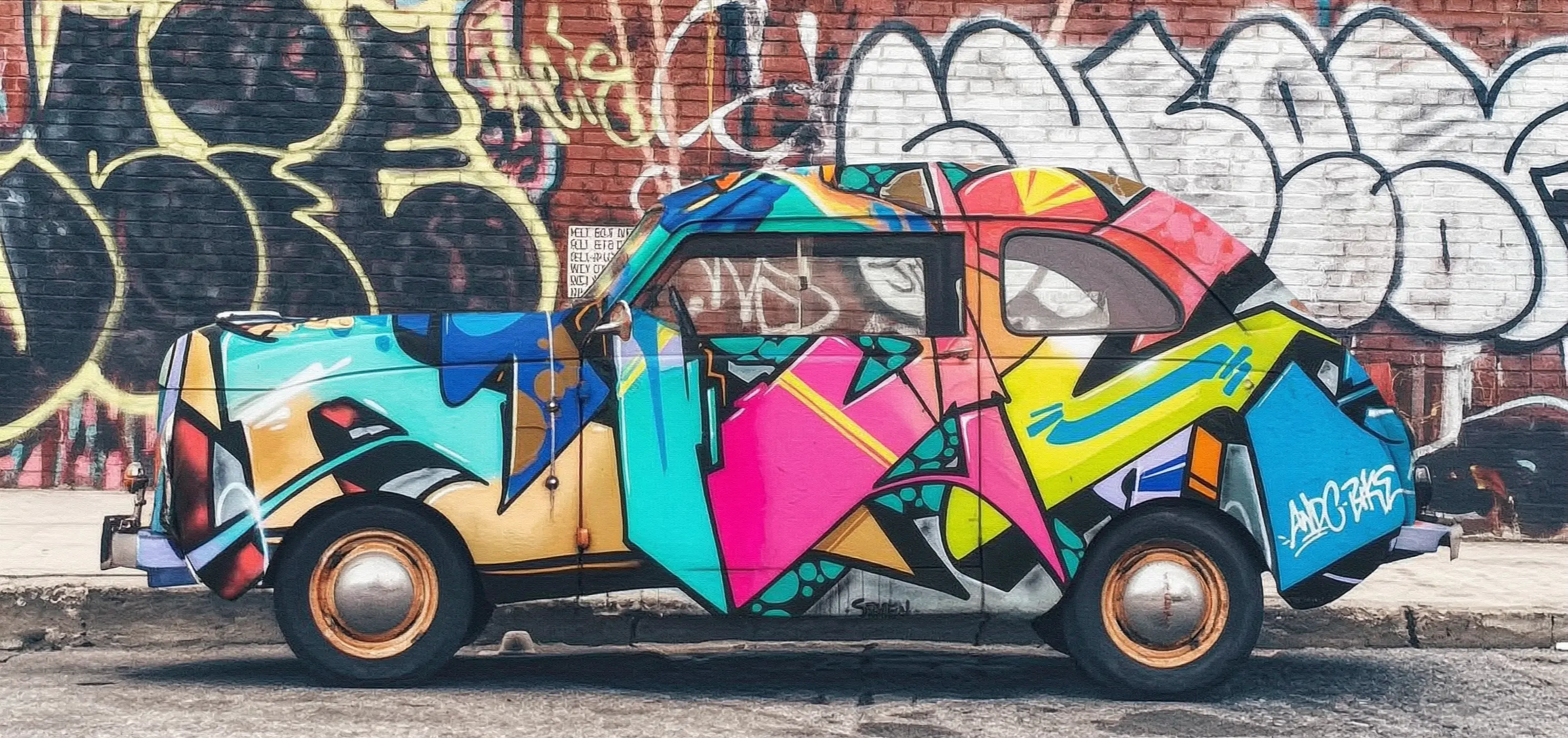 |
- Synchronous call
- Asynchronous call
- Python
- Java
- curl
Request example
Response example
The URL is valid for 24 hours. Download the image promptly.
Click to view call examples for wan2.5-i2i-preview
Click to view call examples for wan2.5-i2i-preview
- Synchronous call
- Asynchronous call
- Python
- Java
Request example
Response example
The image URL is valid for 24 hours. Download the image promptly.
Model selection
-
wan2.7-image-pro and wan2.7-image (recommended): Best for precise editing or generating multiple coherent images.
- Precise local editing: Select a specific area to move, replace, or add elements. Ideal for e-commerce retouching and design adjustments.
- Multi-panel generation: Generate multiple consistent-style images in one call. Ideal for comic storyboards and product series.
- wan2.6-image: Stylized editing with mixed text/images or multiple references. Generates text in images and accepts up to four reference images.
- wan2.5-i2i-preview: Suitable for simple image editing and multi-image fusion.
Demo gallery
Image-to-image set
Input image | Output image |
|---|---|
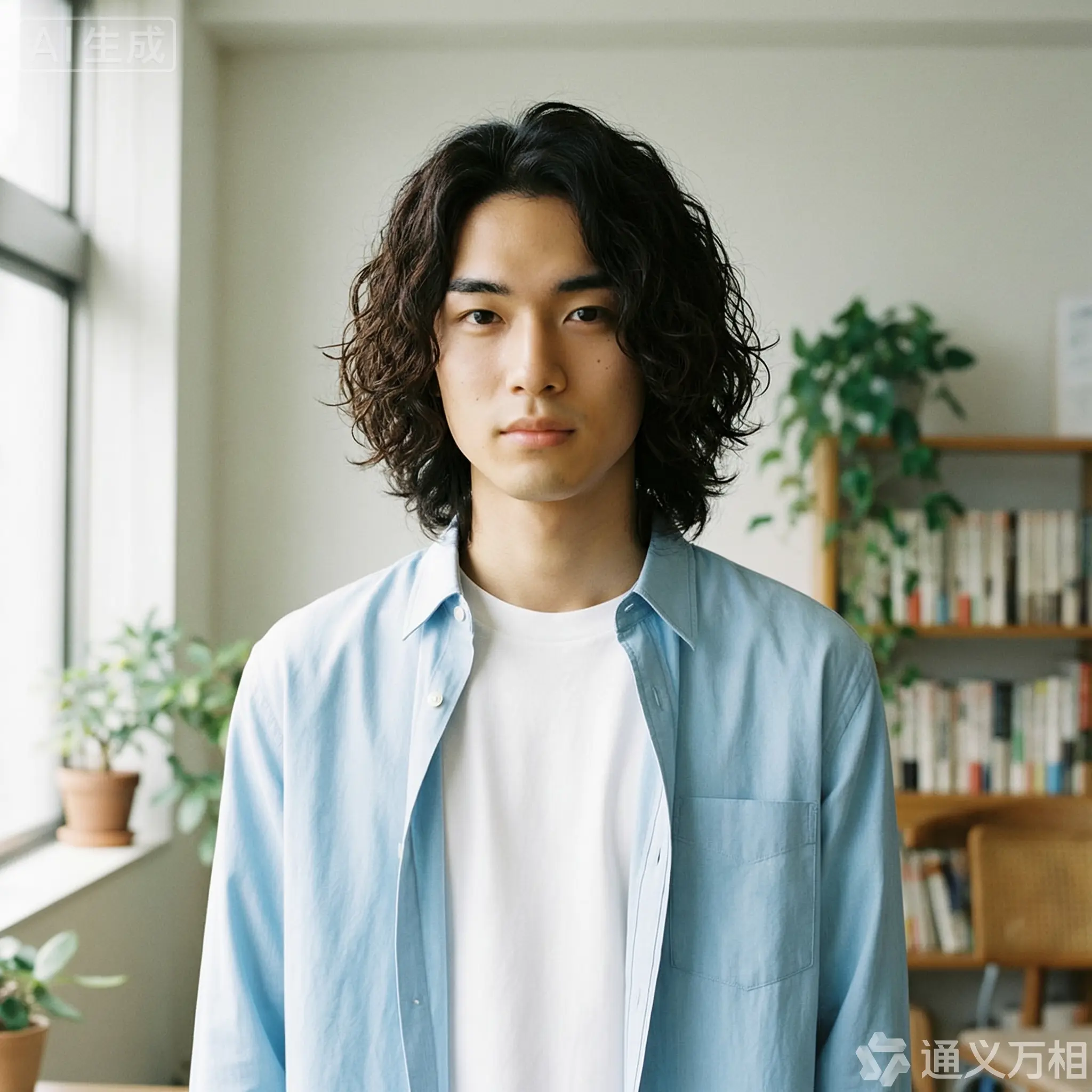 |  |
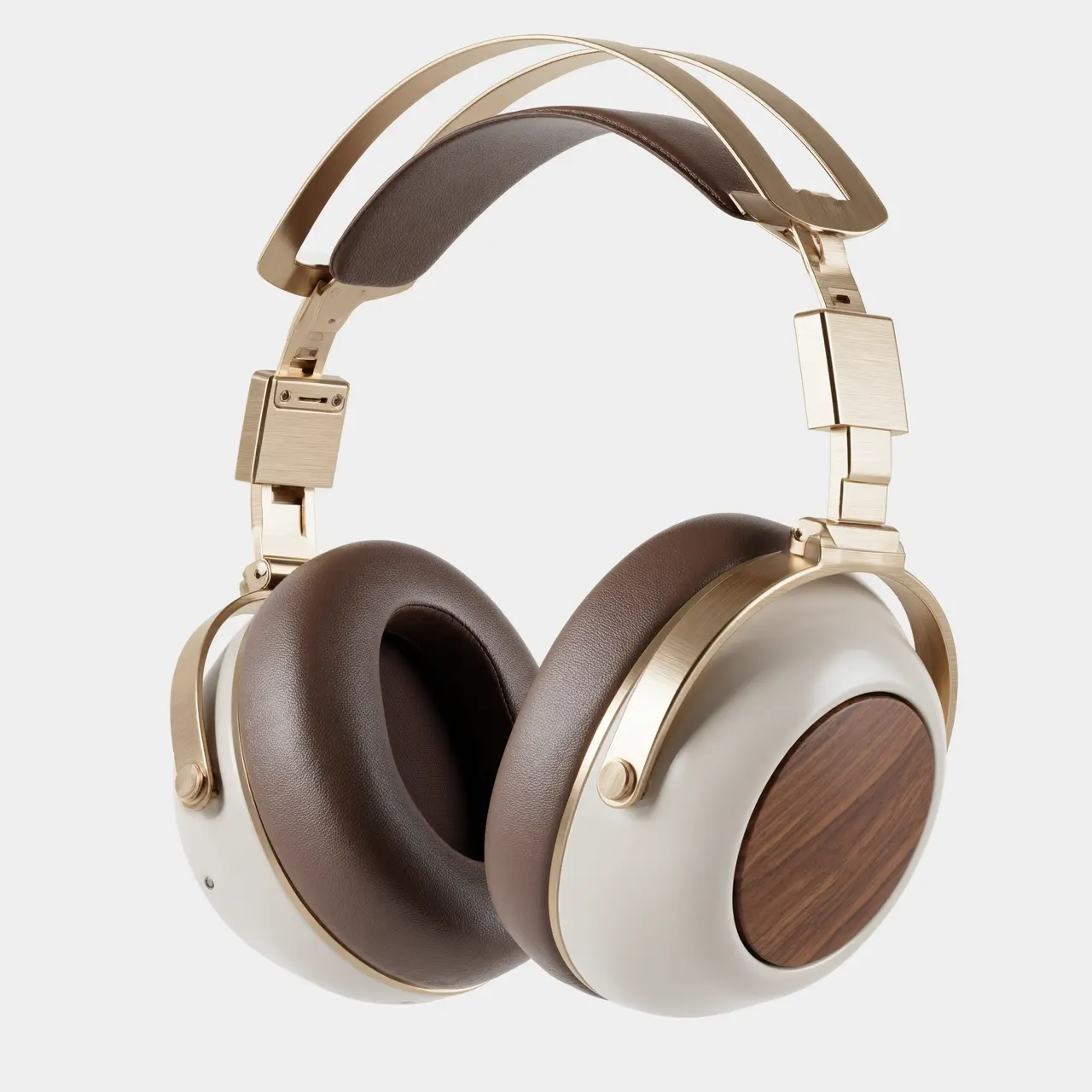 | 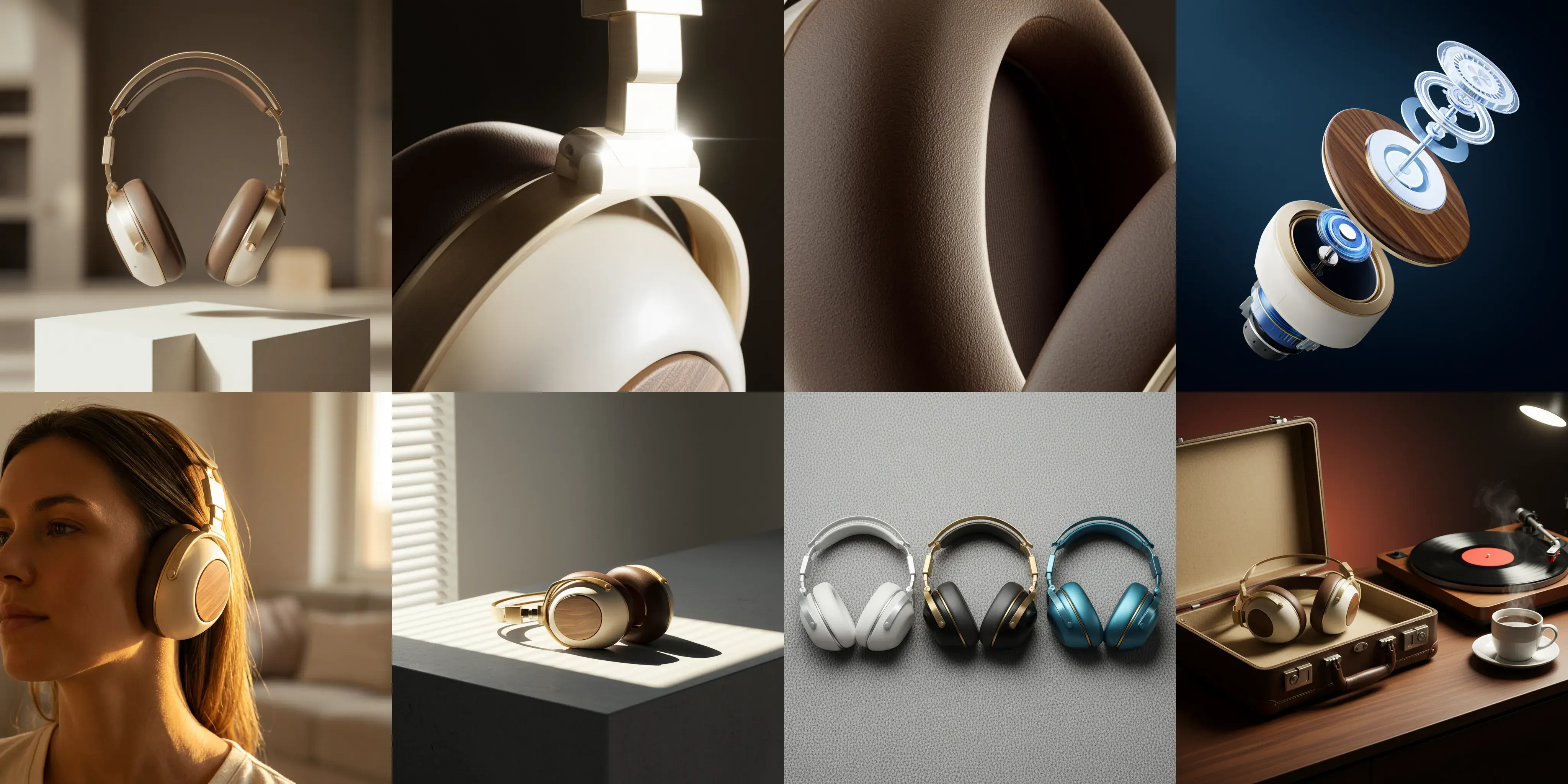 |
Click to view prompts
Click to view prompts
Interactive editing
Input image | Output image |
|---|---|
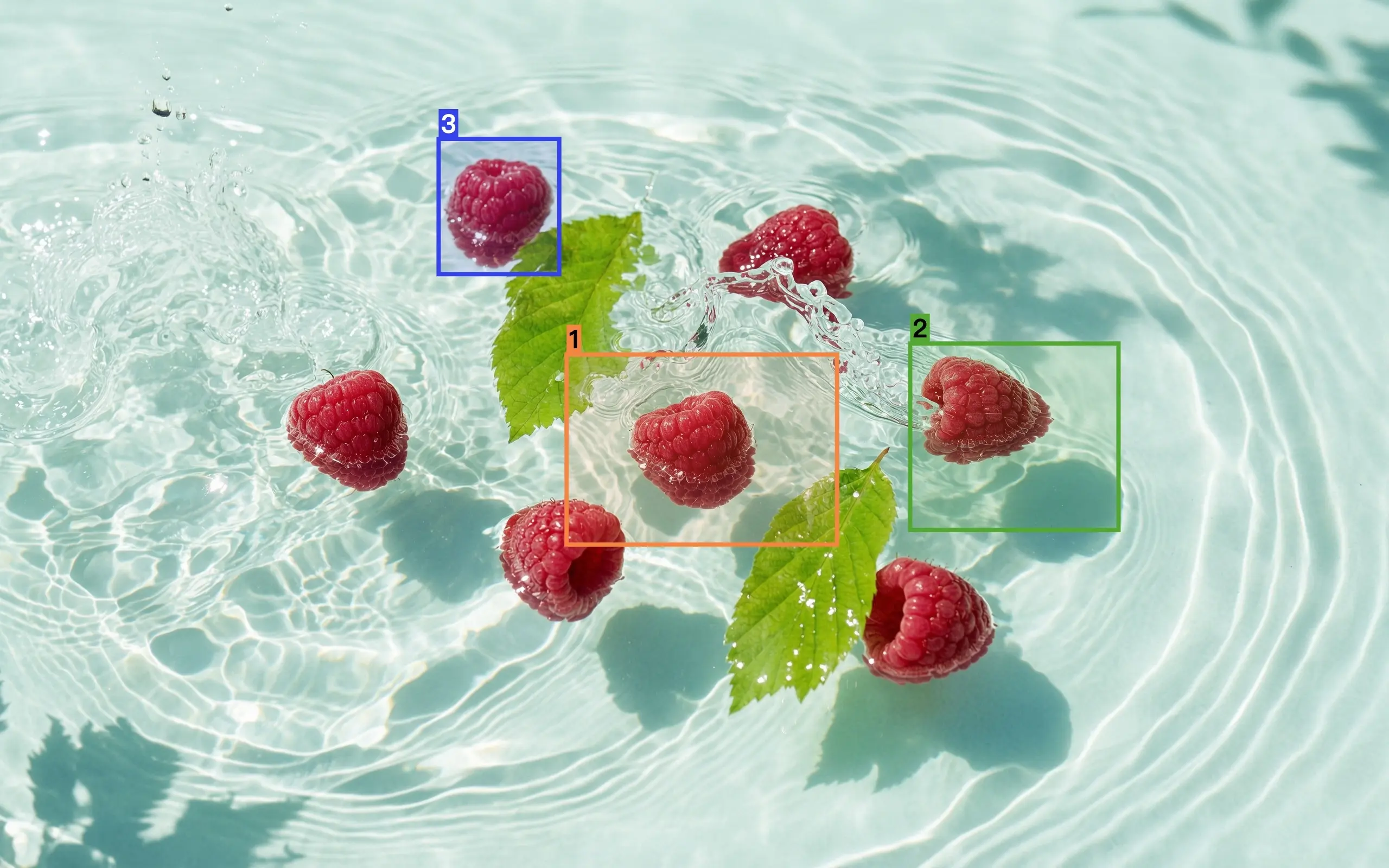 | 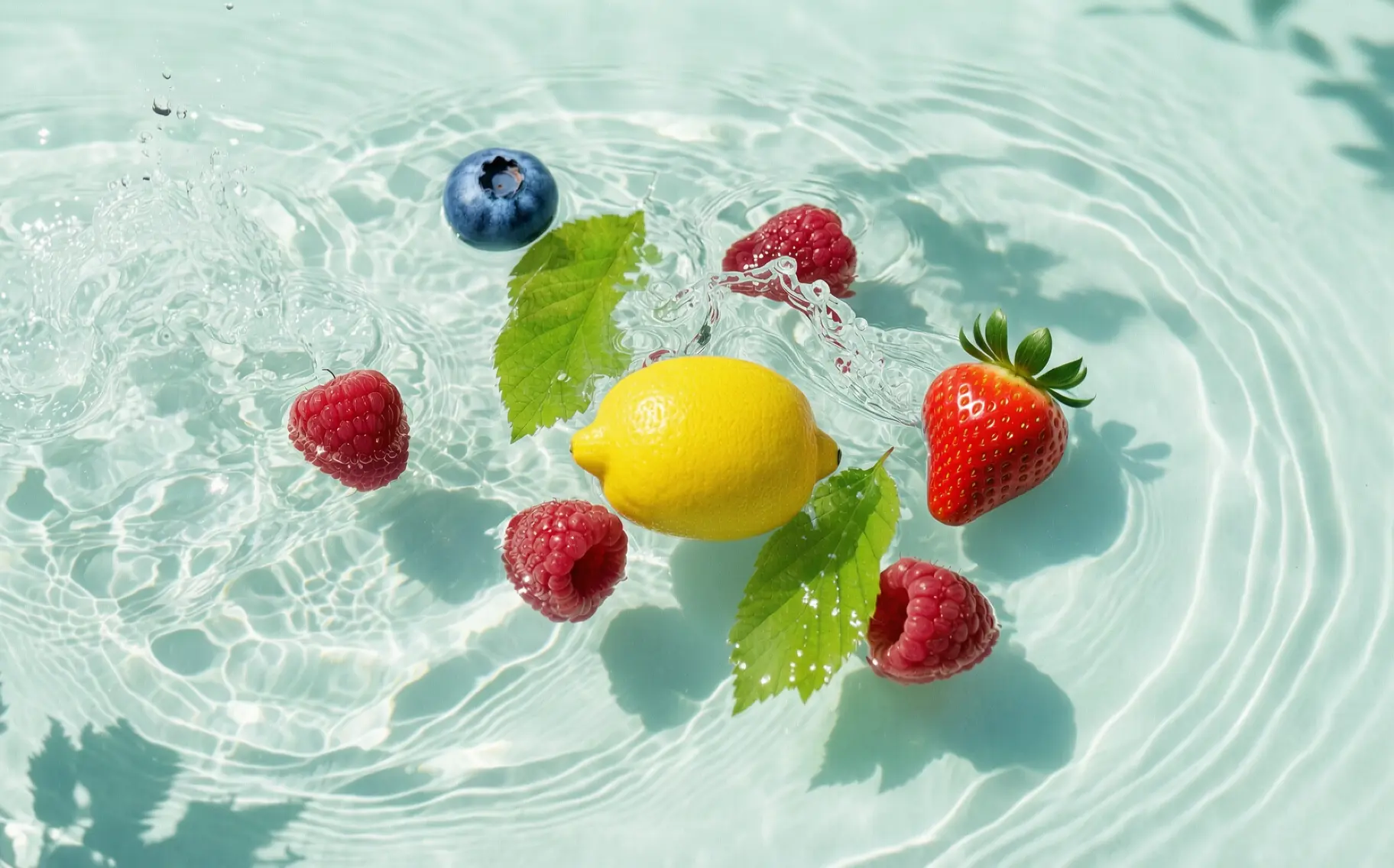 Edit based on image 1. Replace the raspberry selected in box 1 with a lemon, the raspberry in box 2 with a strawberry, and the raspberry in box 3 with a blueberry. The result should be harmoniously integrated with the original image, without the reference boxes and numbers, and keep the rest of the content unchanged. |
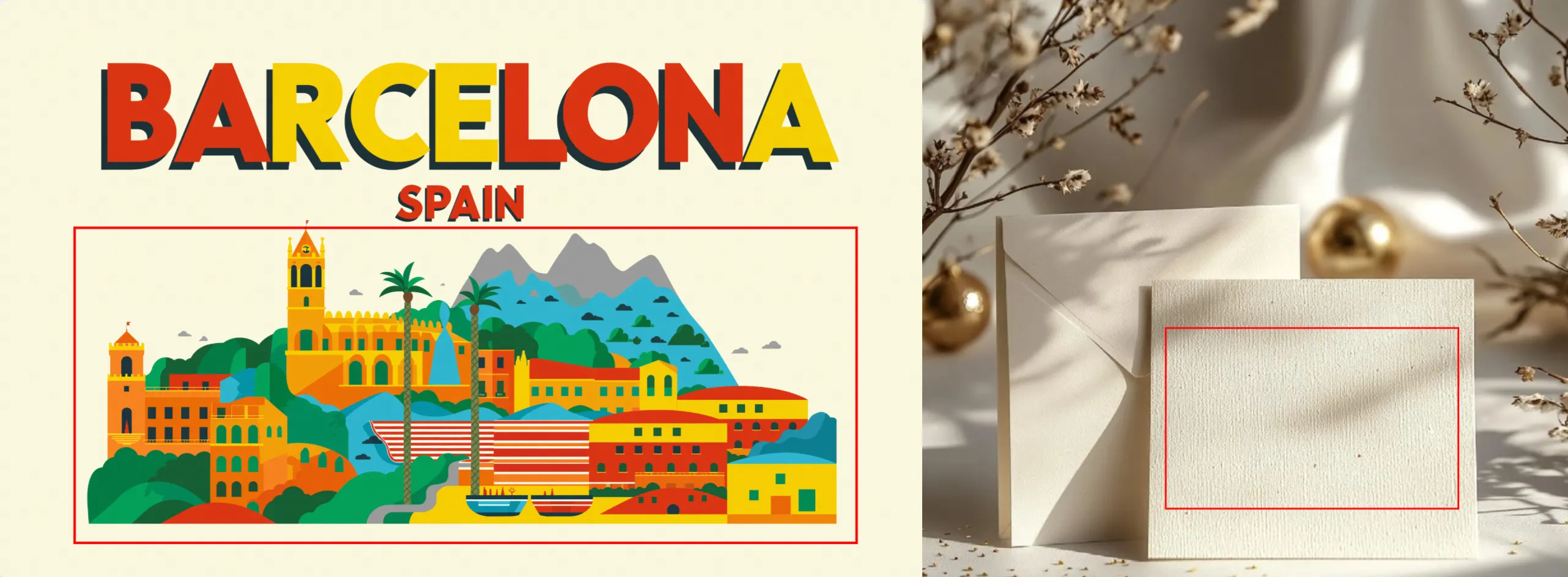 | 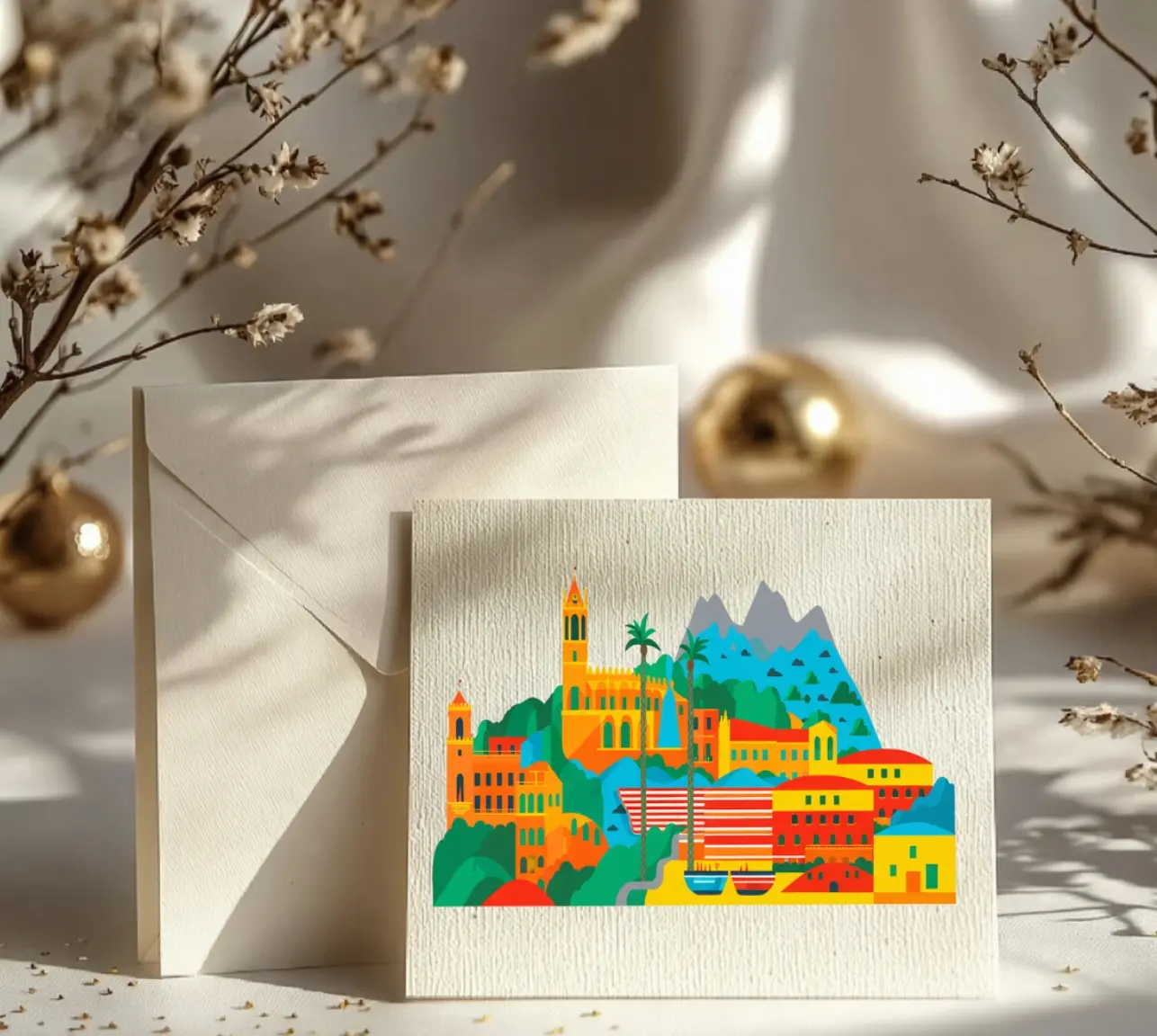 Place the selected pattern from image 1 into the selected area in image 2. |
Multi-image fusion
Input image | Output image |
|---|---|
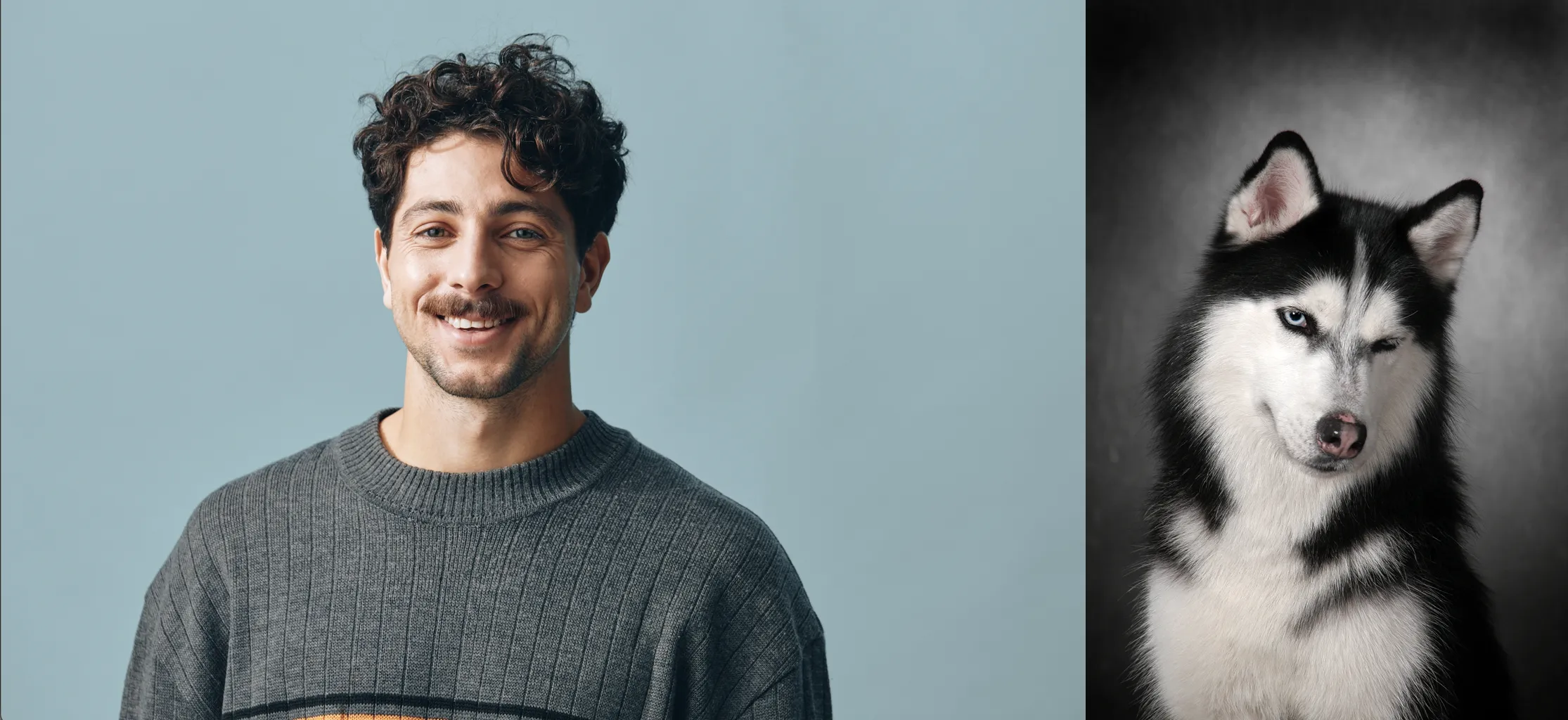 | 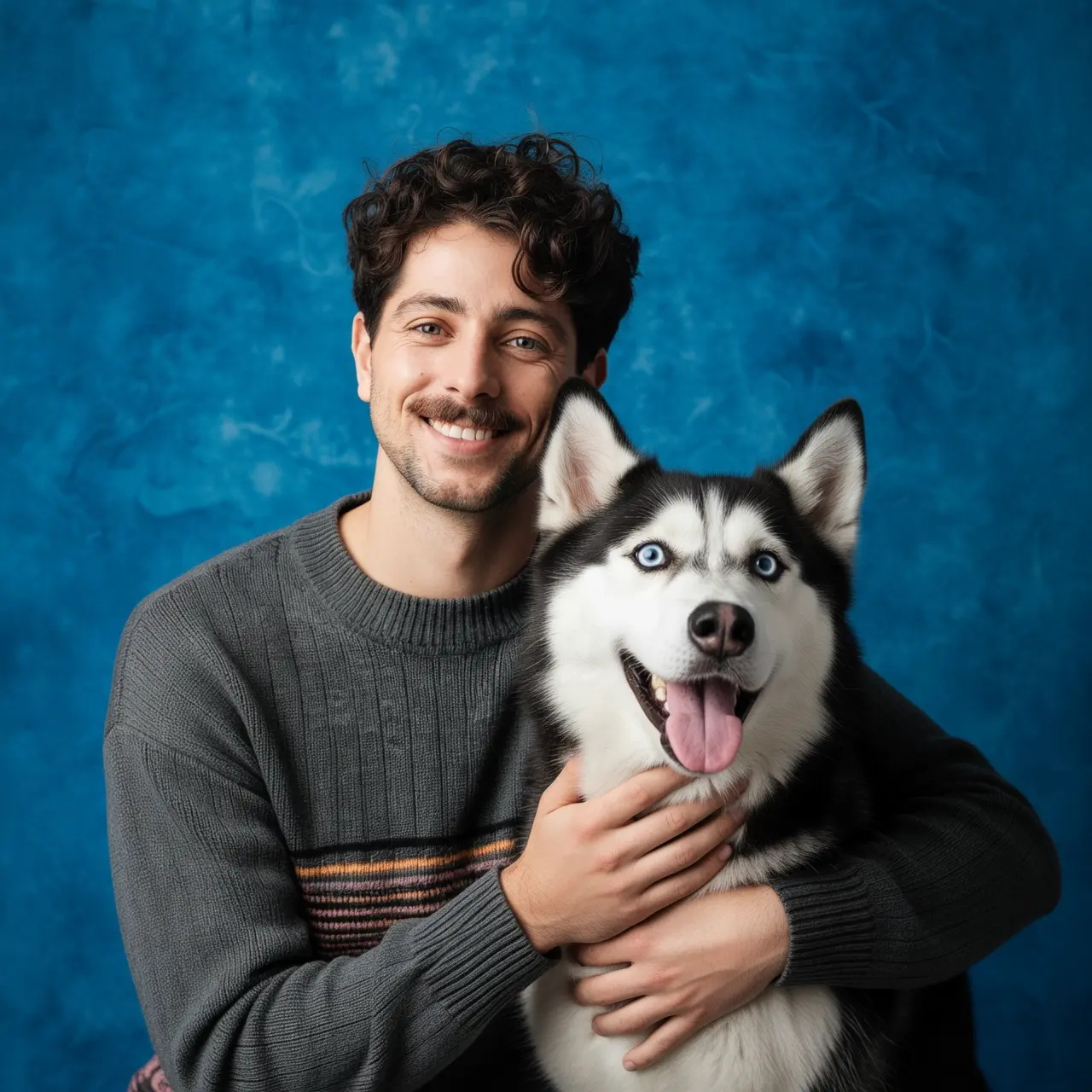 Take a portrait of the boy from image 1 and the dog from image 2. The boy is hugging the dog, and both are very happy. Studio soft lighting, blue textured background. |
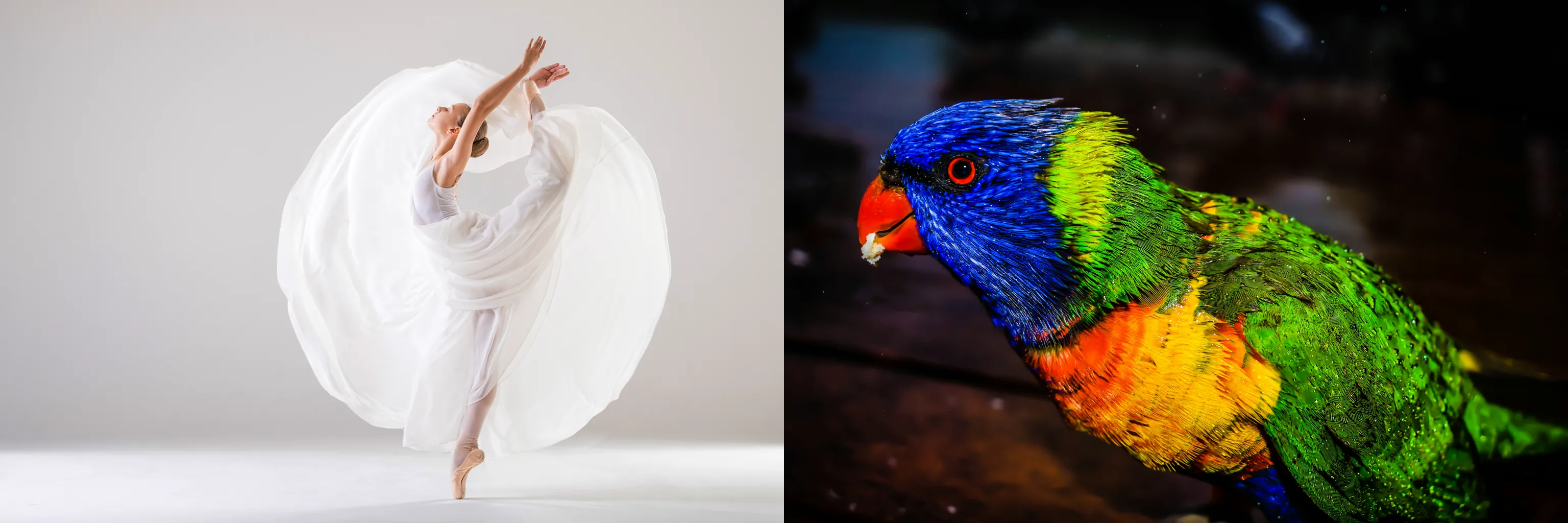 | 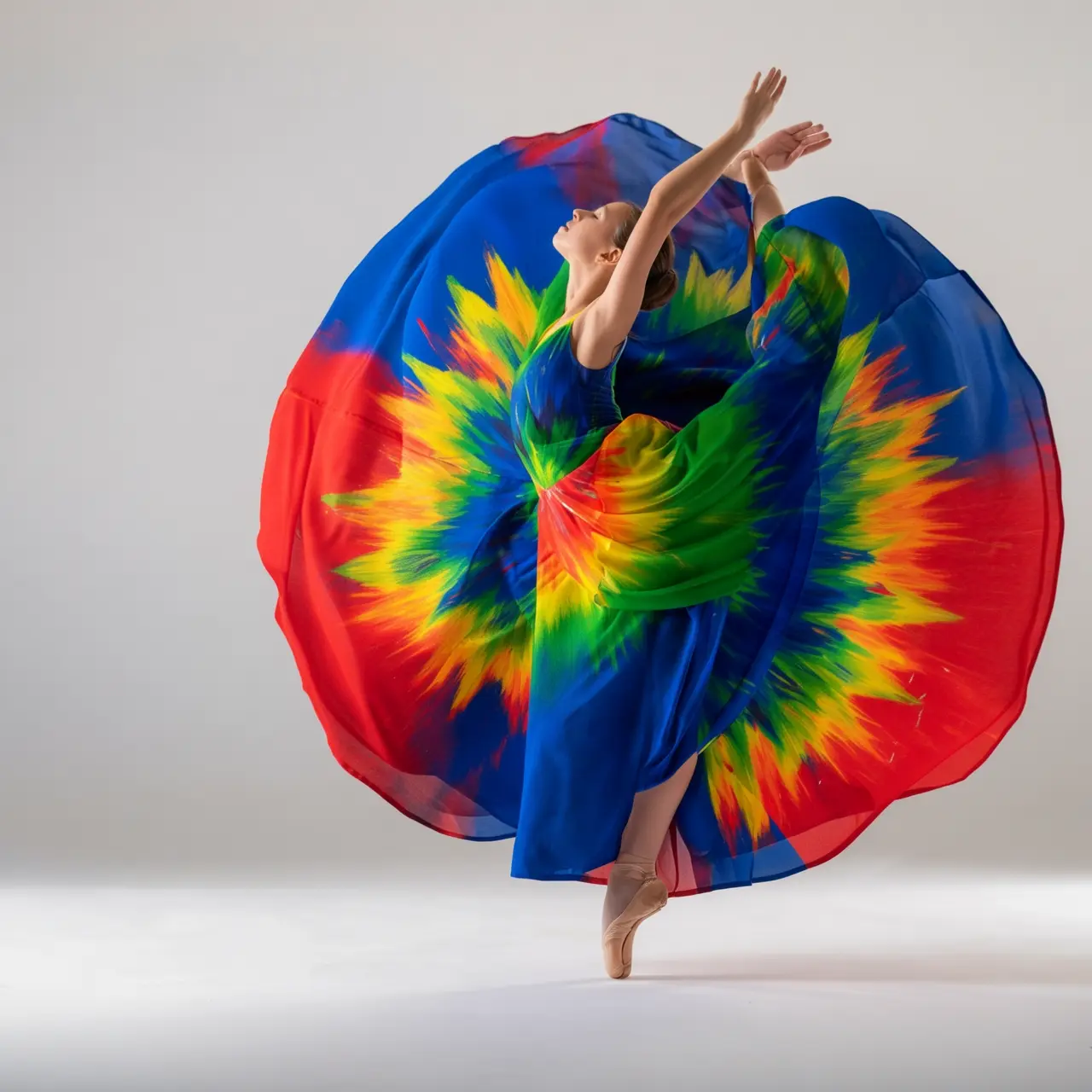 Recolor the dress from image 1 using the colors of the bird in image 2. Make it artistic, but keep the style of the dress and the model unchanged. |
Subject feature preservation
Input image | Output image |
|---|---|
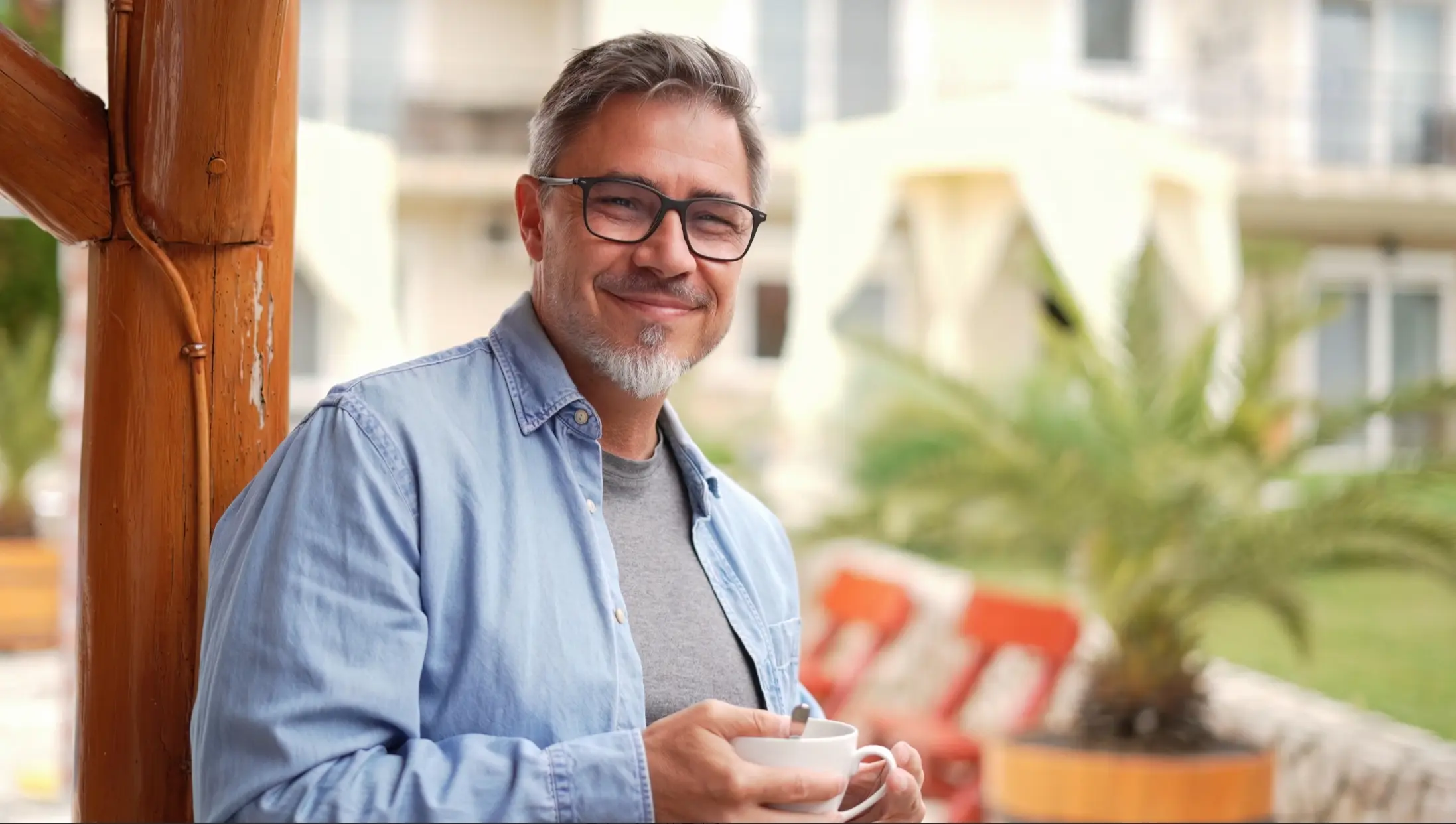 | 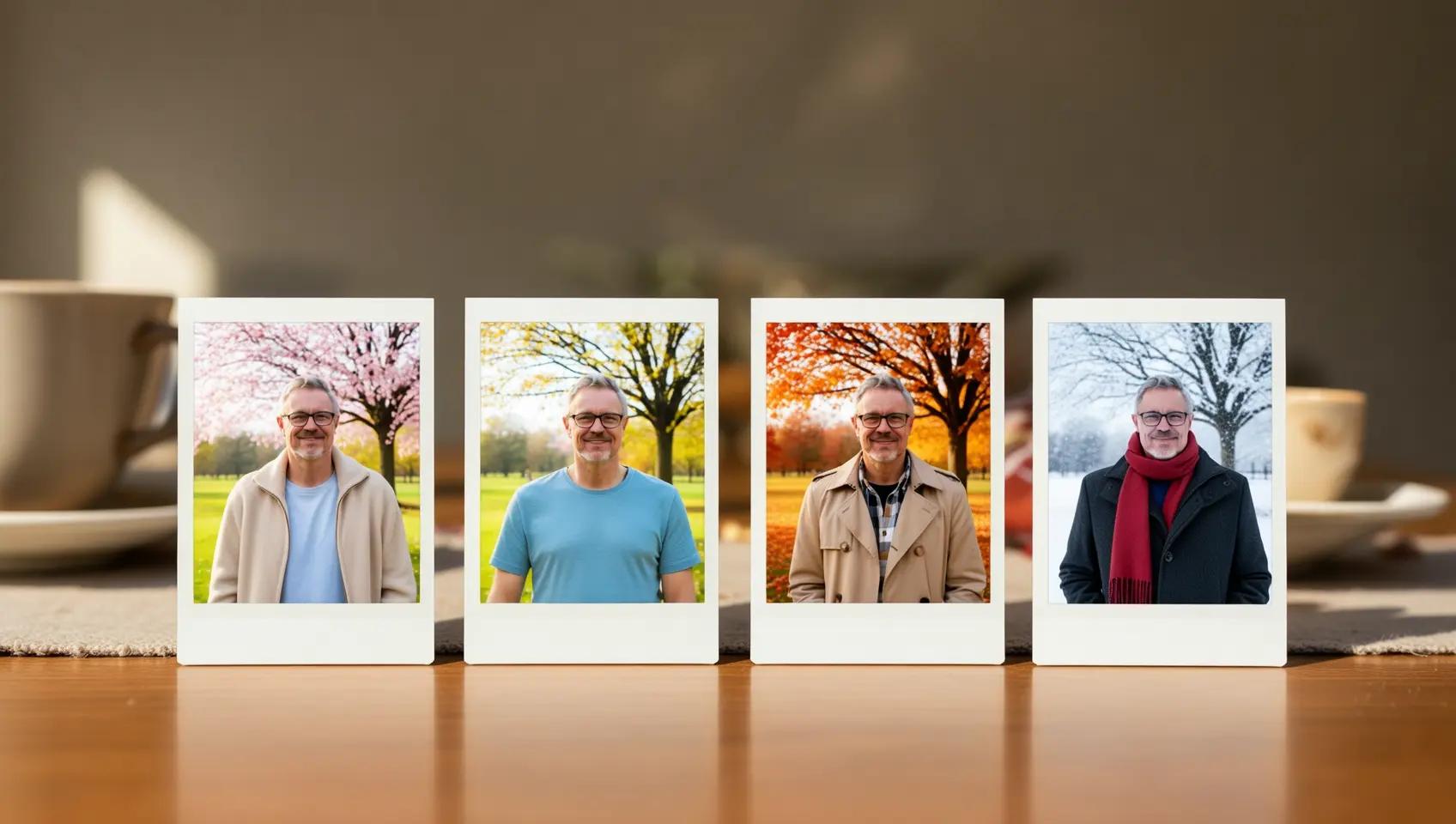 Please generate a set of four Polaroid photos with the theme "Seasonal Changes". Each photo is taken at the same location, under a tree in a park, but shows the scenes of spring, summer, autumn, and winter respectively. The person's attire should also match the season: a light jacket in spring, a short-sleeved shirt in summer, a trench coat in autumn, and a scarf and thick coat in winter. Place this set of photos on a dining table. |
Detection and segmentation
Input image | Output image |
|---|---|
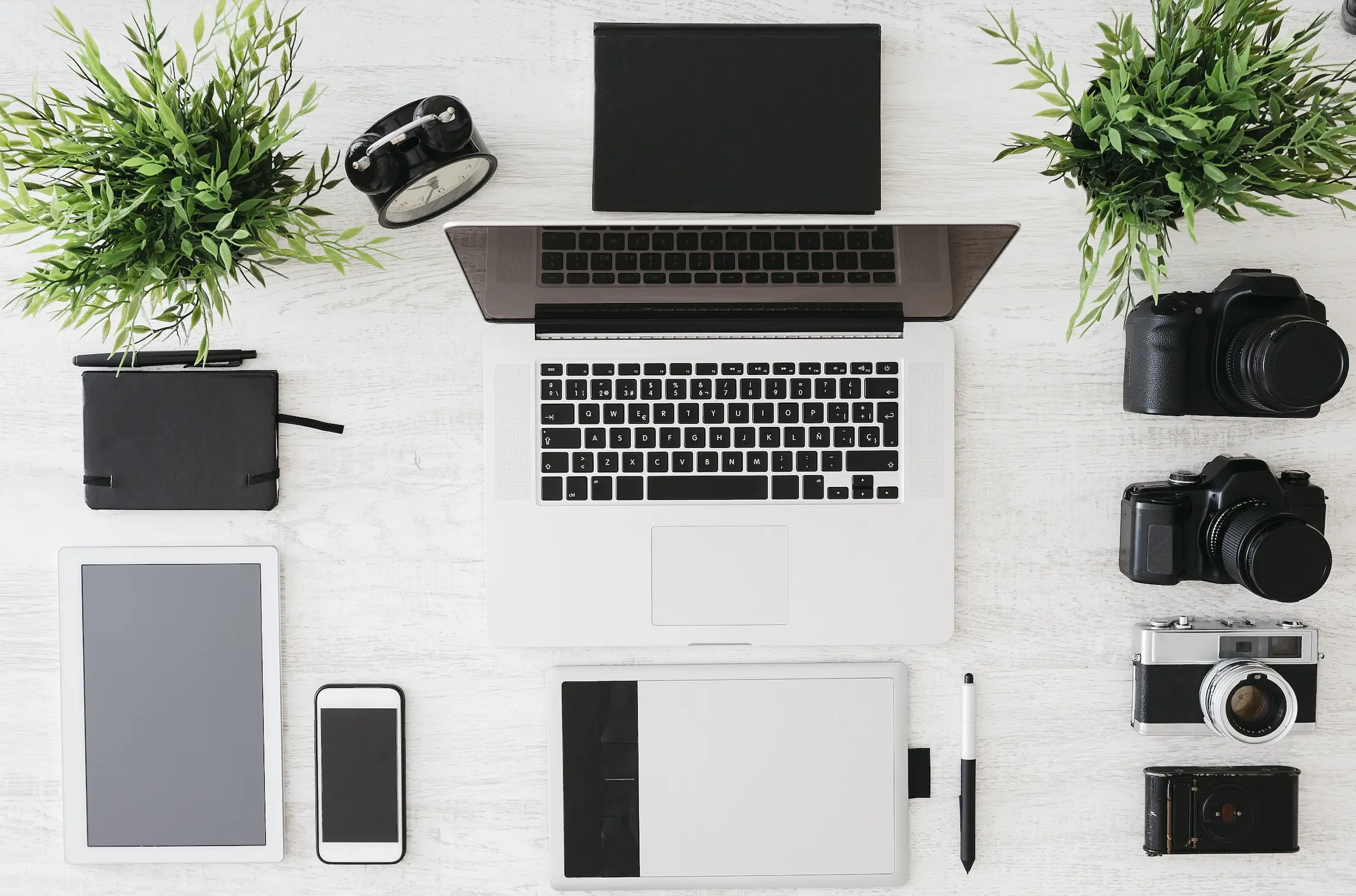 | 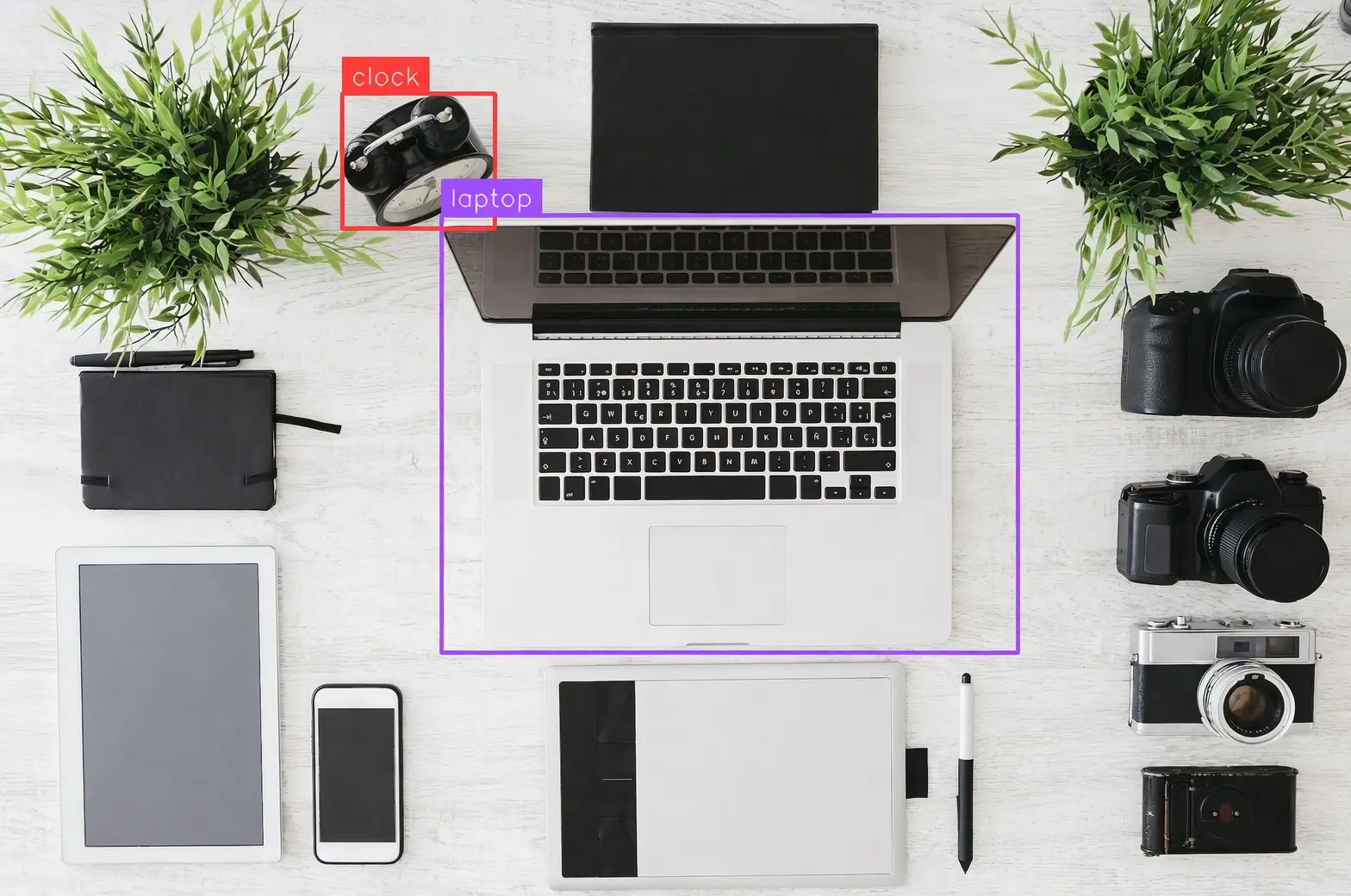 Detect the laptop and alarm clock in the image, draw bounding boxes, and label them "laptop" and "clock". |
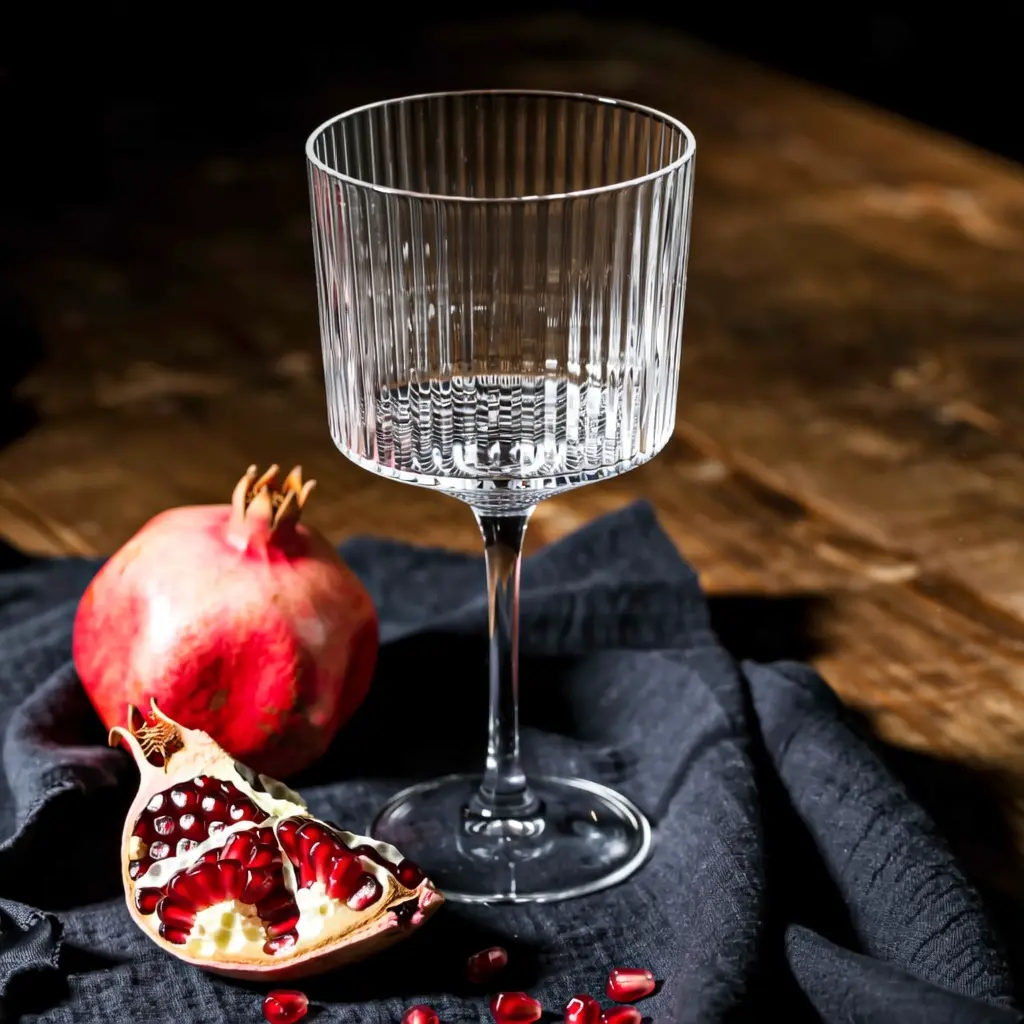 | 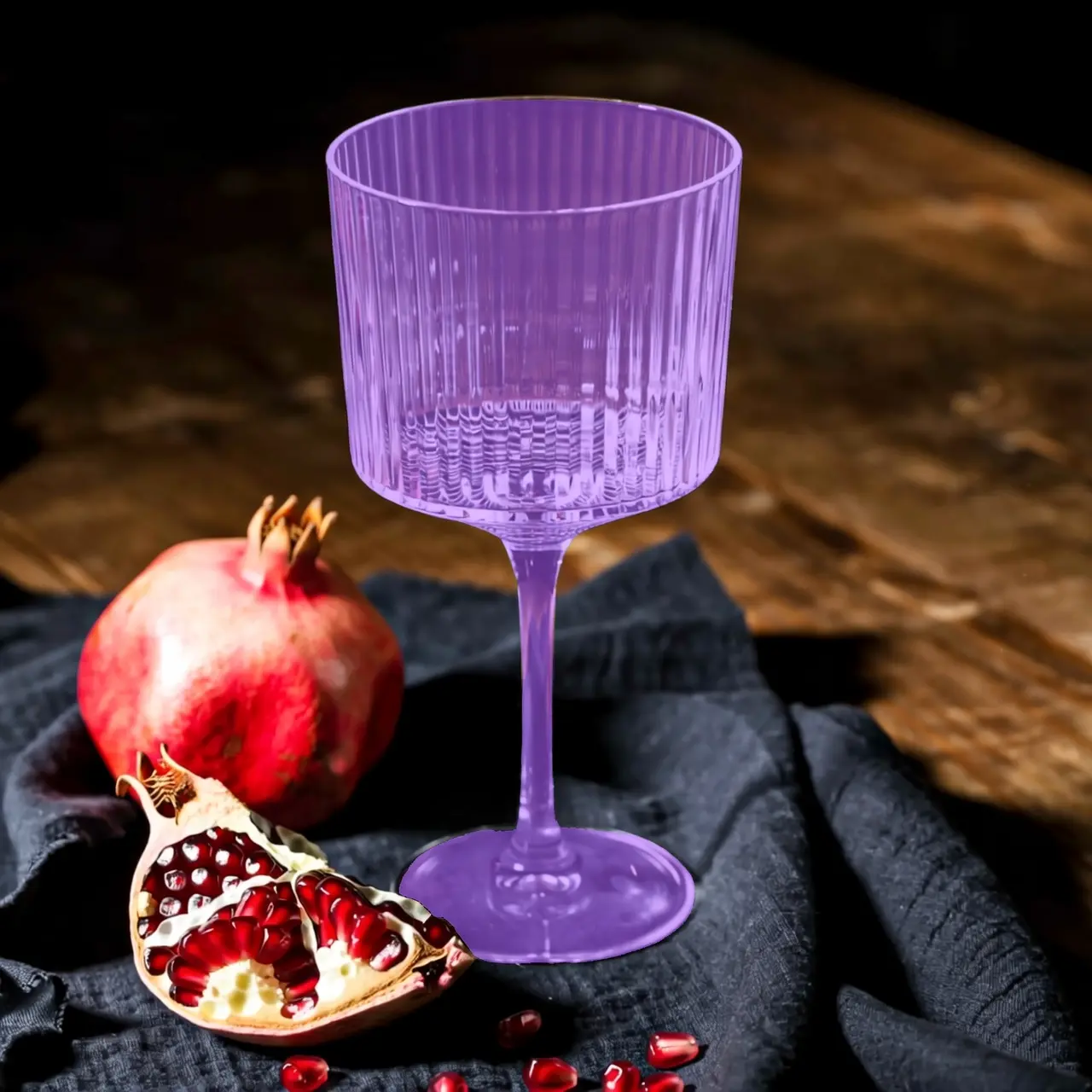 Segment the glass cup in the image. |
Extract elements
Input image | Output image |
|---|---|
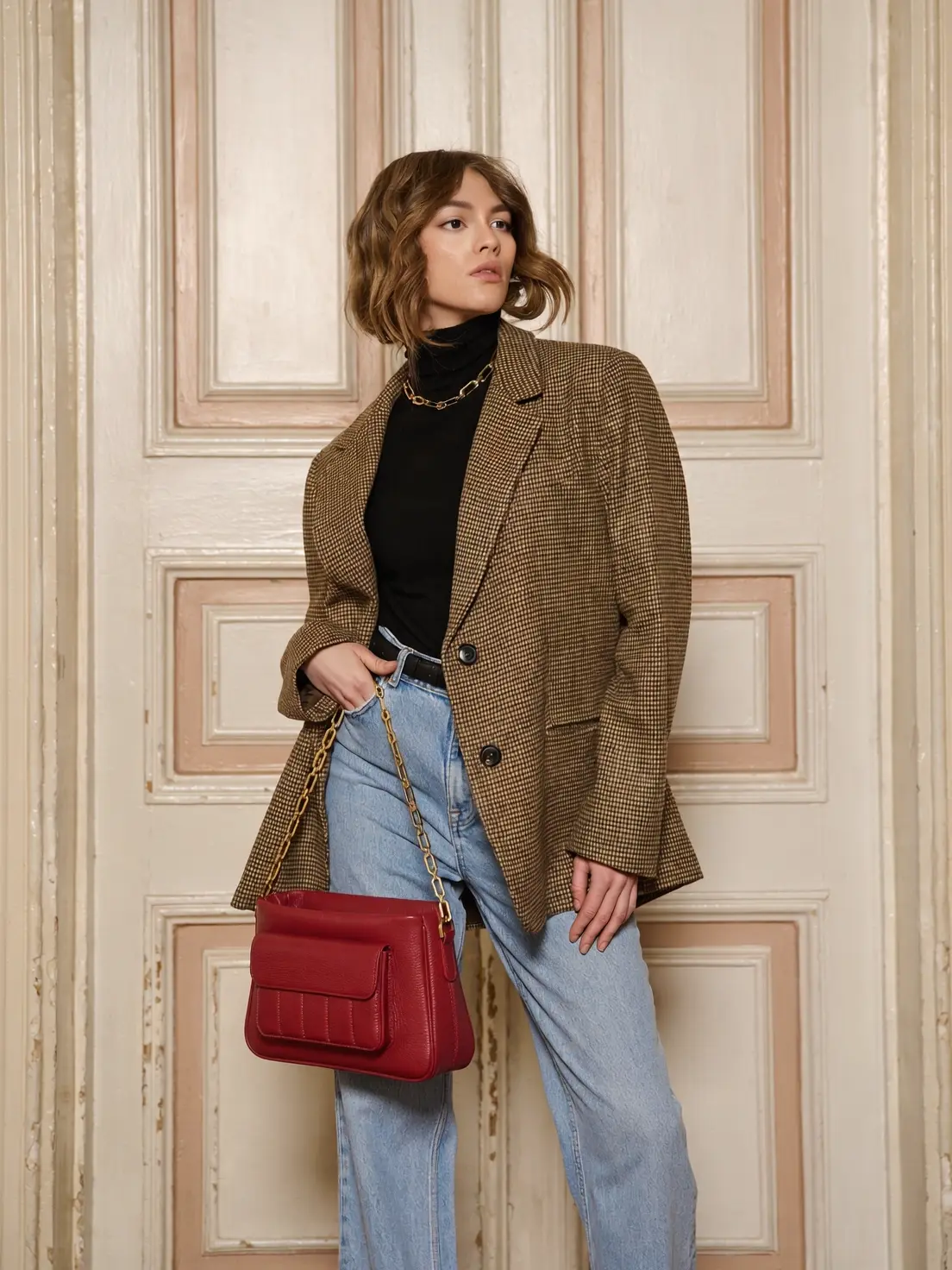 | 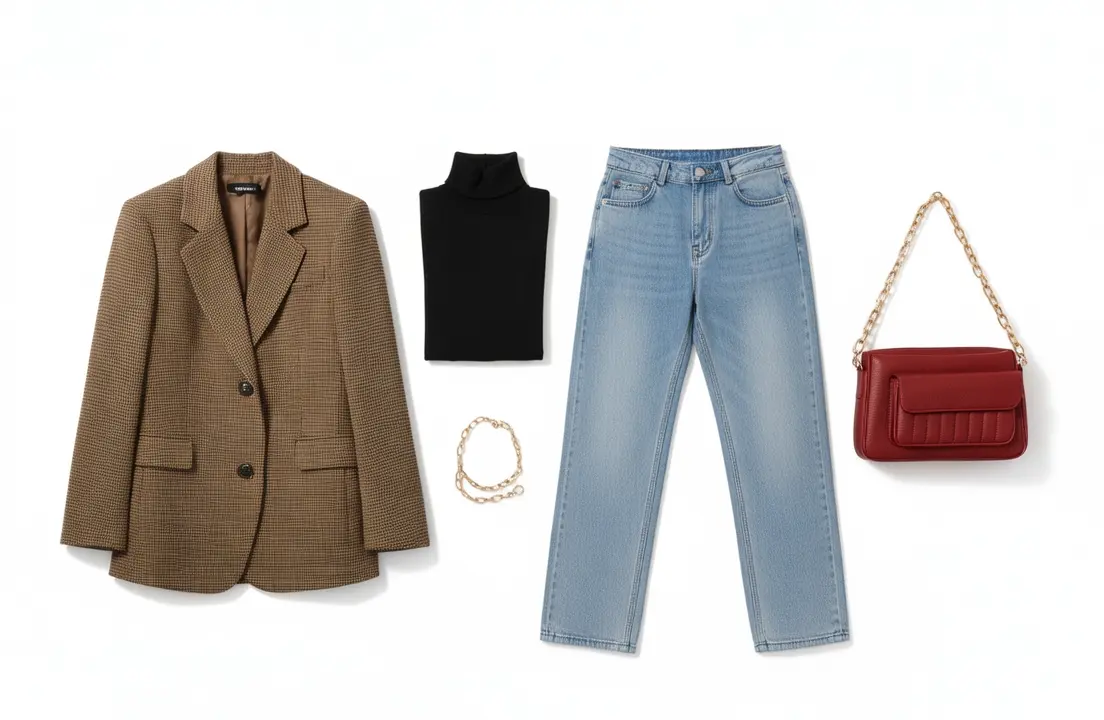 Extract the clothing items from the uploaded photo and arrange them in a flat-lay display on a pure white background. Maintain realistic details and material textures. Fashion e-commerce style, suitable for clothing display. |
Text editing
Input image | Output image |
|---|---|
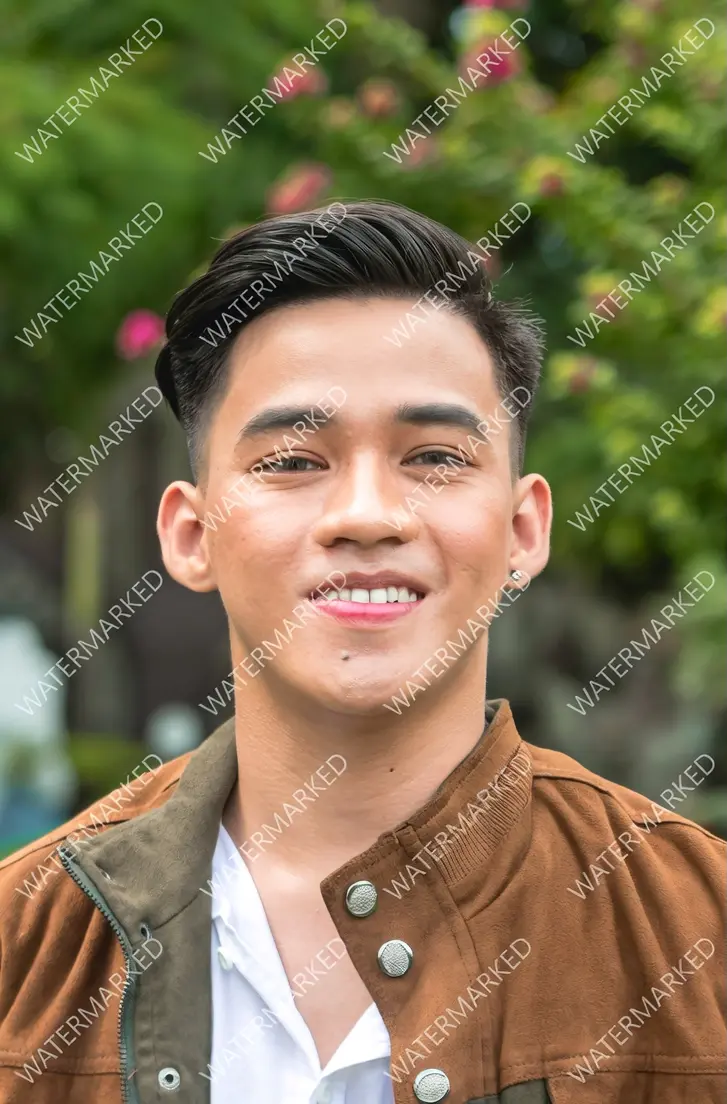 |  Remove all watermarks from the image. |
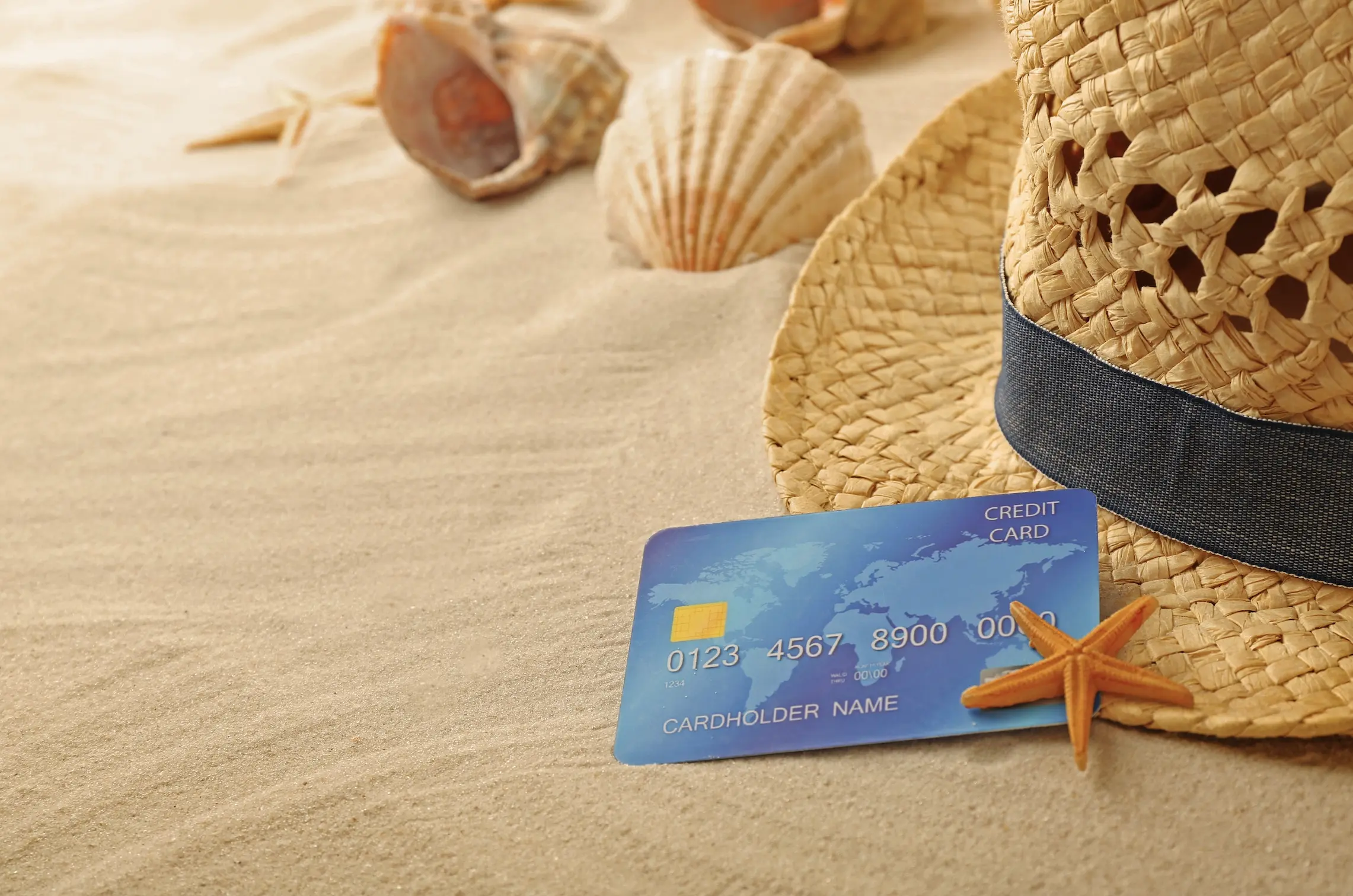 | 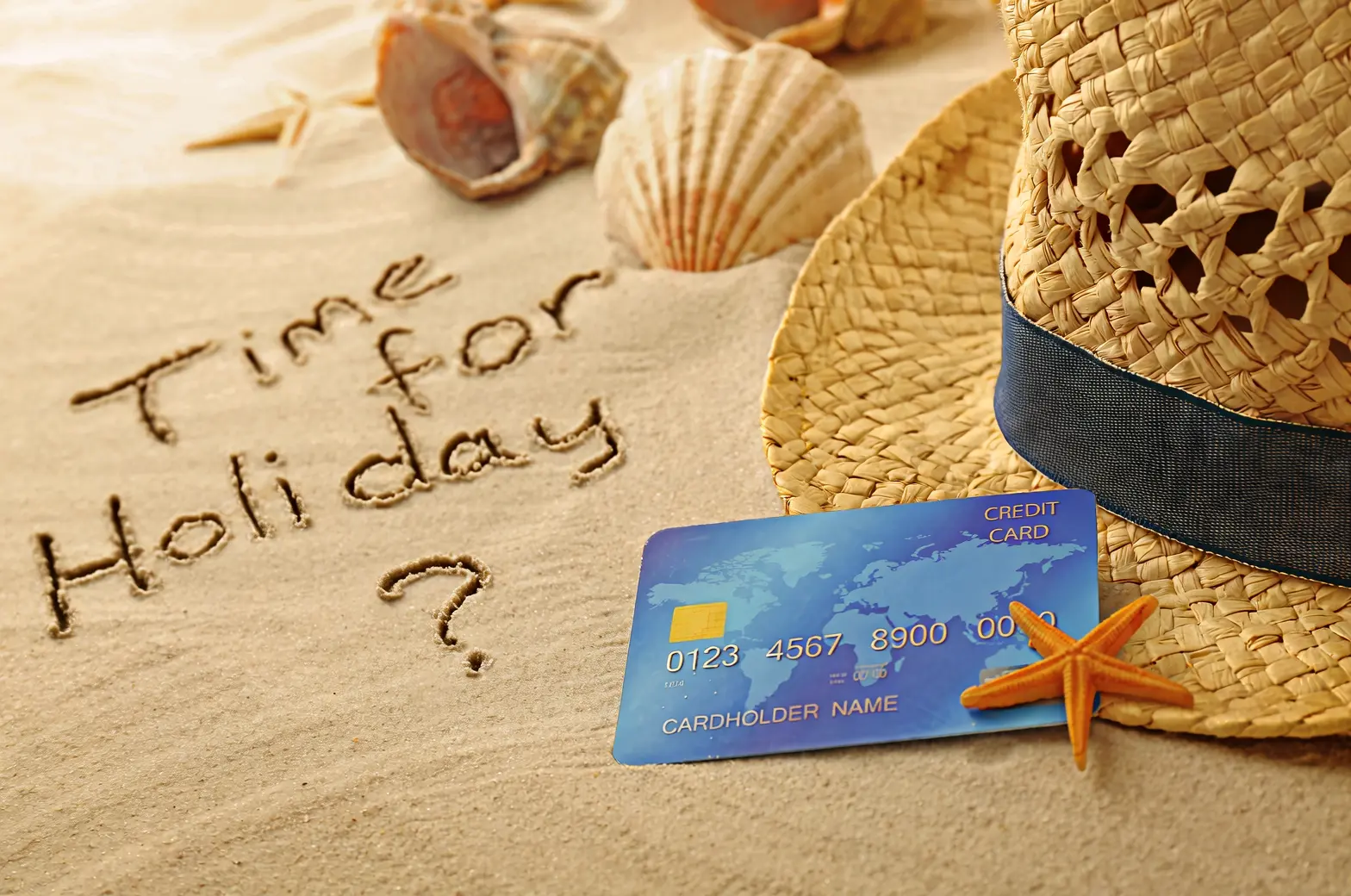 Casually write "Time for Holiday?" on the sand with a hand. |
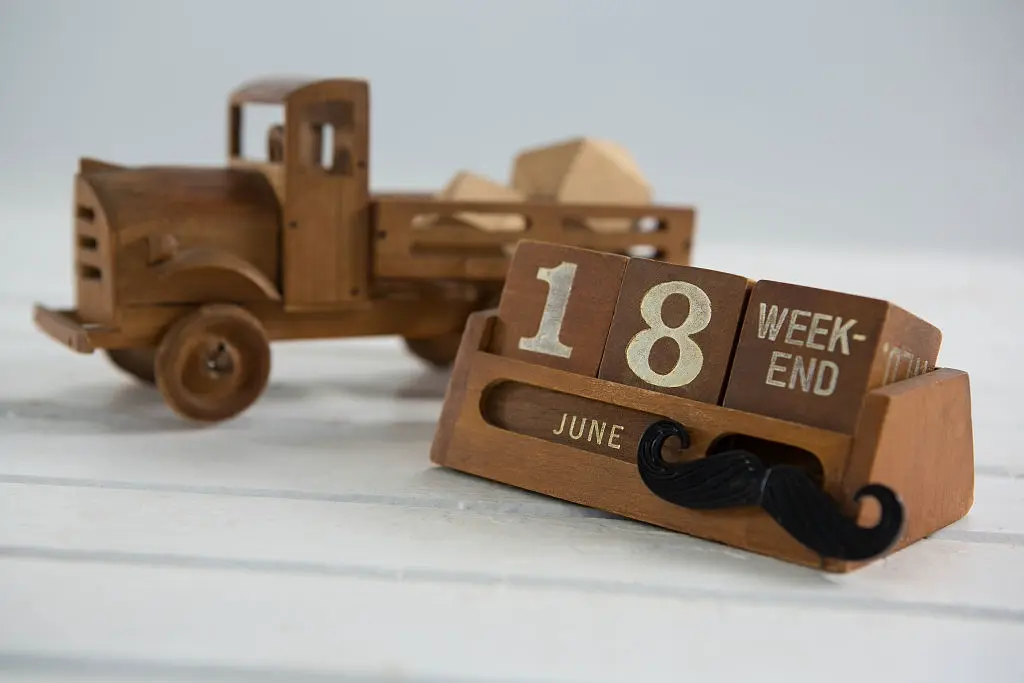 | 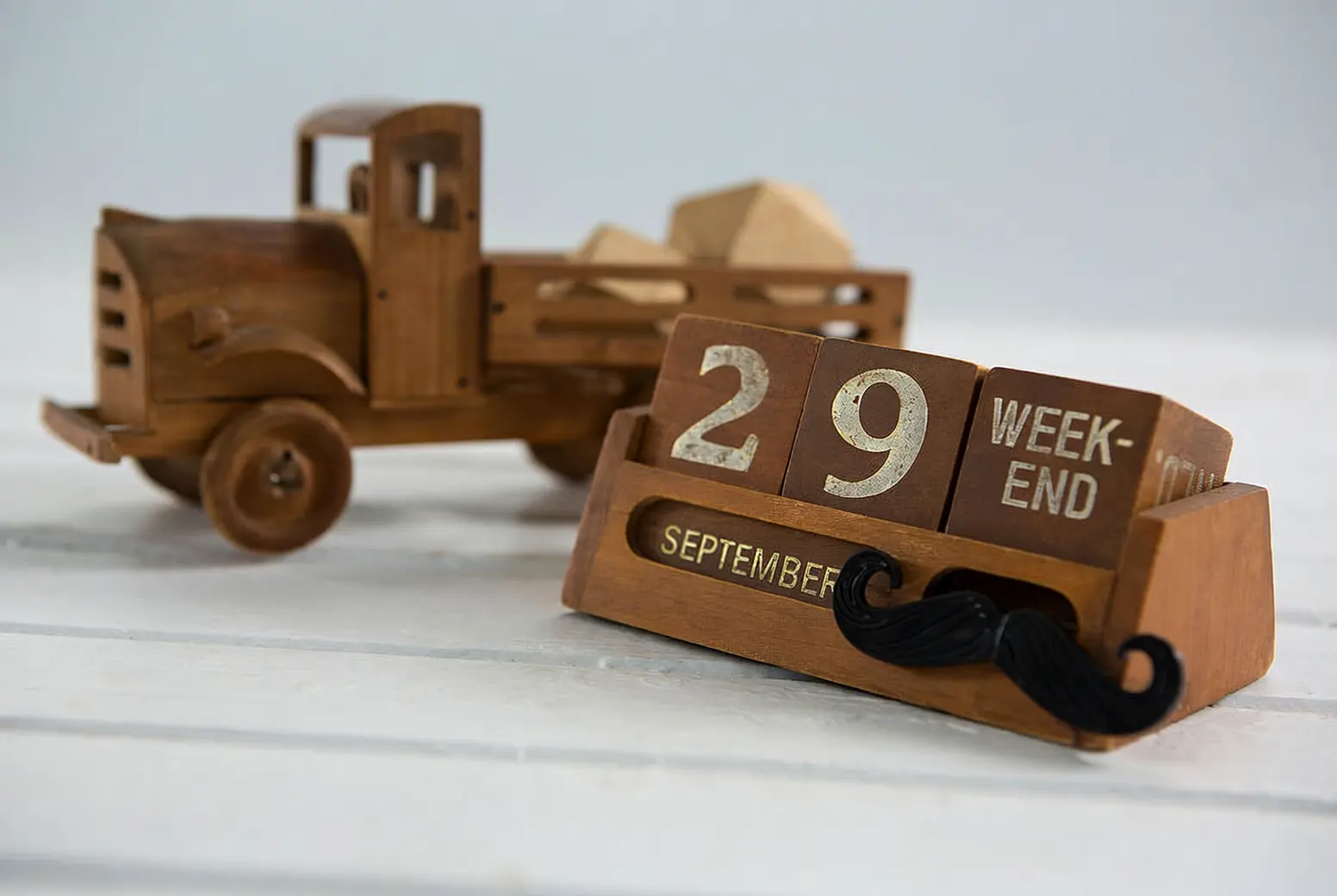 Change 18 to 29 and JUNE to SEPTEMBER. |
Camera and perspective editing
Input image | Output image |
|---|---|
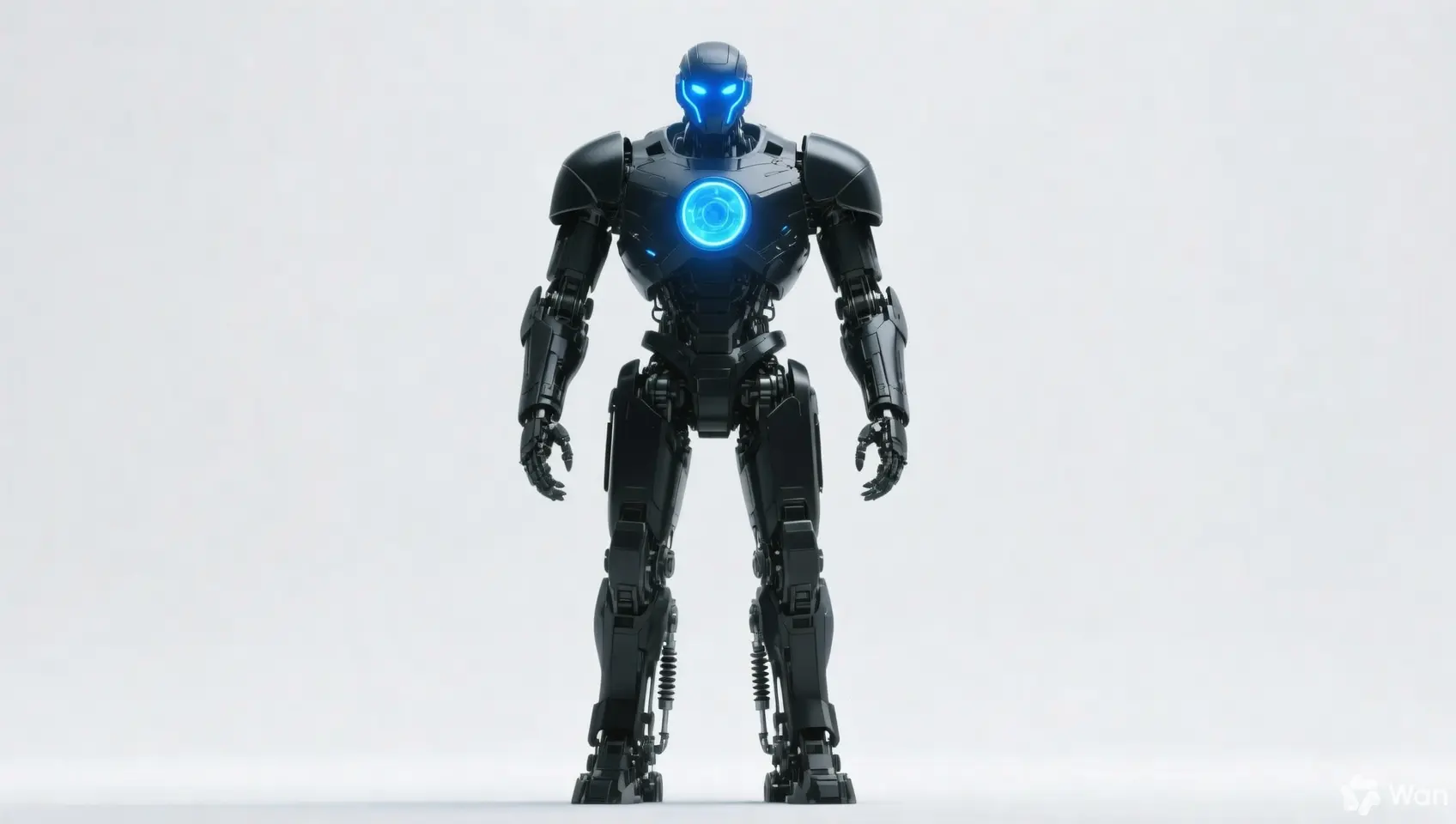 | 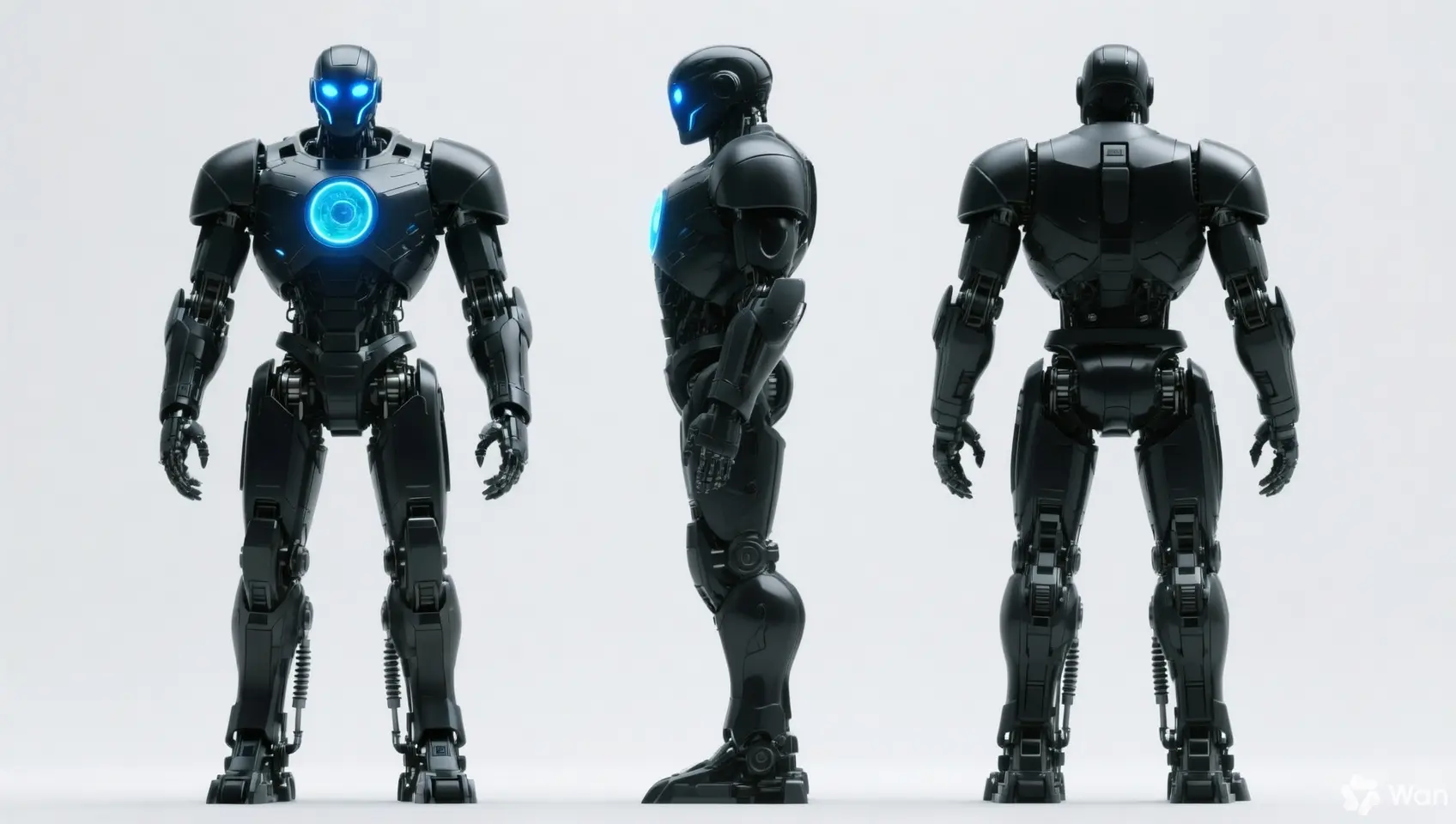 Keep the person's features unchanged and generate front, side, and back views. |
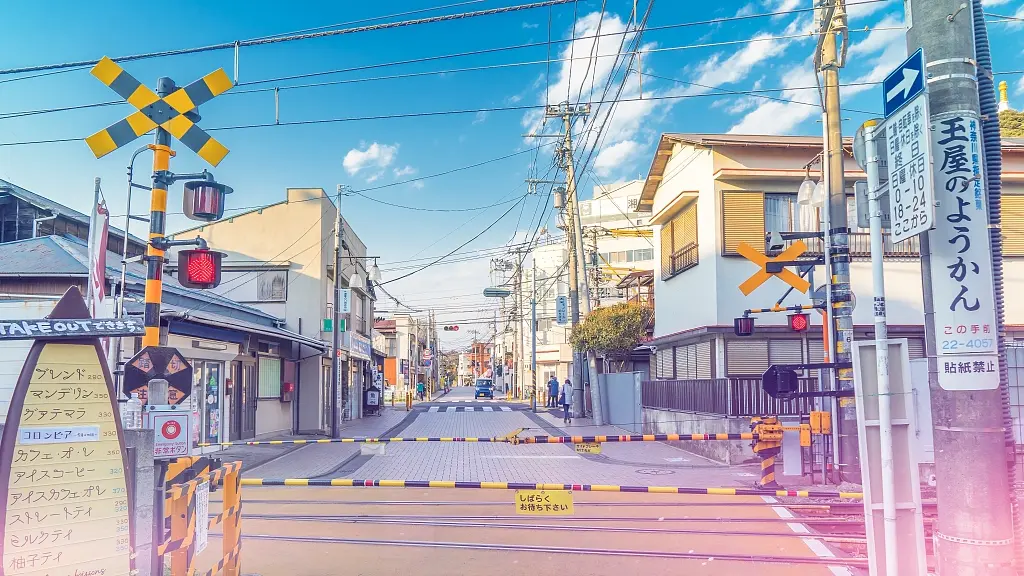 | 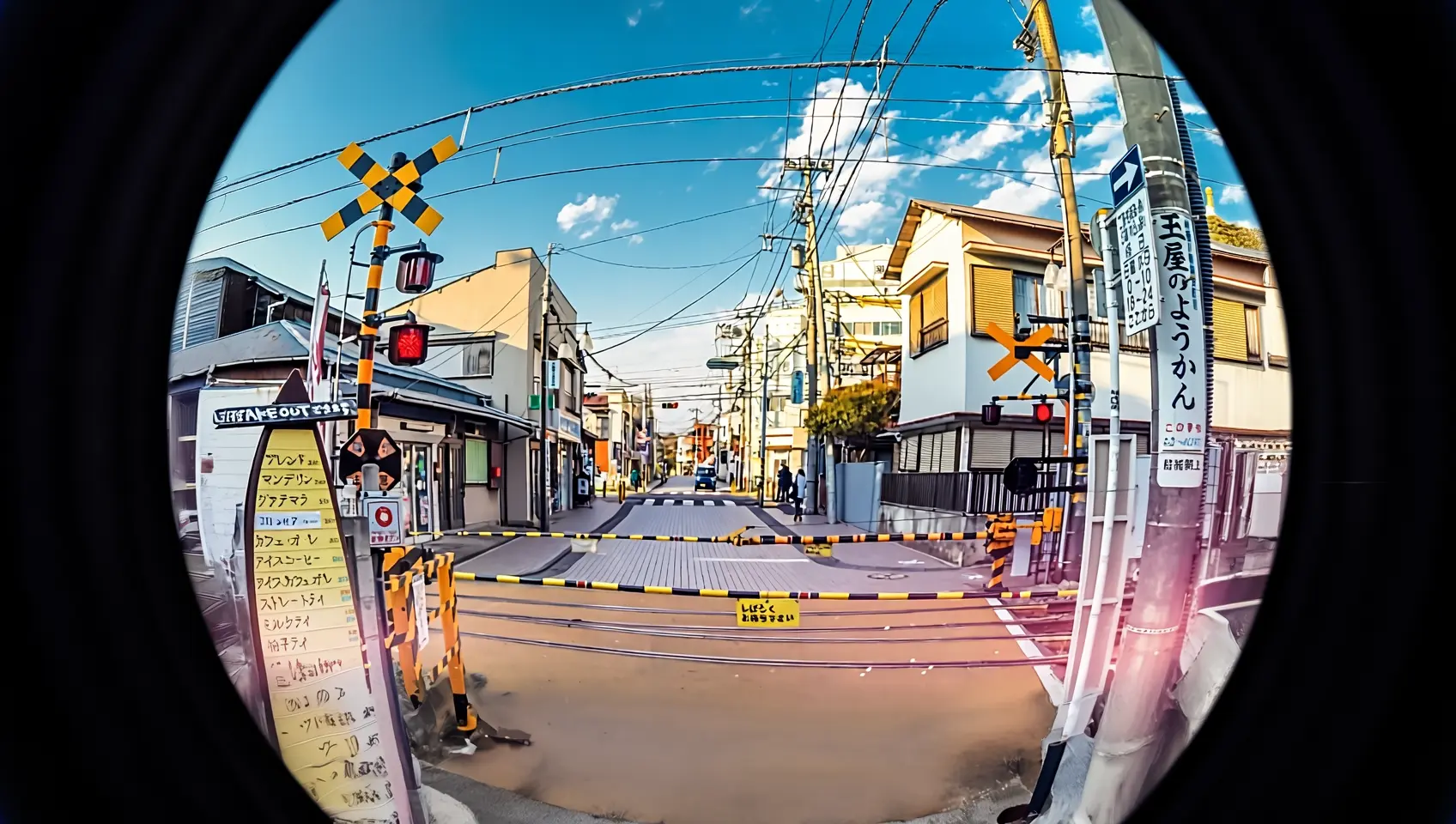 Reshoot this photo with a fisheye lens. |
Input specifications
Input image specifications
Specification | wan2.7-image-pro, wan2.7-image | wan2.6-image | wan2.5-i2i-preview |
|---|---|---|---|
Number of input images | 0 to 9 (0 corresponds to text-to-image mode) | Image editing: 1 to 4 / Mixed text and image: 0 to 1 | 1 to 3 |
Image format | JPEG, JPG, PNG (alpha channel not supported), BMP, WEBP | JPEG, JPG, PNG (alpha channel not supported), BMP, WEBP | JPEG, JPG, PNG (alpha channel not supported), BMP, WEBP |
Image width and height range | [240, 8000] pixels | [240, 8000] pixels | [384, 5000] pixels |
File size | ≤ 20 MB | ≤ 10 MB | ≤ 10 MB |
Aspect ratio | [1:8, 8:1] | Unlimited | [1:4, 4:1] |
Image input order
Image numbers in prompts correspond to array position: the first image is "image 1", the second is "image 2". You can also use markers like "[image 1]" and "[image 2]".
Input image | Output image | ||
|---|---|---|---|
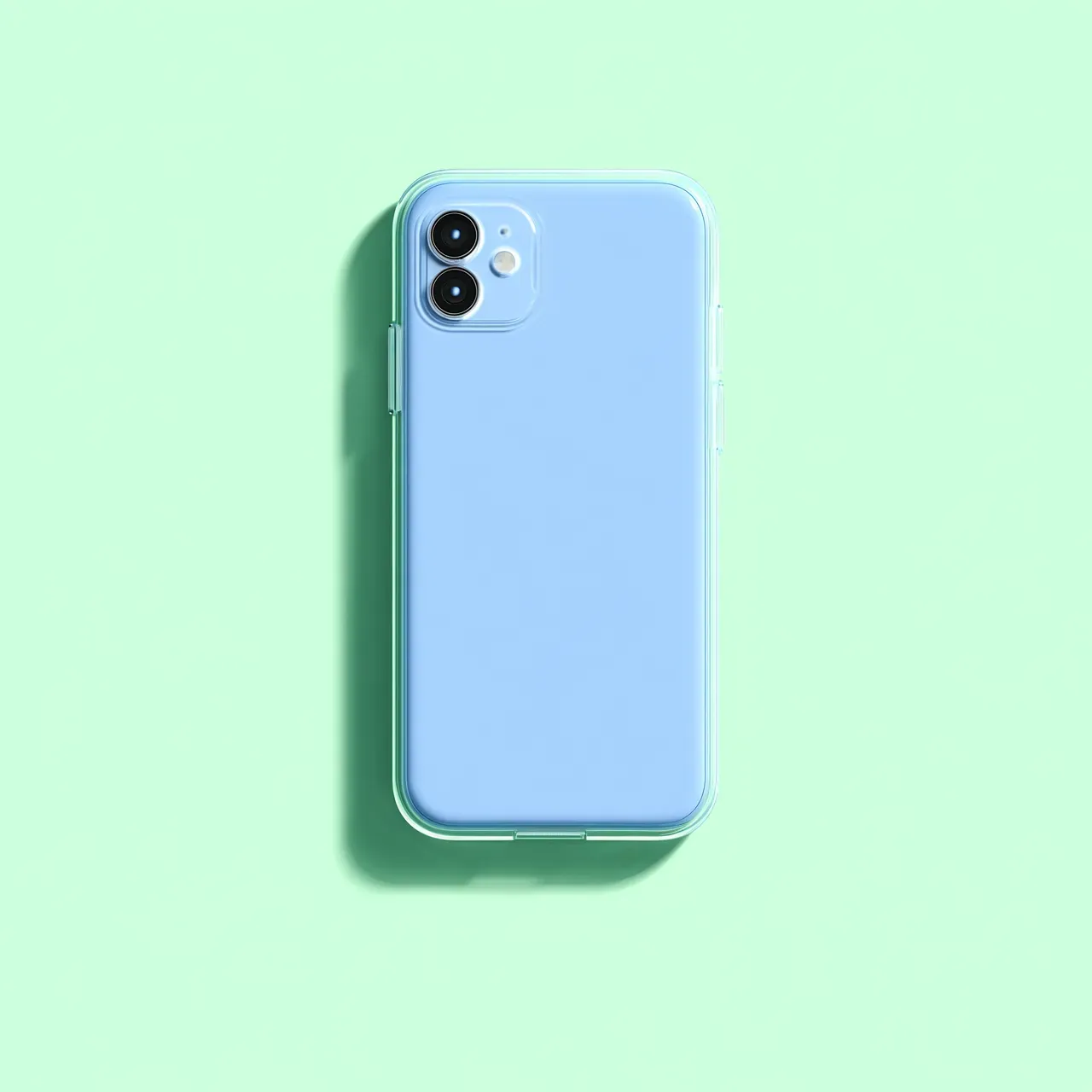 Image 1 | 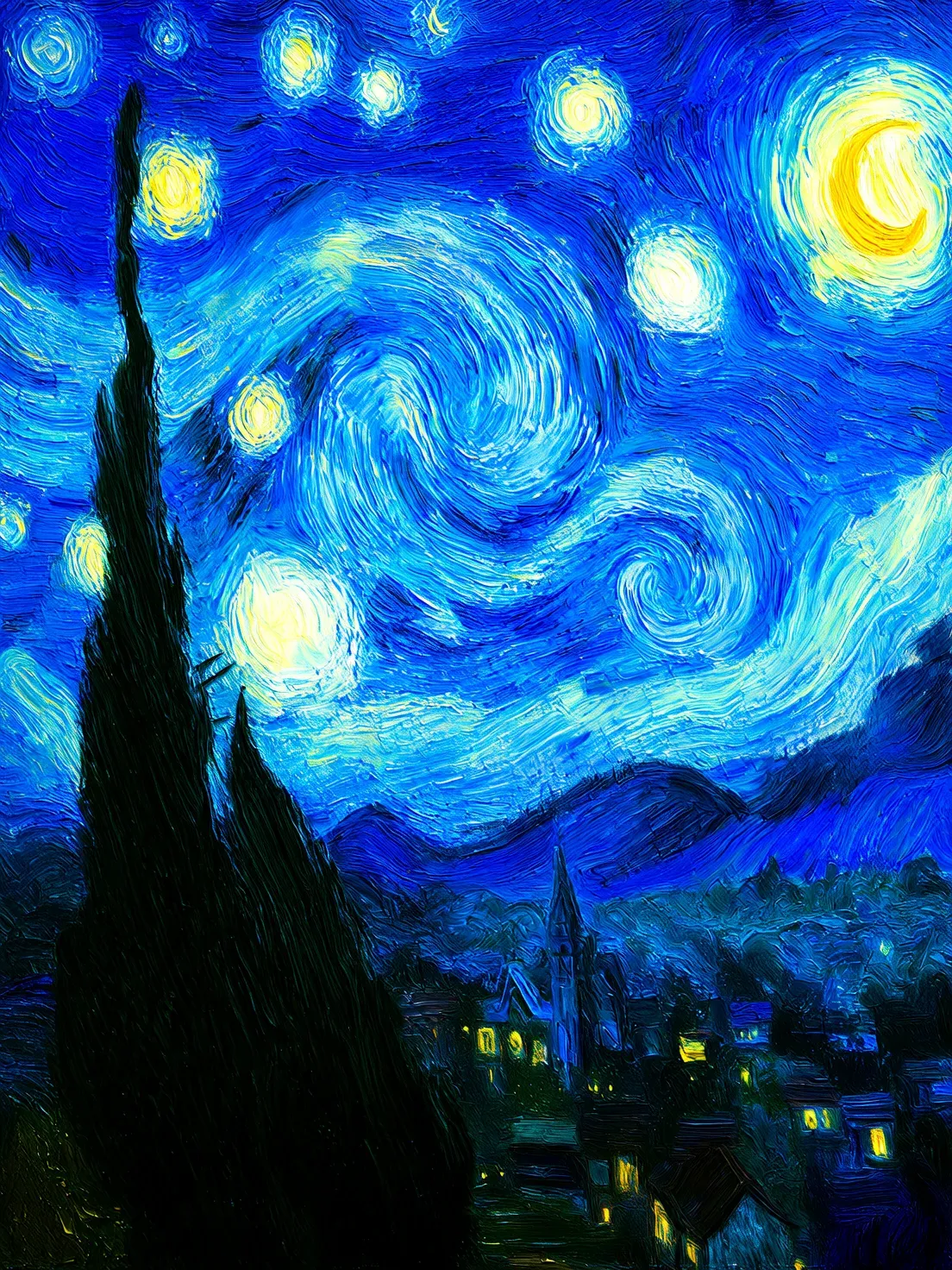 Image 2 | 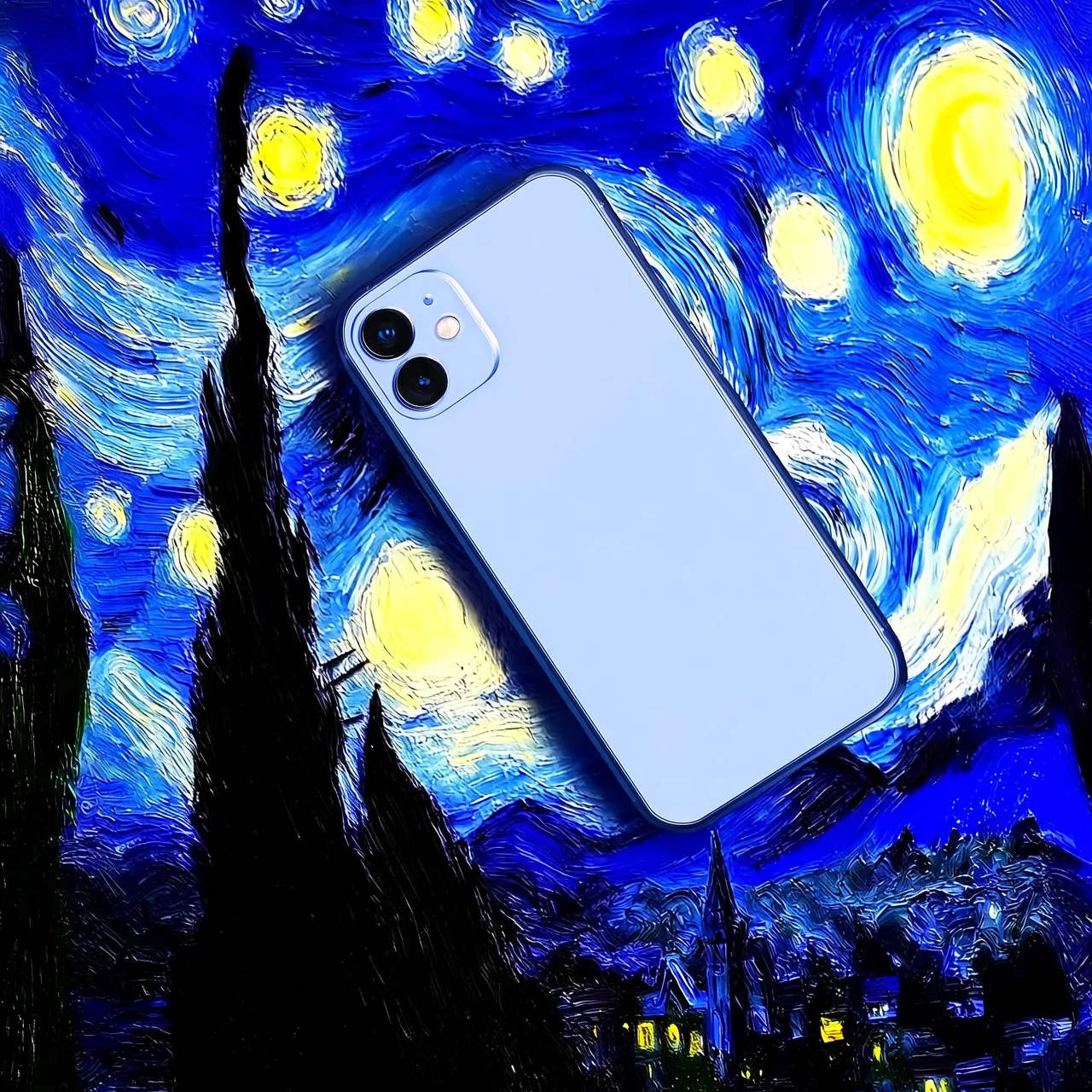 Prompt: Move image 1 onto image 2 | 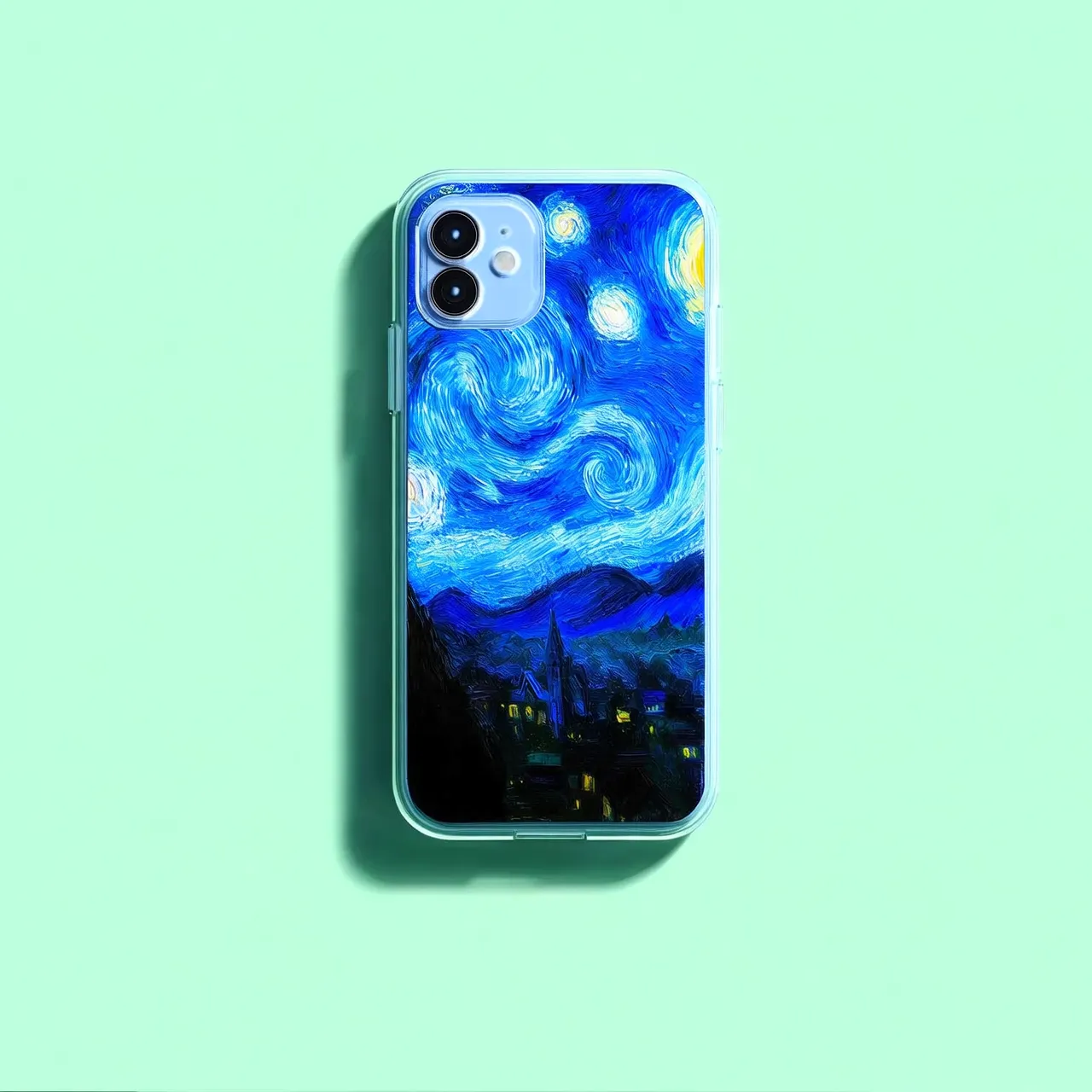 Prompt: Move image 2 onto image 1 |
Image input methods
Pass images using any of these methods:
Method 1: Public URL
Method 1: Public URL
- Provide a publicly accessible HTTP or HTTPS image URL.
- Example value:
https://xxxx/img.png. - Use when images are hosted on OSS or a public image hosting service.
Method 2: Base64 encoding
Method 2: Base64 encoding
data:{MIME_type};base64,{base64_data}.-
Example value:
data:image/png;base64,iVBORw0KGgoAAAANSUhEUgAABDg......(This is a snippet due to length limitations). When making a call, pass the complete string. - {base64_data}: The Base64-encoded string of the image file.
-
{MIME_type}: The media type of the image, which must correspond to the file format.
Image format
MIME Type
JPEG
image/jpeg
JPG
image/jpeg
PNG
image/png
BMP
image/bmp
WEBP
image/webp
- Use for local, private, or encrypted image transmission.
Code example: Base64 encoding for an image
Code example: Base64 encoding for an image
Method 3: Local file path (SDK only)
Method 3: Local file path (SDK only)
-
Python SDK: Supports both absolute and relative paths. The file path rules are as follows:
System
Input file path
Example (absolute path)
Example (relative path)
Linux or macOS
file://{absolute or relative path of the file}
file:///home/images/test.png
file://./images/test.png
Windows
file://D:/images/test.png
file://./images/test.png
-
Java SDK: Supports only the absolute path. The file path rules are as follows:
System
Input file path
Example (absolute path)
Linux or macOS
file://{absolute path of the file}
file:///home/images/test.png
Windows
file:///{absolute path of the file}
file:///D:/images/test.png
- Use for quick testing in local development.
Key features
1. Instruction following (prompts)
Parameters: messages.content.text or input.prompt (required), negative_prompt (optional).
- text or prompt (Positive prompt): Describe content, subjects, scenes, styles, lighting, and composition for the output image.
- negative_prompt (Negative prompt): Specify unwanted content, such as "blurry" or "extra fingers".
Parameter | wan2.7-image-pro, wan2.7-image | wan2.6-image | wan2.5-i2i-preview |
|---|---|---|---|
text | Required, up to 5,000 characters | Required, up to 2,000 characters | Not supported |
prompt | Not supported | Not supported | Required, up to 2,000 characters |
negative_prompt | Not supported | Supported, up to 500 characters | Supported, up to 500 characters |
2. Enable intelligent prompt rewriting
Parameter: parameters.prompt_extend (bool, defaults to true).
Expands short prompts to improve image quality at the cost of increased response time.
Best practices:
- Enable: When prompts are concise or broad.
- Disable: For fine detail control, detailed descriptions, or latency-sensitive scenarios. Set
prompt_extendtofalse.
Parameter | wan2.7-image-pro, wan2.7-image | wan2.6-image | wan2.5-i2i-preview |
|---|---|---|---|
prompt_extend | Not supported | Supported (image editing mode only) | Supported |
3. Set the output image resolution
Parameter: parameters.size (string), in the format "width*height".
| Parameter | wan2.7-image-pro, wan2.7-image | wan2.6-image | wan2.5-i2i-preview |
|---|---|---|---|
| size | Method 1: Specify the output image resolution (recommended)In editing mode (with at least one image passed), the optional output resolution tiers are: 1K, 2K (default).
Only wan2.7-image-pro in text-to-image scenarios supports 4K resolution. | Method 1: Reference the input image ratio (recommended)In editing mode (enable_interleave=false), the optional output resolution tiers are: 1K (default), 2K.
The actual output image pixel values will be the closest multiple of 16 to the specified value. | Only supports specifying the width and height pixel values of the generated image
|
4. Interactive precise editing
Use parameters.bbox_list to select specific regions for editing. Only supported by wan2.7-image-pro and wan2.7-image.
- List length: Must match the number of input images. Use an empty list
[]for images that don't require editing. - Coordinate format:
[x1, y1, x2, y2](top-left x, top-left y, bottom-right x, bottom-right y). Coordinates are absolute pixel values with origin (0, 0) at top-left, x-axis right, y-axis down. - Quantity limit: A maximum of 2 bounding boxes per image.
Click to view call examples
Click to view call examples
How to determine editing region coordinates
How to determine editing region coordinates
Billing and rate limits
- Free quota and pricing: Model list and pricing.
- For rate limits, see Wanxiang.
-
Billing:
- Charges apply per successfully generated image. You are charged only when the API returns a
task_statusofSUCCEEDED. - Failed model calls or processing errors do not incur any fees or consume the free quota.
- Charges apply per successfully generated image. You are charged only when the API returns a
API reference
Each model uses a different endpoint and request structure:
Model | Endpoint(Example for the Singapore region) |
|---|---|
| Sync API: Async API: Replace |
| Async API: Replace |
wan2.7/wan2.6: Use themessagesformat. In themessages[].contentarray, pass the image in theimageparameter and the prompt in thetextparameter.wan2.5: Pass the image in theinput.imagesarray and the prompt in theinput.promptparameter.