

The Wanxiang video editing model supports editing operations on input videos, such as adding, deleting, or modifying content, replacing backgrounds, converting styles, and replicating actions, effects, or camera movements. It offers the following two methods:
- Instruction-based editing: Modify video content using text instructions, such as replacing character clothing, changing scene elements, or adjusting the visual style.
- Instruction and reference image editing: In addition to instructions, you can pass a reference image to apply elements from the image, such as characters, clothing, or props, to the video.
For video editing, especially for replicating actions, camera movements, or effects from a specific video, use Video Editing 2.7. For video continuation capabilities, use Wanxiang Image-to-Video 2.7.
Getting started
| Input prompt and reference image | Input video (effects video) | Output video |
Apply the special effects from the reference video to the long-haired woman in the image. The scene is a party.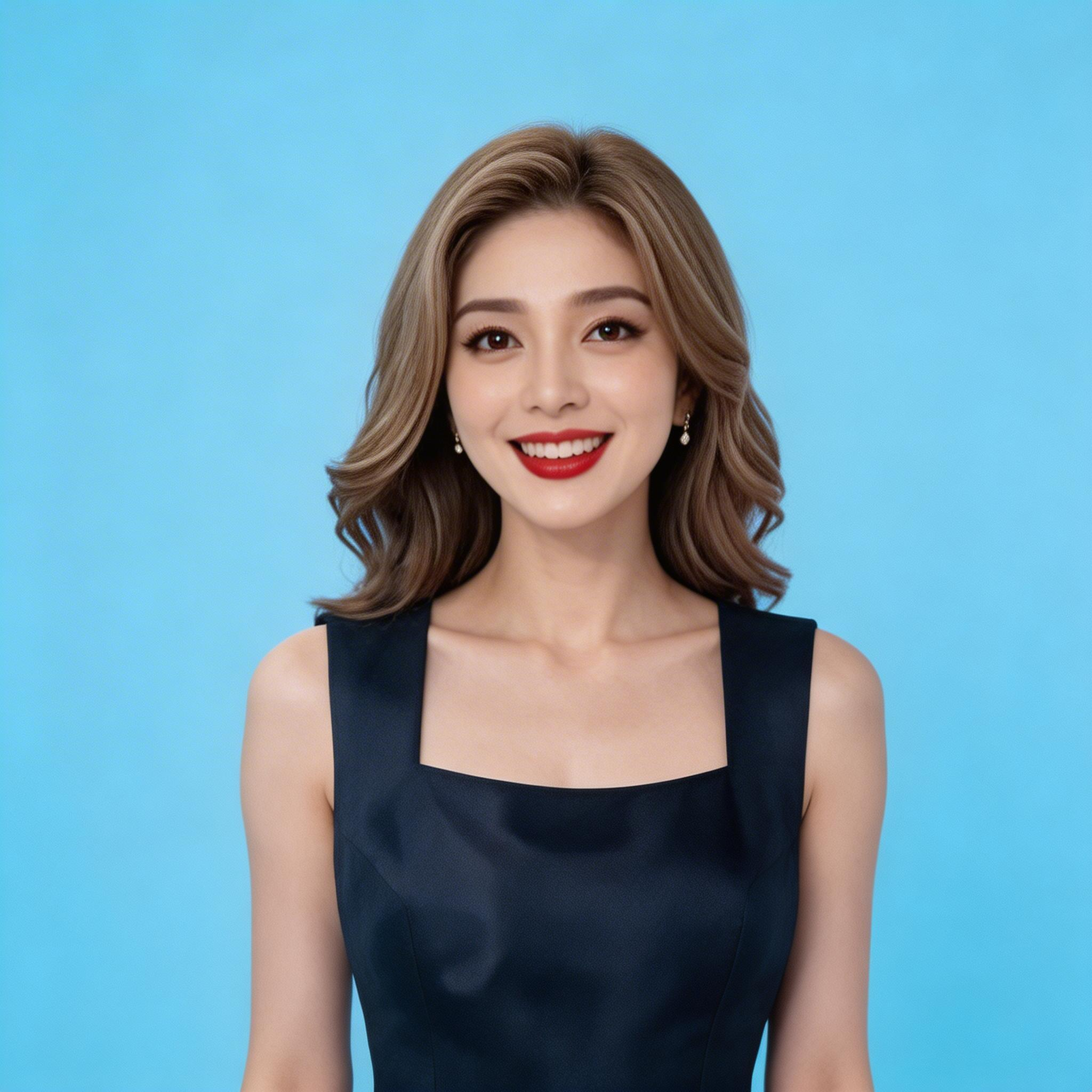 |
{WorkspaceId} with your actual Workspace ID.
- Python SDK
- Java SDK
- curl
video_url is valid for 24 hours. Download the video promptly.
Scope
- Supported models vary by region. Resources are isolated between regions. For supported models in each region, see the Model Studio console.
- When making a call, make sure your model, endpoint URL, and API key all belong to the same region. Cross-region calls fail.
The sample code in this topic applies to the Singapore region.
Core capabilities
Instruction-only editing
Supported model: wan2.7-videoedit.
Feature introduction: This feature modifies video content based on an input video and a text prompt. It is suitable for scenarios such as style conversion, action modification, and camera movement adjustments.
Parameter settings:
media: Specifies the video to be edited (type=video). You do not need to provide a reference image.prompt: Describe the editing intent, such as "Change the video to an 8-bit pixel style".
| Input prompt | Input video | Output video |
| Change the video to an 8-bit pixel style |
{WorkspaceId} with your actual Workspace ID.
- Python SDK
- Java SDK
- curl
Instruction and reference image editing
Supported model: wan2.7-videoedit.
Feature introduction: This feature applies elements from a reference image, such as clothing or props, to a video based on a text prompt.
Parameter settings:
media: Specifies the video to be edited (type=video) and a reference image (type=reference_image). You can provide up to four reference images.prompt: Describe the editing intent, such as "Make the horse-headed character in the video wear the striped sweater from the image".
| Input prompt and reference image | Input video | Output video |
Make the horse-headed character in the video wear the striped sweater from the image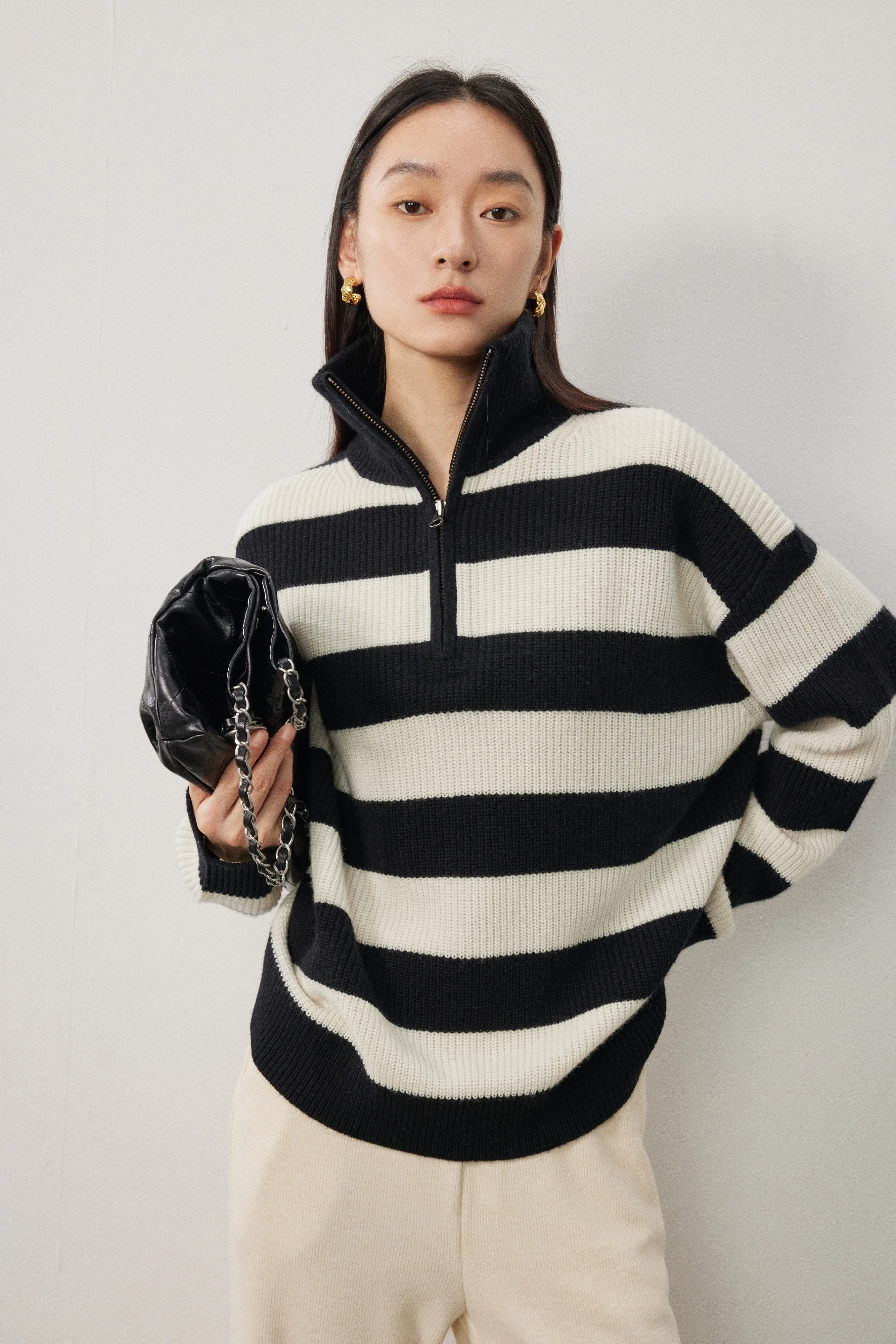 |
{WorkspaceId} with your actual Workspace ID.
- Python SDK
- Java SDK
- curl
Scenarios and examples
Add, delete, or modify elements
Add, delete, or replace specific elements within a video.
| Type | Input prompt and reference image | Input video | Output video |
| Add | Add a black square piece of chocolate to the cup | ||
| Delete | Remove the train from the video. Keep everything else the same. | ||
| Modify | Replace the film in the video with the plate from the image | ||
| Modify | Make the horse man in the video wear the striped sweater from the image | ||
| Modify | Change the cat to a dog |
Modify the environment or background
Use instructions to change the lighting conditions, seasonal colors, or geographical space of a video. You can also change the video background to transport objects to any space.
| Type | Input prompt | Input video | Output video |
| Modify season | Change the background season to a snowy winter, with snow covering the trees. Keep the river the same. | ||
| Modify weather | Keep the character's actions the same, but change the entire scene from the current cloudy day to a sunny day. Keep everything else the same. | ||
| Modify lighting and shadow | Keep everything else the same. Change the overall light color and filter of the frame from white to a warm tone. Maintain the details of the character's skin tone to create a harmonious look between the character and the background. | ||
| Modify background | Keep the main woman's actions the same, but change the video background to a gym. |
Modify the video style
Quickly convert existing videos into various artistic styles, such as animation, 3D, claymation, or yarn.
| Type | Input prompt | Input video | Output video |
| Modify style | Video-to-Image: C4D Cartoon Style | ||
| Modify style | Convert the entire frame to a live-action movie style | ||
| Modify style | Convert the entire frame to a watercolor painting style |
Modify character behavior, lines, or camera work
For existing or generated video content, you can use instructions to modify the plot, such as character behavior or dialogue, and adjust camera work for further creative editing.
| Type | Input prompt | Input video | Output video |
| Modify character behavior | Make the man in the video take a spoonful of soup and drink it. Keep everything else the same. | ||
| Modify character emotion | The girl's expression in the frame becomes sad and she starts to cry. Keep everything else the same. | ||
| Modify character lines | Keep the character's voice and tone. Change the left girl's line to: "Mom, what color is this?", and change the right girl's line to: "It's green, baby" | ||
| Modify camera work | Change the camera movement to a clockwise orbit around the character, with the character following the camera's movement. | ||
| Modify camera work | Change the video's camera movement to a tilt-up while simultaneously looking down. |
Replicate actions, camera movements, or effects
Replicate the action sequences, camera trajectories, and visual effects of a reference video to generate a video with consistent dynamic features.
| Type | Input prompt or reference image | Input video | Output video |
| Replicate single-person action | Make the person in the image imitate the actions of the person in the video.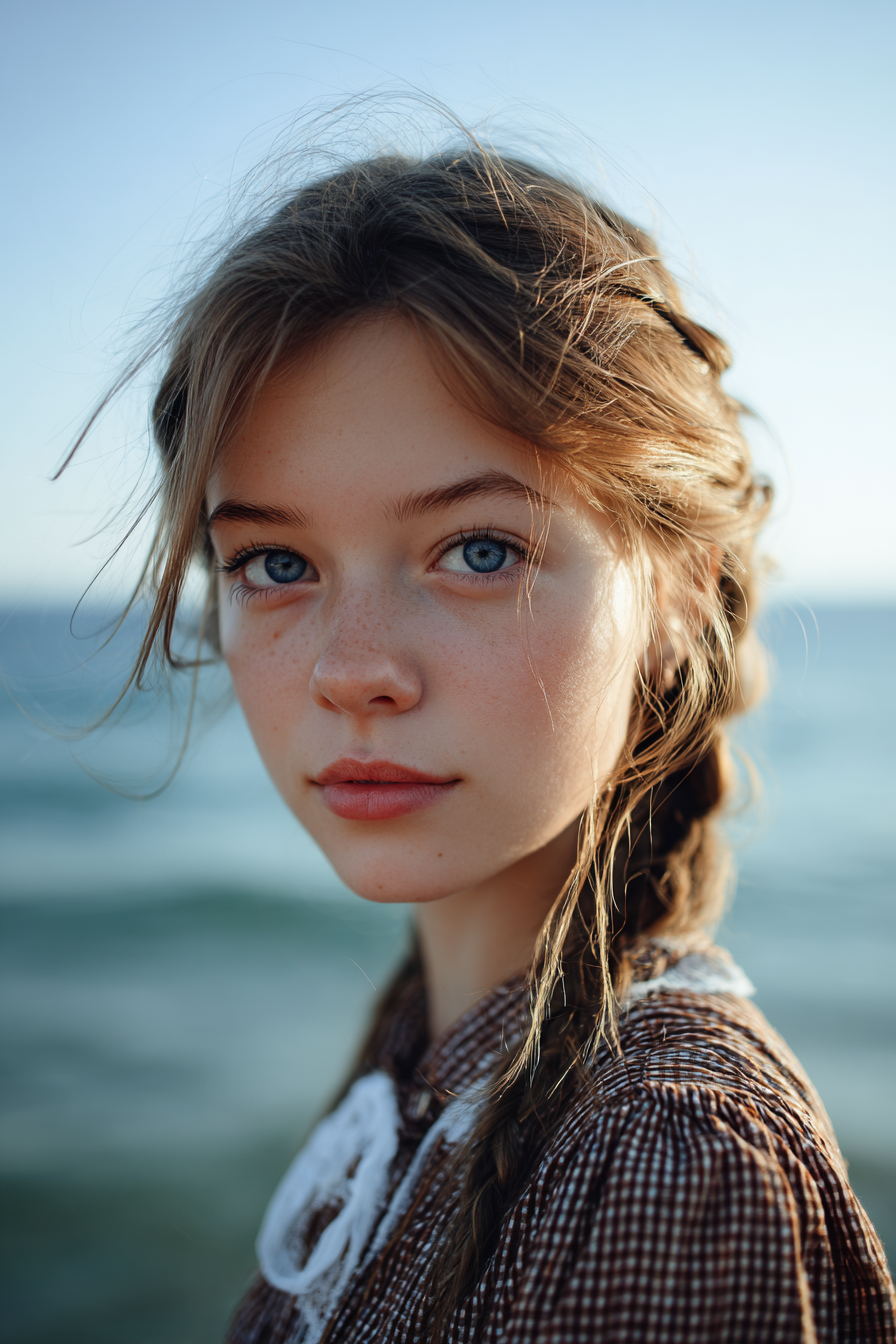 | ||
| Replicate multi-person action | Reference the actions of the five people in the video, and change the scene to five people singing and playing instruments at a roadside stall in a city street. | ||
| Replicate camera movement | Reference the camera movement of the original video with fast camera motion. Change the scene to an awards ceremony, with the woman from the reference image walking the red carpet.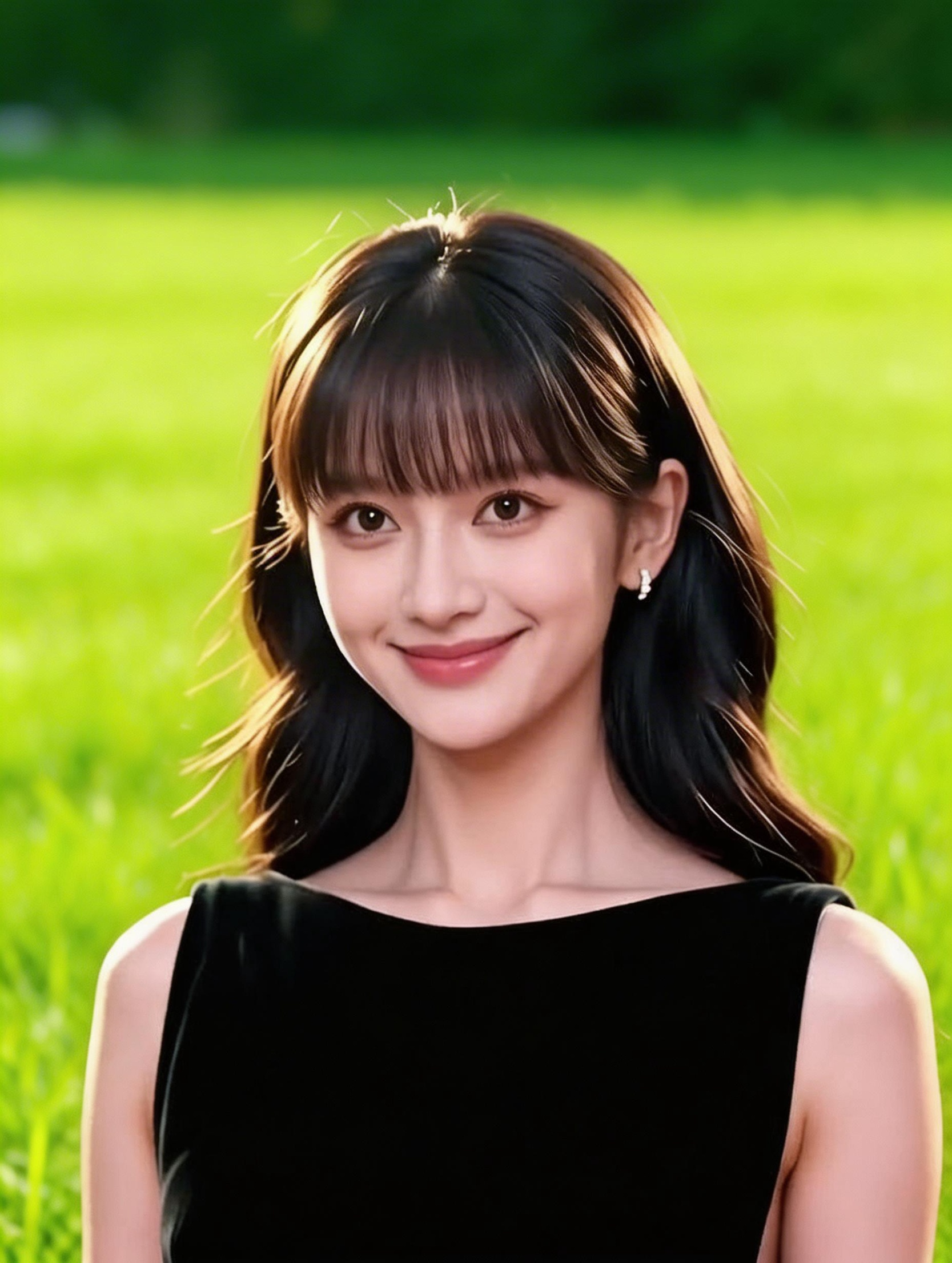 | ||
| Replicate effects | Reference the special effects of the video and apply them to the woman in the image, with the scene set on a street.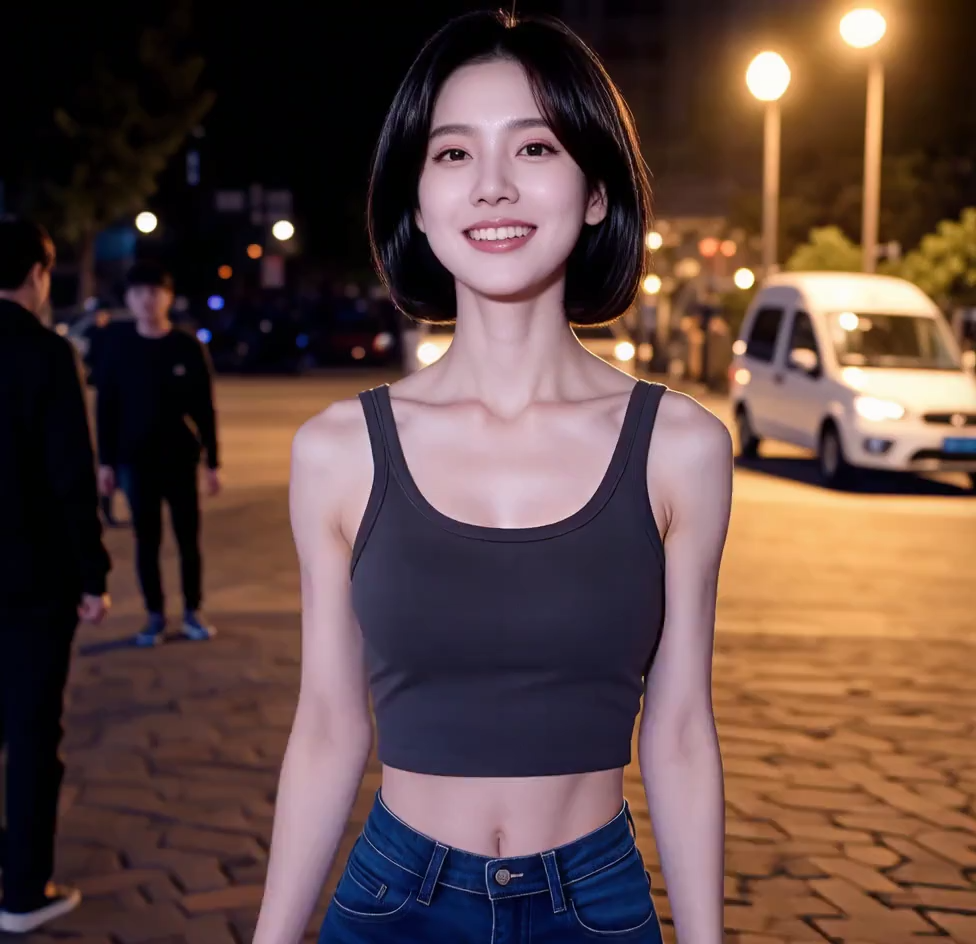 |
How to input videos and images
Input video
- Video quantity: Required. Exactly one.
-
Input method:
- Public URL: Supports HTTP or HTTPS protocols. Example: https://xxxx/xxx.mp4.
Input reference image
- Image quantity: Optional. Up to four.
-
Input method:
- Public URL: Supports HTTP or HTTPS protocols. Example: https://xxxx/xxx.png.
-
Base64-encoded string: Example: data:image/png;base64,iVBORw0KGgoAAAANSUhEUgAABDg...... (Example truncated for demonstration purposes).
-
Format:
data:{MIME_type};base64,{base64_data}, where:- {base64_data}: The Base64-encoded string of the image file.
- {MIME_type}: The media type of the image, which must correspond to the file format.
Image format
MIME Type
JPEG
image/jpeg
JPG
image/jpeg
PNG
image/png
BMP
image/bmp
WEBP
image/webp
Sample code
-
Format:

Output video
- Video quantity: 1.
- Video specifications: The format is MP4. For more information, see Video specification scope.
- Video URL validity: 24 hours.
- Video dimensions: The resolution parameter specifies the video resolution, and the ratio parameter specifies the video aspect ratio.
Billing and rate limiting
- For model free quotas and billing prices, see Model pricing.
- For model rate limits, see Wanxiang series.
-
Billing description:
- Input images are not billed. Input videos and output videos are billed by the second. The formula is:
Total billable duration (seconds) = Input video duration (seconds) + Output video duration (seconds). - Failed model calls or processing errors do not incur any fees and do not consume the free quota for new users.
- Input images are not billed. Input videos and output videos are billed by the second. The formula is:
API documentation
Wanxiang Video Editing 2.7
FAQ
Q: What is the difference between Video Editing 2.7 (wan2.7-videoedit) and Video Editing 2.1 (wan2.1-vace-plus)?
A: Video Editing 2.7 edits videos directly based on instructions, which is simpler to use and offers comprehensive upgrades. Video Editing 2.1 requires you to specify the function parameter and focuses on features such as local editing with masks and frame expansion. We recommend that you use Video Editing 2.7.
Q: How do I input multiple reference images?
A: You can add multiple objects with type=reference_image to the media array. You can add up to four reference images. Example: