

The wan2.2-s2v digital human model generates natural-looking speaking, singing, or performing videos from a single image and an audio file . It supports any aspect ratio and works with portrait, full-body, or half-body images.
Model overview
Example output
| Input example | Output video |
|---|---|
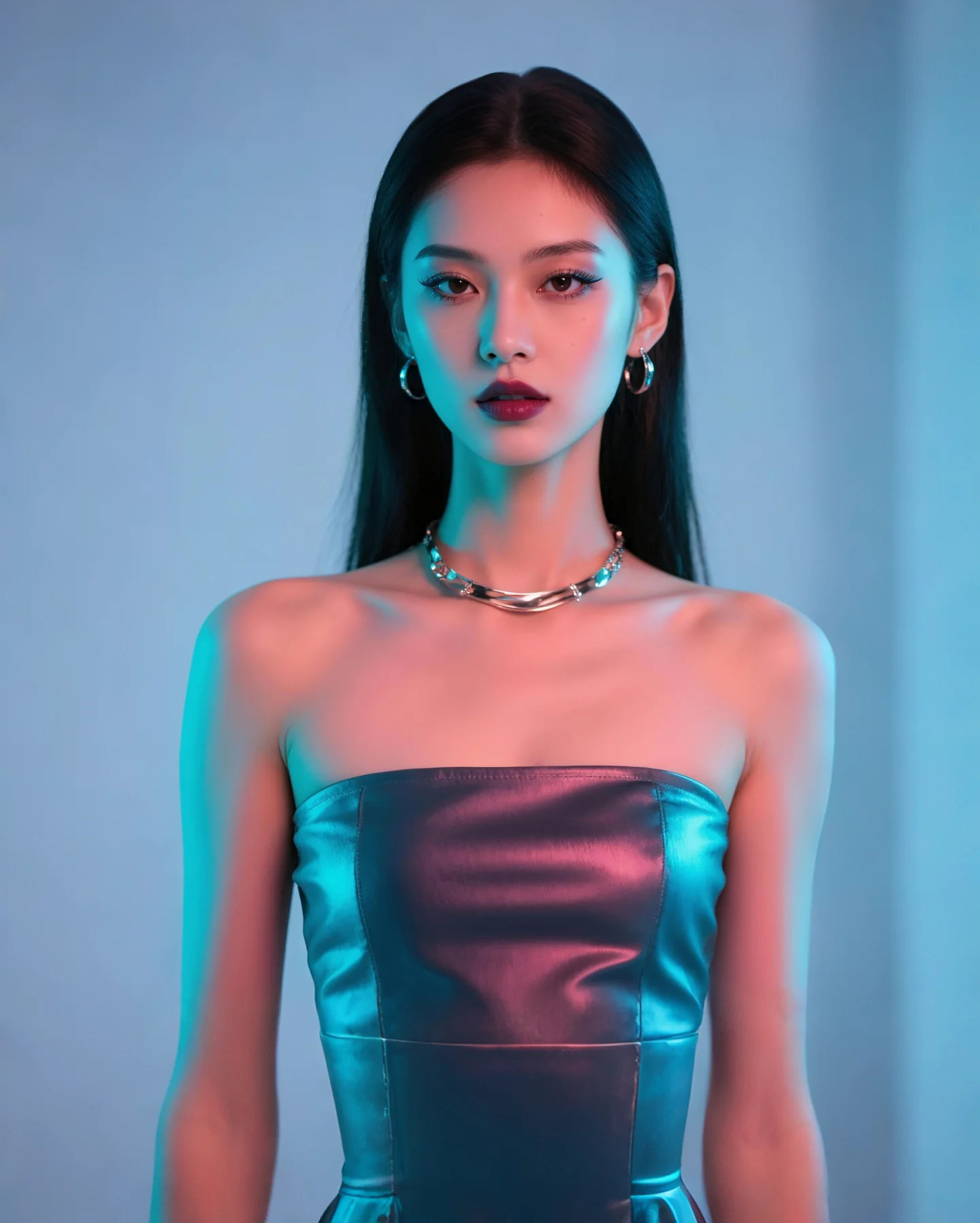 |
- Step 1: Call the wan2.2-s2v-detect API with the image URL to verify compliance.
- Step 2: If the image passes validation, call the asynchronous wan2.2-s2v API with the image URL and audio URL to submit the video generation task. Then poll for the result.
Getting Started
Prerequisites
Before calling the API, enable the model service and obtain an API key. Then set the API key as an environment variable.
Sample code
The sample image in this topic has already passed image detection. The following shows sample code for video generation.
HTTP requests occur in two steps: first create a task, then retrieve the result.
Step 1: Create a task and get the task ID
This request returns atask_id that you can use to query the result.
Step 2: Query the result using the task ID
Replace86ecf553-d340-4e21-xxxxxxxxx with your actual task_id.
API keys are different for each region. For more information, see Obtain an API key.
If you use a model in the China (Beijing) region, replacebase_urlwithhttps://{WorkspaceId}.cn-beijing.maas.aliyuncs.com/api/v1/tasks/86ecf553-d340-4e21-xxxxxxxxx, where {WorkspaceId} is your actual workspace ID.
task_id is valid for 24 hours. After it expires, queries fail and the API returns a status of UNKNOWN.